

Payroll charges by employment type
The percentages that turn salary into COST: charge components by employment type (INSS, FGTS, 13th salary, vacation, benefits...).
The screen
The real screen, in the theme you picked above.
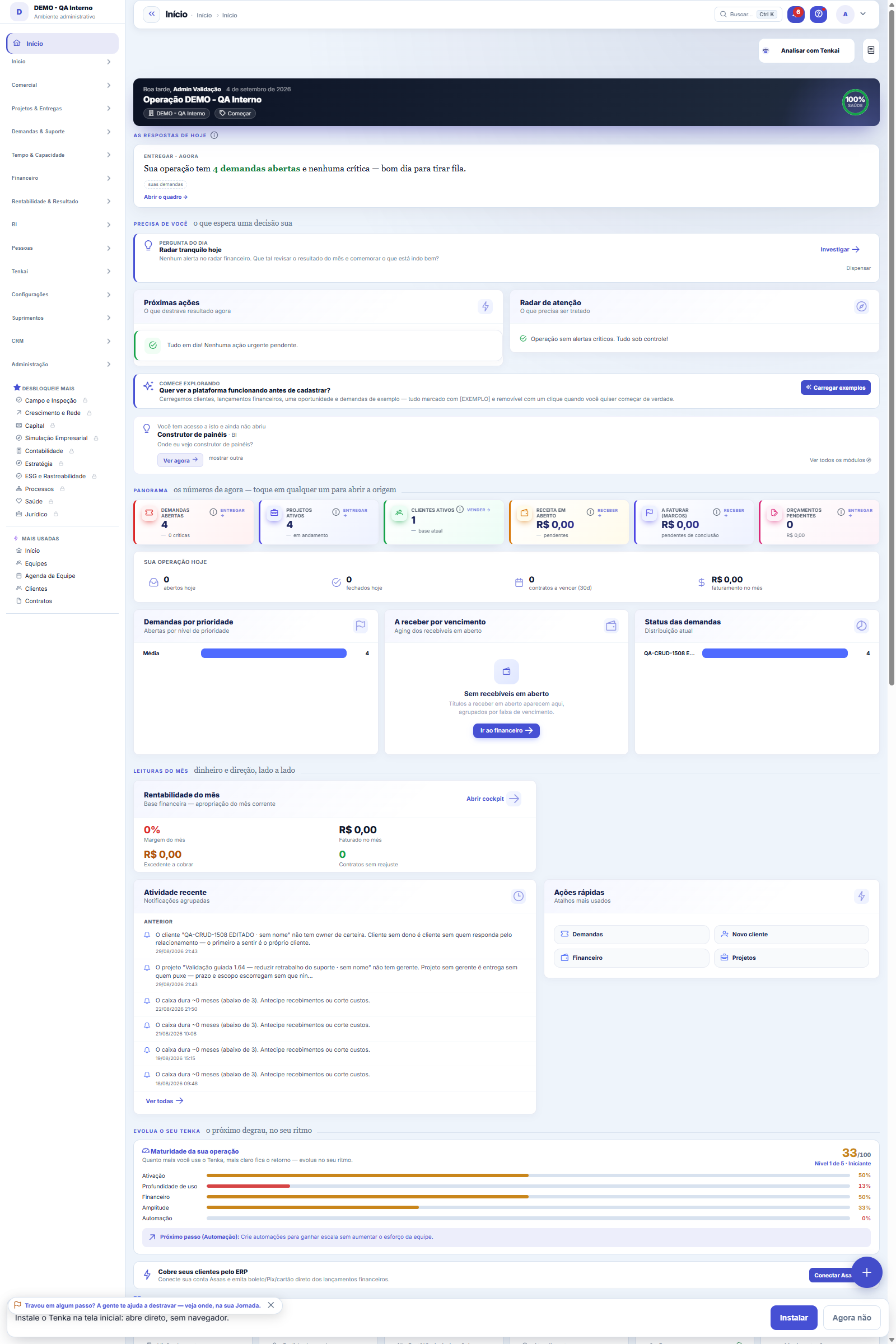
What you find on this screen
A portrait of the screen, read from the screen itself — it changes when the screen changes.
Form fields
CódigoCódigo do encargo dentro do modelo.
NomeComo o encargo é chamado (INSS patronal, FGTS, provisão de férias).
Regime tributárioRegime a que este encargo se aplica.
Tipo de vínculoVínculo a que o encargo se aplica (CLT, PJ, estágio).
TipoSe o encargo é percentual sobre a base ou valor fixo.
ValorO percentual ou o valor fixo do encargo.
OrdemOrdem de aplicação dos encargos no cálculo.
AtivoEncargo inativo deixa de entrar no custo da pessoa.
Start here
What you do here
Configure the burden components for each regime (% of salary). The real hourly cost of each person = (salary × (1 + sum of components)) ÷ working hours.
A lista agora é a padrão da plataforma
The charges have left the direct-edit grid and moved to the list standard: search, side filters, saved views, recycle bin and export — the same as the other screens. To create or edit a charge, open it: the record is maintained on its own page, with the change history recorded.
O encargo padrão é o custo que ninguém digita duas vezes
Each regime × employment-type pair (Presumed profit × CLT, Simples × PJ…) has its customary charges: employer INSS, FGTS, 13th-salary and vacation provisions. Registered here, they feed "Apply default charges" in the Employee cost — instead of retyping percentage by percentage at each hire, you apply the whole set at once and adjust only the exception.
How to
Preferências do formulário
The form is the platform standard: you can choose the display in 1, 2 or 3 columns on this screen (and set a global default in User Preferences) and navigate between templates with the previous and next buttons, without going back to the list. The "?" button opens this help on any screen, and Ctrl+K finds any screen in the platform by name or synonym.
Rules
Cascading impact
Changing a percentage here recalculates the cost of ALL employees under the regime — client/project margins change along with it. Adjust with a clear effective date.
A visão salva guarda busca, filtros, colunas e ordenação
When you save a view with the Views button, it stores four things: the search text, the applied filters, which columns appear (and in what order) and which column the list is sorted by. Applying the view restores everything at once — including resetting the sort and the page you were on, so the result is exactly what the view describes. Views saved before this version remain valid: whatever they didn't store simply doesn't change when applied.
O erro de preenchimento aparece no campo, ao sair dele
Nas fichas, sair de um campo já dispara a conferência do que dá para conferir na hora: campo obrigatório deixado em branco e e-mail mal formado. O aviso aparece embaixo do campo e desaparece quando você começa a corrigir. Campo numérico não precisa de aviso: ele simplesmente não aceita letra enquanto você digita. Isso é conforto, não a validação final: ao salvar, o sistema confere tudo de novo do lado do servidor.
Percentual aplica sobre o salário base; valor fixo ignora o salário
In the "% of salary" type, the Value field is the percentage (20 means 20 percent of the base salary). In the "Fixed amount" type, it is an amount in reais per month, the same for any salary — useful for benefits with a fixed value. The wrong pair doesn't raise an error: it just produces an employee cost that doesn't match the accounting.
Onde o template é aplicado
The template doesn't calculate anything on its own: it is consumed by the Employee cost screen, where the "Apply default" button fills the employee's charge components with the lines defined here for their regime and employment type. Once applied, each composition becomes independent — adjusting the template doesn't reprocess those who already received the default; reapply on the employee when you want to bring in the new version.
Uma anotação pode virar demanda
In the record's activity panel, each note has "Turn into request". The click creates a ticket with the note's text, who wrote it and the link to this record — nothing is retyped. Use it when the note is a request for action ("someone needs to review this"); the note stays where it was. The button only appears once the record has been saved; a read-only session (demo) doesn't create one.
Frequently asked questions
Cadê o botão Adicionar da grade antiga?
It became the list bar's "New". The difference is that now each charge is saved individually, with auditing — the old grid saved everything at once, and an invalid line could go unnoticed among the others.
Como descobrir quem mudou um campo desta ficha?
Open the record and look at the Timeline on the right: it shows each change as "from one value to another", with the person and the date. When there are many changes, use the two filters at the top of the timeline — one by field, the other by person. The search runs in the database, so old changes show up just the same. You can also ask Tenkai: "who changed contract 482?".
E os padrões de fábrica, onde foram parar?
The factory charges (no company) still exist and are used when your company hasn't defined its own. This list shows only YOURS: when you create the first charge of a regime × employment-type pair, yours take effect instead of the factory ones for that pair.
Connected screens
Was this article helpful?
In the same module: People7
PositionsThe company's positions: title, seniority, and range — organizes the headcount and the org chart.Evaluation cyclesThe container for everything: which period is being evaluated, within what window it is filled out, which sca…Evaluated competenciesThe cycle's standard: what will be evaluated, how much each item weighs, and — the field that makes the diffe…Corporate ownership dataWho the partners are, with what stake, and what that means for profit distribution and obligations.Payroll eventsThe payroll entry types: earnings and deductions, fixed or variable.EmployeesThe people behind the operation: data, position, employment type (CLT/independent contractor), salary, and ca…Partners (shareholders)The ownership structure: who the partners are, each one's stake, and the base data for profit distribution.
Tenka Academy
Explore the AcademyStep-by-step learning paths for your industry, inside the platform.