

Payroll events
The payroll entry types: earnings and deductions, fixed or variable.
The screen
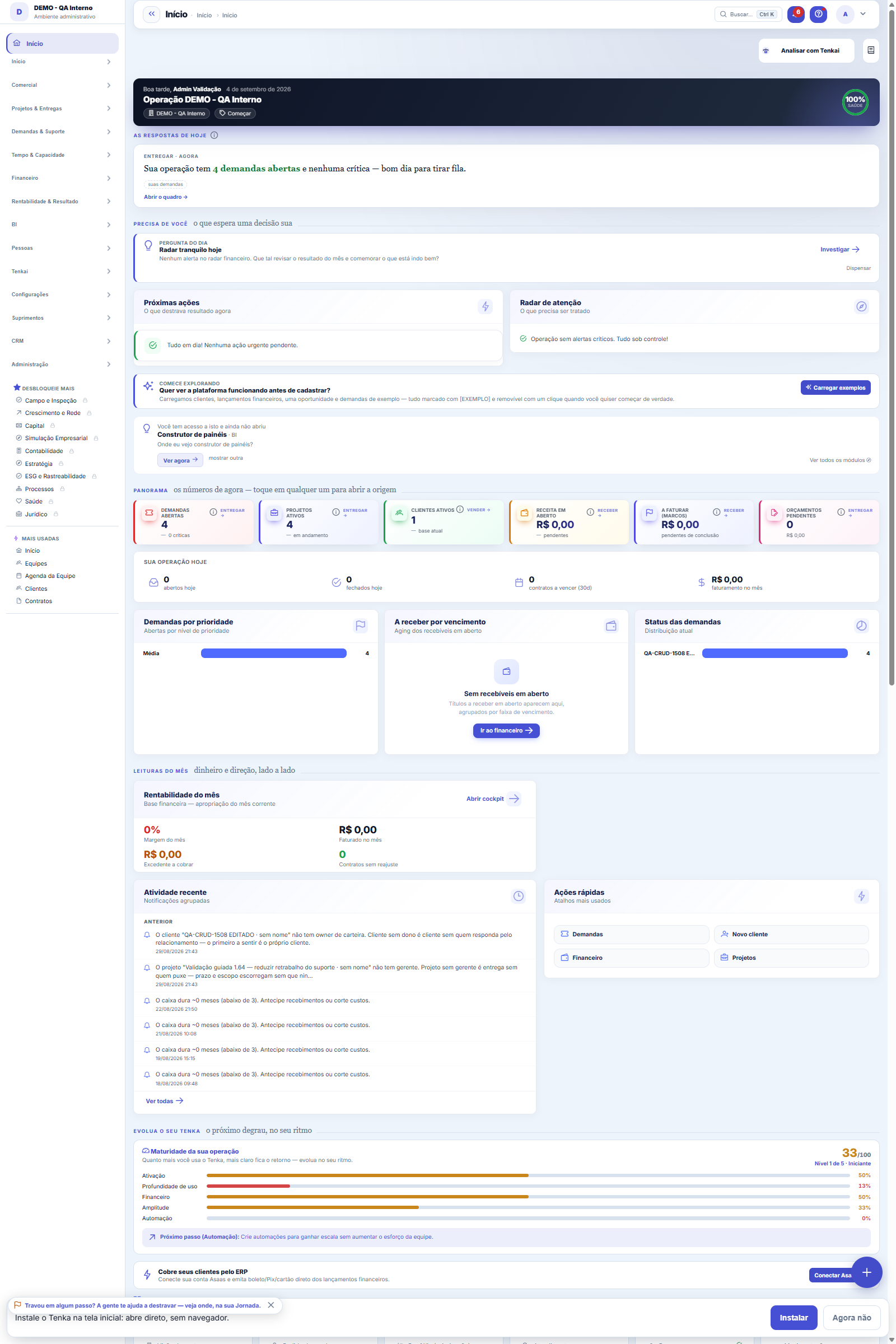
The real screen, in the theme you picked above.
What you find on this screen
A portrait of the screen, read from the screen itself — it changes when the screen changes.
Form fields
CódigoCódigo do evento, usado nos lançamentos da folha.
NomeComo o evento aparece no holerite.
TipoProvento, desconto ou base de cálculo.
Natureza do valorSe o valor é fixo, percentual ou vem de cálculo.
Valor padrãoValor sugerido quando o evento é lançado.
OrdemPosição do evento na impressão do holerite.
AtivoEvento inativo não pode ser lançado em folha nova.
Start here
What you do here
Register the events used in the period (salary, owner's draw, bonus, advance, deduction). Each event defines nature (earning/deduction) and behavior (fixed monthly or variable).
A lista agora é a padrão da plataforma
Payroll events left the direct-edit grid and moved to the list standard: search, filters, saved views, trash and export. To create or edit an event, open it — the record happens on its own page. The factory events remain valid and appear when posting the payroll, but stay out of this list, as they were already out of the grid.
O que esta tela faz
It maintains the catalog of payment events: each event has a code, name, type (earning adds, deduction subtracts), value nature, default value, display order and status. It is from this catalog that payroll closing pulls each employee's rows, through the events dialog. The list is the platform standard: search, column filters, saved views and export of the entire set.
Evento é a linha da folha — provento soma, desconto subtrai
Overtime, commission, INSS, loan, college scholarship: everything that goes into or out of the employee's net pay is an event. The type (earning or deduction) decides the sign; the nature decides whether the amount is fixed in reais or a percentage of the base salary.
How to
Valor padrão poupa digitação no fechamento
When filled in, it comes suggested when posting the event on the payroll — whoever closes the period only confirms or adjusts. For percentage nature, the number is the rate (30 on a scholarship means 30 percent of the base salary). When empty, the amount is typed at each posting.
Order and Active
Order defines the event's position in the catalog listings — keep the postings most used at closing at the top. Active controls whether the event is available for new postings: when an event goes out of use, deactivate it instead of deleting it. The rows already posted on payrolls are independent copies and remain intact either way; deactivation only cleans up the catalog from here on.
Rules
A visão salva guarda busca, filtros, colunas e ordenação
When you save a view with the Views button, it stores four things: the search text, the applied filters, which columns appear (and in what order) and which column the list is sorted by. Applying the view restores everything at once — including resetting the sort and the page you were on, so the result is exactly what the view describes. Views saved before this version remain valid: whatever they didn't store simply doesn't change when applied.
O erro de preenchimento aparece no campo, ao sair dele
Nas fichas, sair de um campo já dispara a conferência do que dá para conferir na hora: campo obrigatório deixado em branco e e-mail mal formado. O aviso aparece embaixo do campo e desaparece quando você começa a corrigir. Campo numérico não precisa de aviso: ele simplesmente não aceita letra enquanto você digita. Isso é conforto, não a validação final: ao salvar, o sistema confere tudo de novo do lado do servidor.
Como o evento chega à folha
The catalog doesn't post anything on its own: at payroll closing, each employee's events dialog has the "from catalog" selector — once the event is chosen, it enters as an editable row for that employee, already with the type (earning adds, deduction subtracts) and the default value, when there is one. The posted row is an independent copy: editing or deactivating the event here does not change what has already been posted on payrolls.
Uma anotação pode virar demanda
In the record's activity panel, each note has "Turn into request". The click creates a ticket with the note's text, who wrote it and the link to this record — nothing is retyped. Use it when the note is a request for action ("someone needs to review this"); the note stays where it was. The button only appears once the record has been saved; a read-only session (demo) doesn't create one.
Frequently asked questions
Cadê o botão Adicionar da grade antiga?
The inline grid with "save all" became the platform's standard list: adding now opens the event form, and each record is saved individually — in exchange came search, column filters, saved views, trash and export of the entire set. The factory events (those that do not belong to your company) remain out of this list, as they were already out of the grid: they appear directly in the payroll events dialog.
Como descobrir quem mudou um campo desta ficha?
Open the record and look at the Timeline on the right: it shows each change as "from one value to another", with the person and the date. When there are many changes, use the two filters at the top of the timeline — one by field, the other by person. The search runs in the database, so old changes show up just the same. You can also ask Tenkai: "who changed contract 482?".
Por que alguns eventos aparecem na folha mas não nesta lista?
Because they are the factory defaults, which apply to all companies and are not edited here. This list only has the events created by your company. Need a behavior different from the default? Create your own with the same name — when posting, both appear and yours carries your default value.
Connected screens
Was this article helpful?
In the same module: People7
PositionsThe company's positions: title, seniority, and range — organizes the headcount and the org chart.Evaluation cyclesThe container for everything: which period is being evaluated, within what window it is filled out, which sca…Evaluated competenciesThe cycle's standard: what will be evaluated, how much each item weighs, and — the field that makes the diffe…Corporate ownership dataWho the partners are, with what stake, and what that means for profit distribution and obligations.Payroll charges by employment typeThe percentages that turn salary into COST: charge components by employment type (INSS, FGTS, 13th salary, va…EmployeesThe people behind the operation: data, position, employment type (CLT/independent contractor), salary, and ca…Partners (shareholders)The ownership structure: who the partners are, each one's stake, and the base data for profit distribution.
Tenka Academy
Explore the AcademyStep-by-step learning paths for your industry, inside the platform.