

Employee cost
The X-ray of cost: gross salary × real cost with charges, side by side — "how much the margin lies" without this account.
The screen
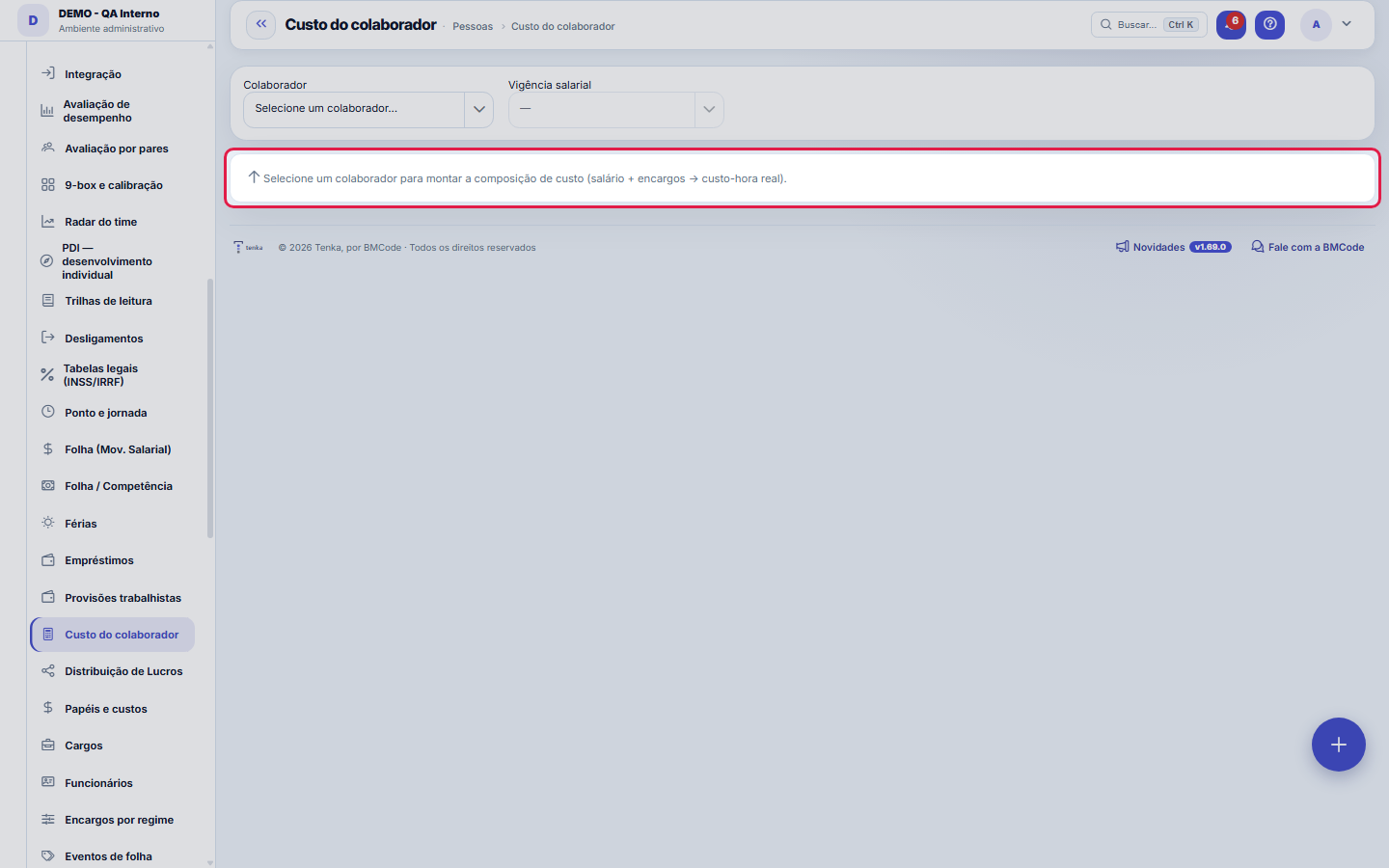
The real screen, in the theme you picked above.
What you find on this screen
A portrait of the screen, read from the screen itself — it changes when the screen changes.
Available actions
Apply default chargesAddSave breakdown
The list shows
ComponentTypeAmount
Form fields
Salário baseSalário da vigência selecionada, antes de qualquer encargo ou benefício.
Valor do componenteValor do componente de custo, em reais fixos ou em percentual sobre o salário.
Custo mensalSalário base somado a todos os componentes de encargo e benefício do colaborador.
Horas úteis no mêsHoras úteis do mês usadas como divisor para chegar ao custo-hora.
Custo-hora brutoSalário dividido pelas horas úteis, sem considerar encargos.
Custo-hora real com encargosCusto mensal completo dividido pelas horas úteis; é o custo que a margem deve cobrir.
Subestimação do custoQuanto o custo sem encargos subestima o custo real, inflando a margem.
Vigência salarialData de início da faixa salarial escolhida, que define a base do cálculo.
Regime da empresaRegime tributário da empresa, que muda os encargos aplicados.
Tipo de vínculoTipo de vínculo do colaborador, que muda os encargos aplicados.
Start here
What you do here
Compare, per person: gross salary, applied burden and the final hourly cost. It is the calculation record of the cost used in profitability — full transparency of the math.
A typical setup
It builds an employee's cost breakdown: it starts from the base salary of the chosen salary period, adds the charge components (percentages of salary or fixed amounts) and arrives at the monthly cost. Divided by the working hours in the month, it becomes the gross cost per hour and the real cost per hour with charges — the number that feeds profitability. The calculation breakdown alongside shows, line by line, how the total was formed.
Rules
Aplicar padrão puxa o template do regime
The Apply default button fills in the components with the charges template for the employee's regime and employment type (registered under Charges by regime), saving item-by-item typing. After applying, the components remain editable: adjust the percentages and amounts for the specific case and save the breakdown. A notice in the calculation breakdown shows how much the margin would underestimate the cost if charges were ignored.
Sem vigência salarial não há custo
The calculation starts from the base salary of a salary period — if the employee has no salary history registered, the screen warns you and there is nothing to break down. Register the first entry on the Salary history tab of the employee record and come back here. When you change the period in the selector, the breakdown recalculates on that period's base salary — useful for comparing the cost before and after a raise.
Frequently asked questions
Why is the hourly cost with charges so much higher than salary divided by hours?
Because the salary is only the base. On top of it come the charge components of the salary period — employer social security, FGTS, vacation and 13th-salary provisions, benefits — as a percentage or a fixed amount, and the total is divided by the month's working hours. The calculation trail beside it shows each part; that real hourly cost is what profitability uses.
My consultant is a contractor with no salary. How does their cost enter the margin?
Pick the employee and the validity period and fill in "Entered hourly cost" with the agreed hourly rate. Save: from then on every margin (contract, project, profitability) uses that value for the period's hours, instead of monthly cost ÷ working hours. To change it from a given month, create a new validity period with that start date. Only people who can see amounts can see and change this field.
Connected screens
Was this article helpful?
In the same module: Payroll and compensation10
Payroll periodA month's payroll: employees with earnings, deductions and net pay, the events and the contractor's service i…Convenções coletivasA convenção do sindicato com vigência, data-base, piso geral e por função, a garantia de quem ganha por peça,…Profit DistributionThe formal distribution of results among the partners: accrual period, amounts per partner, and automatic pos…Loans and advancesControl of what the company has advanced to the employee and how it is paid back: installments, outstanding b…Salary movementEach employee's compensation history: how much they used to earn, how much they now earn, when and why.Payroll by periodLightweight monthly payroll: events (salary, bonus, deductions) per person → generates the period's "payable"…VacationVacation scheduling and record-keeping: periods, status, and the effect on team capacity planning.Sandbox environmentA test mirror for experimenting without touching production. What is done in the sandbox does NOT reflect on …
Tenka Academy
Explore the AcademyStep-by-step learning paths for your industry, inside the platform.