

Flow by nature
The nature × day-of-month matrix — actual up to today, forecast from then on — and the bills due in the month.
The screen
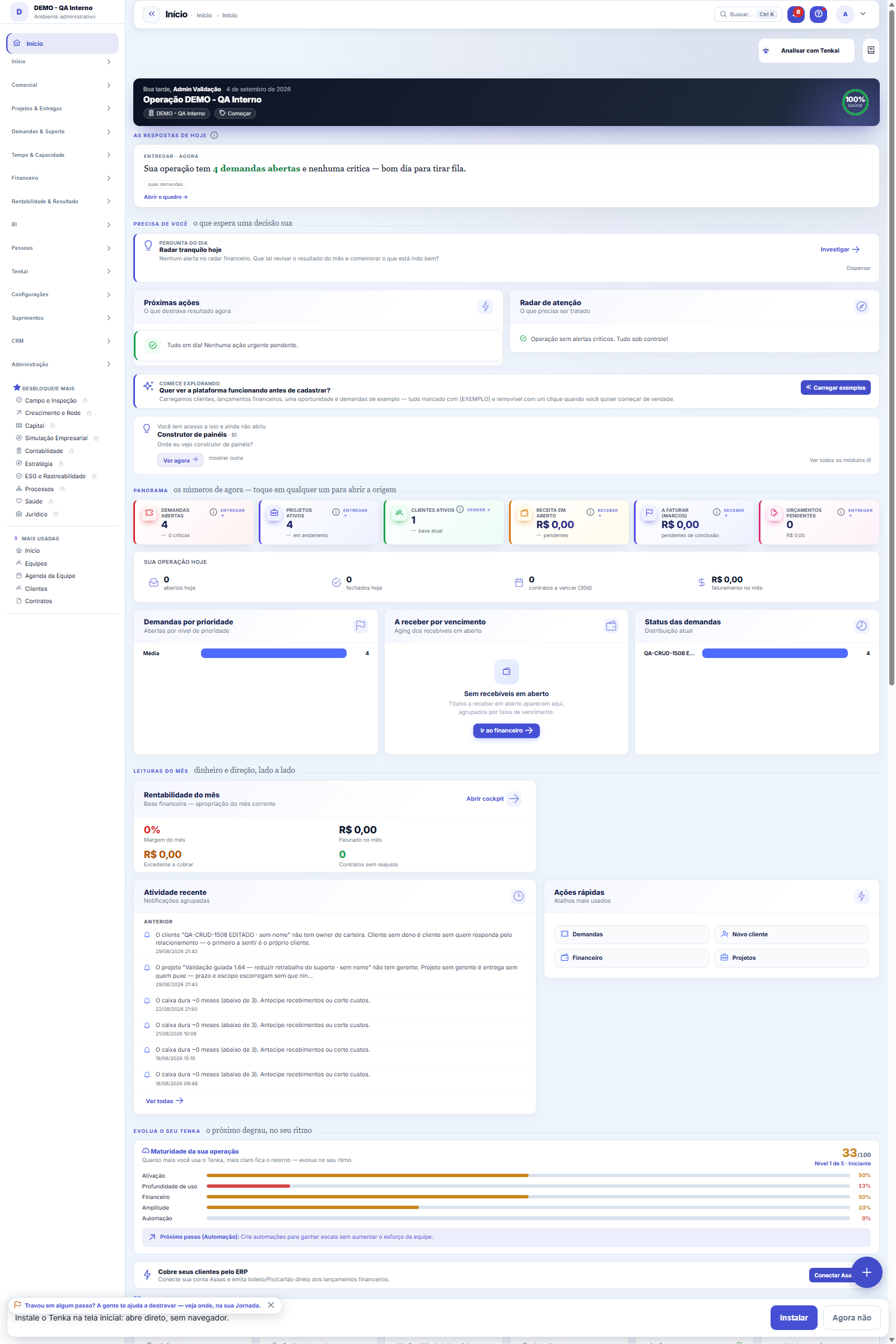
The real screen, in the theme you picked above.
What you find on this screen
A portrait of the screen, read from the screen itself — it changes when the screen changes.
Available actions
ExcelPDF
The list shows
DateNaturezaDescriptionAmountCustomer/SupplierCompany
Form fields
DescriçãoO que o lançamento representa, em uma linha.
NaturezaReceita ou despesa a que o valor pertence. É o eixo que este fluxo abre.
Centro de resultadoÁrea que responde pelo gasto ou pela receita.
CompetênciaMês a que o valor pertence no resultado, mesmo que o pagamento caia em outro.
VencimentoQuando o pagamento é devido.
Valor totalValor que entra na soma da natureza no rodapé.
Valor do títuloValor original do documento, sem juros nem desconto.
SituaçãoSe o lançamento está em aberto, baixado ou cancelado.
PrevisãoSepara o que já aconteceu do que ainda é expectativa dentro da mesma natureza.
ClienteCliente de origem da receita.
FornecedorFornecedor de origem da despesa.
ObservaçãoAnotação de quem lançou. Costuma ser onde está a explicação do valor fora do padrão.
Start here
The question this matrix answers
How much goes out for Payroll on Friday? How much comes in from customers next week? Each row is a category from your tree (with parents adding up their children), each column is a day of the month — and the value in the cell can be clicked through to the bill.
The matrix at the top, the month’s bills below
At the top, the nature × day-of-month matrix: actual up to today and forecast (highlighted) from then on, with the day’s change and running total; click a cell to see its entries. Below, the list of bills due in the matrix month, with search, filters by nature, center and status, views and export — each row opens the transaction record.
How to
Every text starts as a DRAFT — and a draft is not published without legal
The "Change for the day" row adds everything coming in minus everything going out each day; "Month to date" chains those changes together. The absolute cash BALANCE lives in the Daily statement, which is anchored to the bank accounts — here the subject is WHERE it comes from and WHERE it goes.
A new version never erases the previous one
A large category tree has dozens of zeroed rows in a month. The default filter hides the empty ones so the view fits on screen; switch to "All rows" when you want to confirm that a category really has no movement.
Rules
Actual and forecast on the same screen
Up to yesterday, the cell shows what was actually settled. From today on (columns with a colored background), it shows open bills by due date. The boundary is visual on purpose: the two numbers are different in nature and you need to know which one you're reading.
Open overdue items fall on TODAY
A bill that fell due last week and wasn't paid doesn't stay in the past (where nothing else will happen) or vanish from the matrix: it appears in TODAY's column, because today is when it weighs on cash. If today's column looks too big, it's probably accumulated overdue items — click and see.
Declared scope
As on the other finance screens, you can view one company, the header's selection or a node of the group's unit tree — and the scope in use is always written on the right. The screen never adds up a set without saying which.
Read only, and the scope of each part
The list is read only: bills are created, edited and deleted on the financial transactions screen. The matrix follows the scope chosen in it (multi-company selection or unit — the label beside it says which); the list shows the current company’s bills. Changing the month with the matrix arrows refreshes both.
Frequently asked questions
Por que o vencido em aberto aparece em HOJE e não na data de vencimento?
Porque previsão é sobre o futuro: o que venceu e não foi pago vai entrar ou sair assim que for resolvido — e o dia mais provável é hoje. Deixá-lo no passado esconderia o problema do fluxo. Realizado e previsto ficam na mesma linha para a comparação ser direta.
Was this article helpful?
In the same module: Cash9
Financial AlertsThe proactive finance radar: rules watch margin, cash, budget, and fixed spend and alert BEFORE the problem g…Month's cashWhat I have, what I will receive, what I will pay and what I close the month with — and what is due this week.Working capital (Fleuriet)The Fleuriet model views the balance sheet through the lens of cash: it separates what is operations, what is…Cards and checksCard fees, receivables advance and the check portfolio — with the cost of each choice in plain sight.360 TowerWhere I am, where I'm going, what I promised, and how much I'm off — the owner's four questions on a single s…Extrato diárioO caixa dia a dia: quanto abriu, quanto entrou, quanto saiu e com quanto fechou — com a lista dos títulos por…Cash flow statementCash flow by the direct method, month by month: how much cash came in and out by activity, with runway, burn,…Help itemAnchor screen of the detail dictionary. Does not appear in the menu.
Tenka Academy
Explore the AcademyStep-by-step learning paths for your industry, inside the platform.