

360 Tower
Where I am, where I'm going, what I promised, and how much I'm off — the owner's four questions on a single screen.
The screen
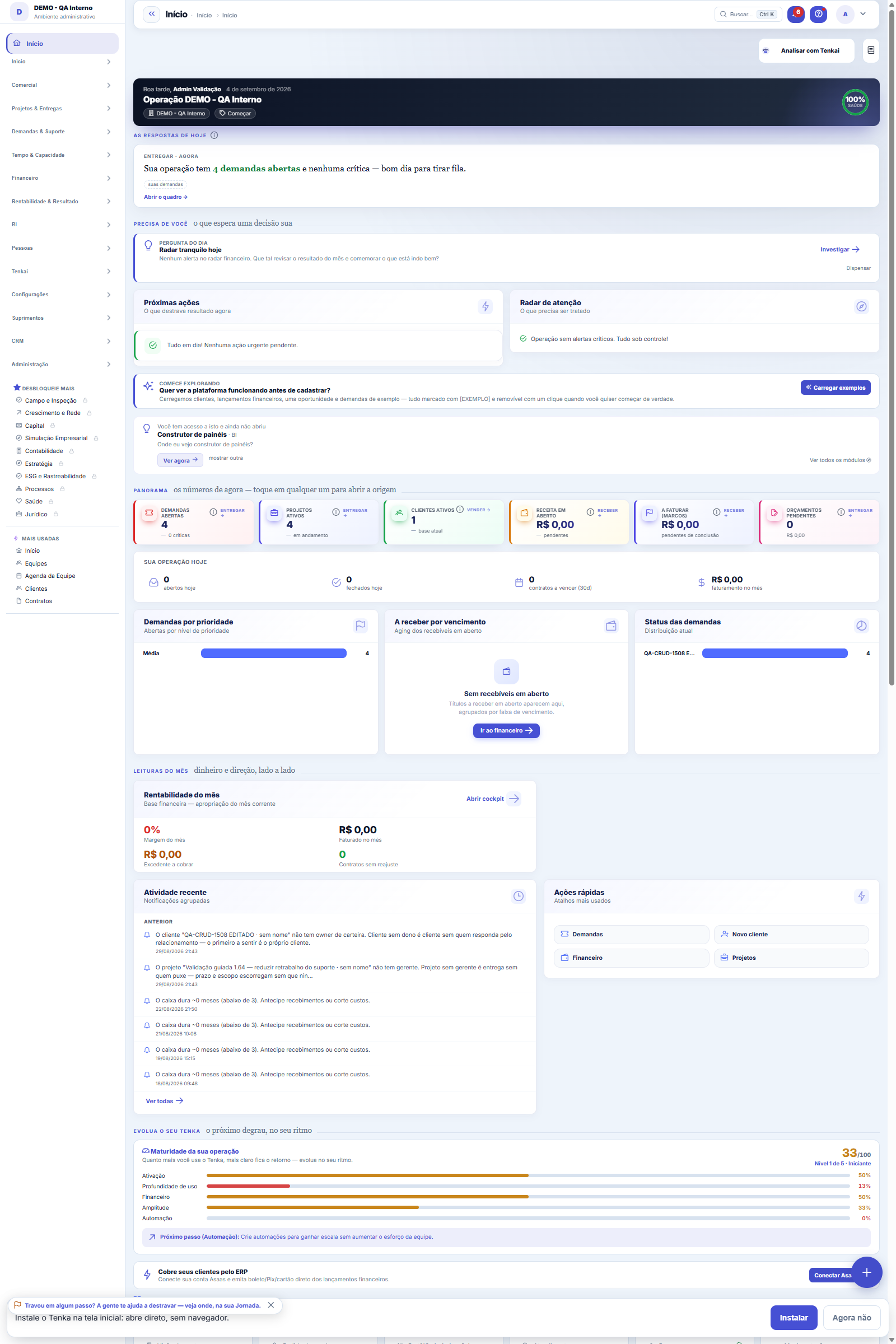
The real screen, in the theme you picked above.
What you find on this screen
A portrait of the screen, read from the screen itself — it changes when the screen changes.
Form fields
DescriçãoComo este contrato é chamado internamente.
TipoEmpréstimo, financiamento, aplicação ou desconto de recebíveis.
InstituiçãoBanco ou instituição com quem o contrato foi fechado.
Conta bancáriaConta por onde o dinheiro deste contrato entra e sai.
PrincipalValor contratado, antes de juros e encargos.
Taxa mensalTaxa de juros ao mês pactuada no contrato.
IndexadorÍndice que corrige o saldo (CDI, IPCA, pré-fixado).
Spread mensalO que a instituição cobra por cima do indexador, ao mês.
Sistema de amortizaçãoComo a dívida é amortizada (SAC, Price, bullet).
ParcelasQuantidade de parcelas do contrato.
ContrataçãoData em que o contrato foi assinado.
1ª parcelaVencimento da primeira parcela.
SituaçãoEm andamento, liquidado ou cancelado.
ObservaçãoAnotações sobre garantias, carência e condições especiais.
Start here
The contract record: what was contracted and what it becomes in cash
The Data tab holds the creditor (institution), the type (loan, financing, investment, leasing), the principal, the rate (fixed or index + spread), the amortization system (PRICE, SAC or BULLET), the number of installments and the dates. On the Schedule tab you simulate and then have the installments generated — each becomes a bill in finance, separating principal from interest. The Covenants tab holds the creditor's clauses that Tenka monitors.
How to
A carteira no topo: sua dívida como conjunto
The cards add up all active contracts (investments are left out): outstanding debt service, what falls due in the next 90 days, the average cost weighted by principal and the floating-rate share — which is the part of your debt that gets MORE EXPENSIVE if interest rates rise. A floating-rate contract with no current quote is left out of the average cost, and the card says how many were left out.
Leasing entrou no vocabulário
Leasing is registered as LEASING: the installment mechanics are those of financing (the asset doesn't pass through cash; the installments do). A revolving credit line is registered as LINHA_CREDITO: the principal is the contracted LIMIT and the "used" field says how much has been drawn — the portfolio shows what's available. It doesn't generate a schedule (interest accrues on the amount used and comes in through statement reconciliation).
Monthly rate and spread are entered as percentages
Enter the rate as it appears in the bank contract: 1.8% a month is entered as 1,8, and a 0.25% spread over CDI is entered as 0,25. The schedule uses that number as a percentage. Before version 1.100.0 the hint asked for the fraction (0.018); anyone who registered a contract after 09/12 following the old hint should check the rate before generating the installments. If the contract had already generated installments with the wrong rate, check the rate and use Generate installments in finance again: an installment already reconciled is kept.
Rules
PRICE, SAC ou BULLET: a diferença aparece no caixa
PRICE has a constant installment — at the start you pay more interest than principal, and the relief on cash is uniform. SAC amortizes the same principal every month, so the installment starts higher and keeps falling, and total interest is lower. BULLET pays only interest during the contract and the entire principal at the end — a small installment now and a truckload at maturity, which is exactly the kind of commitment that disappears from a badly made projection. Choose the system of your real contract: the cash curve changes a lot between them.
O contrato gera títulos — e por isso aparece em todo lugar
When you save, each installment becomes a bill with due date and amount, with principal and interest separated. There's no need to enter anything by hand: projected cash starts showing these outflows, the Cash Flow Statement classifies them as financing (not as operating expense) and bank reconciliation recognizes them when the bank debits them.
Parcela já conciliada é FATO — a regeneração não a toca
If you change the contract or prepay, the platform regenerates only the FUTURE installments that haven't been reconciled yet. An installment reconciled with the statement is a done deal and stays untouched — changing the past would make the bank balance stop matching without anyone understanding why.
Taxa fixa neste momento; pós-fixado é o próximo passo
The MVP calculates with a FIXED monthly rate. Indexed contracts (CDI + x%, IPCA + x%) need the index series to project each installment and come in a later stage. Meanwhile, for a floating-rate contract, use the expected average rate and treat the result as an estimate — the platform would rather warn you than pretend to a precision it doesn't have.
Pós-fixado chegou: CDI, SELIC ou IPCA + spread
Choose the contract's index and enter the monthly spread (0.0025 = +0.25% per month): the effective rate uses the CURRENT index from the Central Bank's daily collection. The floating-rate schedule is a projection using today's index — it recalibrates at each regeneration, and installments already reconciled remain untouched. If the index has no current value in the database, the platform REFUSES to generate the schedule instead of using an old number: debt projected with an outdated index is plausible and wrong, which is the worst kind of error.
Covenants: a cláusula do credor, registrada e vigiada
A covenant is the condition the bank imposes in the contract (keep minimum cash, don't exceed a certain amount of debt) — breach it and the creditor can call the debt early. Record the clause in the contract: the "minimum balance" and "maximum debt" types are checked EVERY DAY by the platform, and the warning arrives when the margin is within 10% of the limit — before the breach, while renegotiating is still cheap. Clauses that depend on a figure the platform doesn't calculate (audited debt/EBITDA) go in as FREE-TEXT, documentary only: pretending to monitor would be worse than stating that we don't.
A visão salva guarda busca, filtros, colunas e ordenação
When you save a view with the Views button, it stores four things: the search text, the applied filters, which columns appear (and in what order) and which column the list is sorted by. Applying the view restores everything at once — including resetting the sort and the page you were on, so the result is exactly what the view describes. Views saved before this version remain valid: whatever they didn't store simply doesn't change when applied.
O erro de preenchimento aparece no campo, ao sair dele
Nas fichas, sair de um campo já dispara a conferência do que dá para conferir na hora: campo obrigatório deixado em branco e e-mail mal formado. O aviso aparece embaixo do campo e desaparece quando você começa a corrigir. Campo numérico não precisa de aviso: ele simplesmente não aceita letra enquanto você digita. Isso é conforto, não a validação final: ao salvar, o sistema confere tudo de novo do lado do servidor.
A tela agora é lista e formulário, como o resto do sistema
The list opens with search, saved filters, export to Excel, PDF and CSV of the entire set, and a recycle bin with Restore. Clicking a contract opens the form, where the data is on the first tab and what's specific to treasury got its own tabs: Schedule (simulate before generating) and Covenants (the creditor's clauses).
O cronograma é simulação até você mandar gerar
Simulate recalculates on screen and saves nothing — it's where you see the cost of money before committing. Generate installments turns the schedule into bills. An installment already reconciled with the bank is NOT rewritten: a done deal isn't redone.
Simular é grátis; gerar parcelas cria títulos de verdade
"Simulate" only draws the schedule on screen — change rate, term or system as many times as you like. "Generate installments" records the bills in accounts payable (or receivable, for an investment). An installment already reconciled is a fact: a regeneration doesn't touch it, it only redoes the ones still open. Cancelling the contract doesn't delete what's already been paid — it closes out what's left.
Frequently asked questions
Como descobrir quem mudou um campo desta ficha?
Open the record and look at the Timeline on the right: it shows each change as "from one value to another", with the person and the date. When there are many changes, use the two filters at the top of the timeline — one by field, the other by person. The search runs in the database, so old changes show up just the same. You can also ask Tenkai: "who changed contract 482?".
I sent a contract to the trash. What about the installments already generated?
They stay in finance: a generated bill is a fact in the cash flow, and it only goes away if you cancel it there. The trash notice says how many bills the contract still has. While the bar shows Undo, one click brings the contract back; after that, it comes back from the screen's Trash (⋮ menu), with Restore. To record that the contract ended without removing it from the list, change the Status to Canceled or Paid off.
Was this article helpful?
In the same module: Cash9
Financial AlertsThe proactive finance radar: rules watch margin, cash, budget, and fixed spend and alert BEFORE the problem g…Month's cashWhat I have, what I will receive, what I will pay and what I close the month with — and what is due this week.Working capital (Fleuriet)The Fleuriet model views the balance sheet through the lens of cash: it separates what is operations, what is…Cards and checksCard fees, receivables advance and the check portfolio — with the cost of each choice in plain sight.Extrato diárioO caixa dia a dia: quanto abriu, quanto entrou, quanto saiu e com quanto fechou — com a lista dos títulos por…Cash flow statementCash flow by the direct method, month by month: how much cash came in and out by activity, with runway, burn,…Flow by natureThe nature × day-of-month matrix — actual up to today, forecast from then on — and the bills due in the month.Help itemAnchor screen of the detail dictionary. Does not appear in the menu.
Tenka Academy
Explore the AcademyStep-by-step learning paths for your industry, inside the platform.