

Financial Alerts
The proactive finance radar: rules watch margin, cash, budget, and fixed spend and alert BEFORE the problem grows.
The screen
The real screen, in the theme you picked above.
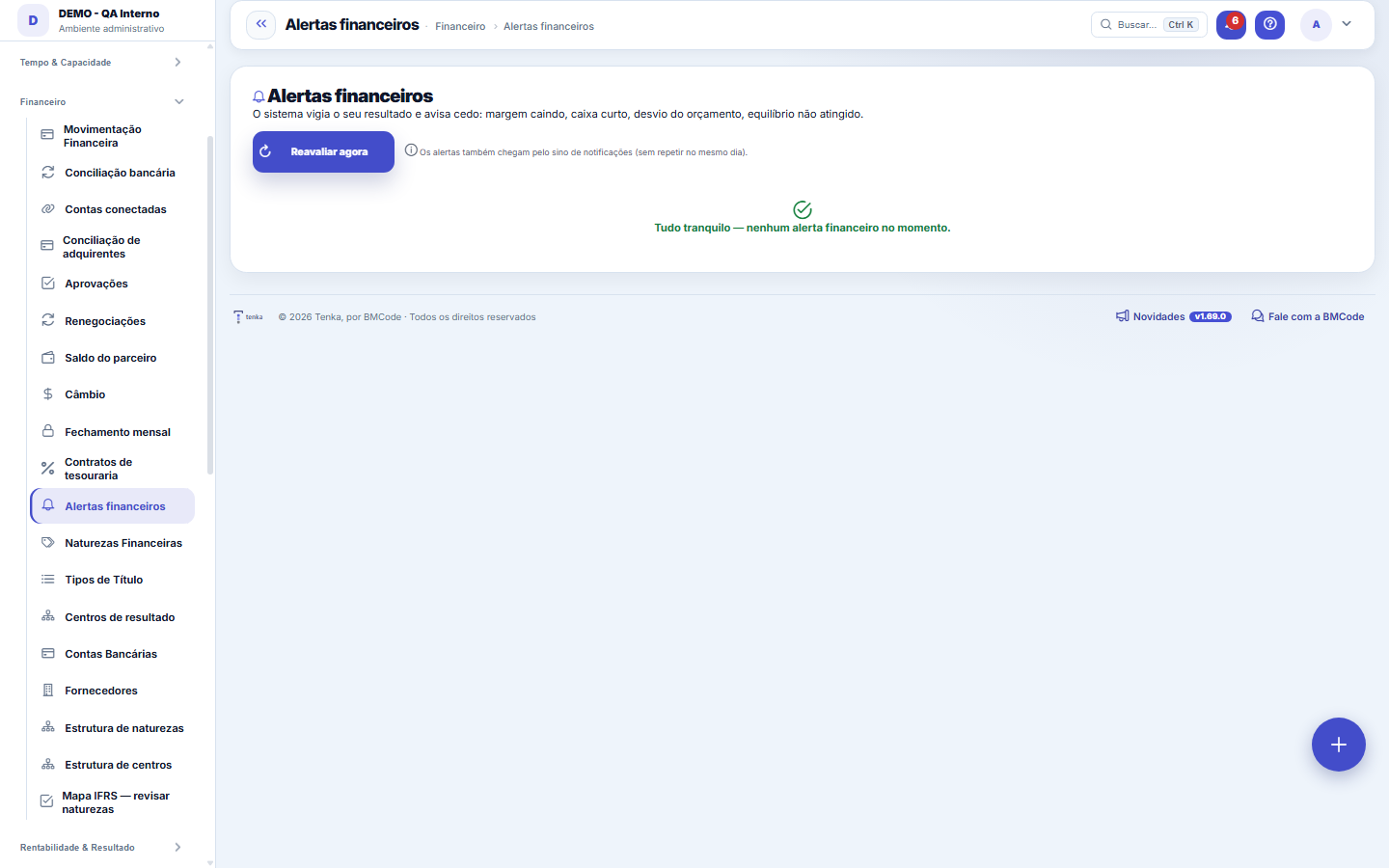
What you find on this screen
A portrait of the screen, read from the screen itself — it changes when the screen changes.
Available actions
Reassess nowWhy? (Tenkai)
Form fields
Severidade do alertaGravidade de cada alerta financeiro entre crítico, atenção e informativo, sinalizada por cor e ícone.
Start here
What it's for
Six rules run over your real numbers (falling margin, negative margin, short cash runway, budget deviation, break-even not reached, rising fixed costs — and the scissors effect when there's accounting bookkeeping). You don't need to remember to check: the system warns you.
Rules
Where the numbers come from
Management DRE (margins and fixed costs), DFC (cash runway), current Budget (deviation), and the accounting balance sheet (scissors effect). A rule with no data is IGNORED — never a false alarm due to missing information.
When the alert triggers
Besides this screen, the alerts arrive by notification (bell) and by summary e-mail in the daily scan. The "Why? (AI)" button explains the alert using only the month's numbers.
If it's too quiet
No alerts = clean radar OR missing data (e.g., without a budget there's no deviation). Check whether the finance entries are posted by accrual and whether the year's budget exists.
Frequently asked questions
Does this replace the monthly analysis?
No — the alert points to WHERE to look. The analysis still lives in the DRE, the DFC and the Health Score; the Board Table (AI) helps discuss the options.
Was this article helpful?
In the same module: Cash9
Month's cashWhat I have, what I will receive, what I will pay and what I close the month with — and what is due this week.Working capital (Fleuriet)The Fleuriet model views the balance sheet through the lens of cash: it separates what is operations, what is…Cards and checksCard fees, receivables advance and the check portfolio — with the cost of each choice in plain sight.360 TowerWhere I am, where I'm going, what I promised, and how much I'm off — the owner's four questions on a single s…Extrato diárioO caixa dia a dia: quanto abriu, quanto entrou, quanto saiu e com quanto fechou — com a lista dos títulos por…Cash flow statementCash flow by the direct method, month by month: how much cash came in and out by activity, with runway, burn,…Flow by natureThe nature × day-of-month matrix — actual up to today, forecast from then on — and the bills due in the month.Help itemAnchor screen of the detail dictionary. Does not appear in the menu.
Tenka Academy
Explore the AcademyStep-by-step learning paths for your industry, inside the platform.