

Result Center Structure
Builds the tree of result centers into areas/groups (e.g., Operations, Sales, Administrative) with as many levels as your business needs. Defines where entries are posted and where it's just a grouping.
The screen
The real screen, in the theme you picked above.
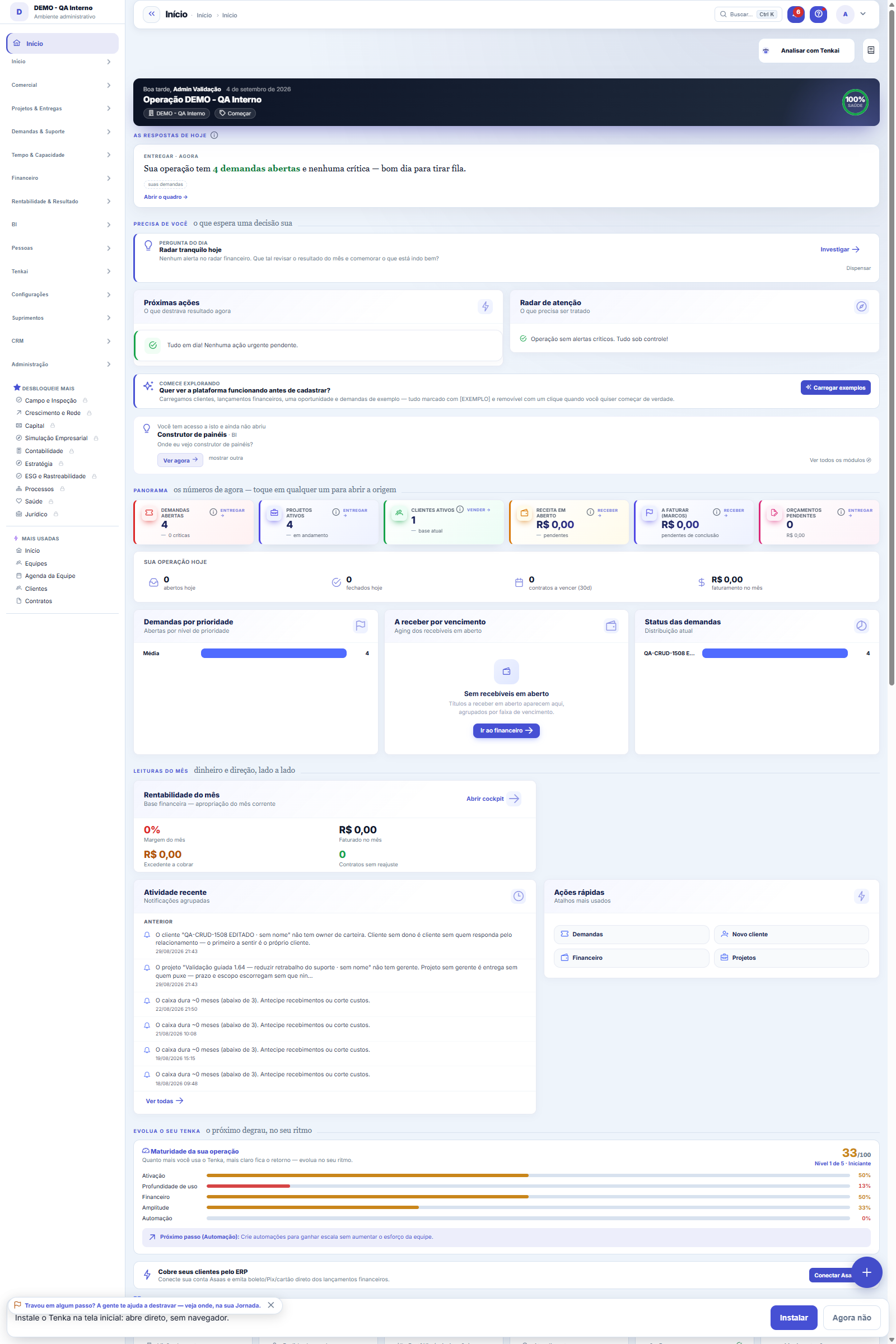
What you find on this screen
A portrait of the screen, read from the screen itself — it changes when the screen changes.
Form fields
Centros inativosQuantidade de centros de resultado inativos fora da visão padrão da árvore.
Situação do nóClassificação do nó: sintético agrupa filhos e não aceita lançamento, analítico é onde se lança.
Capex orçadoTotal orçado do projeto vinculado ao centro, referência do investimento no ano.
Realizado no anoMovimentos do centro no ano corrente, o realizado a comparar com o capex orçado.
Percentual do destinoFatia do centro de origem repassada a cada centro de destino; a soma tem de dar 100 por cento.
Start here
What it's for
Grouping cost centers into areas makes reading by sector simpler: you analyze by AREA (Operations, Sales...) and open the detail down to the leaf center whenever you want. It's the "where it comes from / where it goes" by area of the company.
How to
Project center (capex)
A center can be marked as a PROJECT. Its transactions are then classified as INVESTMENT in the cash flow, regardless of the category — buying a machine under the "Suppliers" category is capex, not operations. By linking the center to a project in the Projects module, the Capex view compares the project's budget with the center's actuals.
Rules
Summary vs. Detail
A node WITHOUT children is a DETAIL account (leaf) — it's where the entry goes. As soon as it gains a child, it becomes a SUMMARY account (group) and starts only ADDING UP the children, no longer accepting direct entries.
How to build it
Create the centers in the normal registry (Cost/Profit Center). Here you use "Move" to place a center inside a group (parent), or "Make root" to take it out of the group. As many levels as you want.
Lock (strict)
It's not possible to turn into a group a center that ALREADY has entries (including allocation lines) — otherwise the entries would end up on a summary node. Reclassify the entries to a leaf first. It's also forbidden to choose a descendant as the parent (avoids a cycle).
Allocation rules: the costing lens
Indirect centers (maintenance, production planning, quality) can be allocated to direct ones by percentages that add up to exactly 100%. The rule is a LENS over the by-center views: the ledger is NEVER changed, no fake entry is created, and the grand total doesn't change by a cent (the rounding remainder goes to the last slice). In the budget's by-center view, the lens applies to budgeted AND actual at the same time — both sides of the comparison must wear the same lens.
Visibilidade por empresa
By default the center applies to all companies in the group — that's the common case and costs nothing. If you tick companies under visibility, only those can see and post to that center: that's how centers of a specific unit stay out of the other units' entries.
Each company has its own centers, with the same name
The center's name is unique within the company and among siblings under the same parent — not across the group. In other words: each of a group's 22 companies can have its own "Administrative" and "Sales", and reports keep comparing apples with apples. The rule used to apply to the whole group, and the workaround was to cram the company name into the center name ("RAW MATERIAL WAREHOUSE - COMPANY A", "RAW MATERIAL WAREHOUSE- COMPANY B"), which spoils any comparison and turns a typo in the suffix into a new center. In different branches of the same company the name can repeat too: "Maintenance" at Plant A and "Maintenance" at Plant B are distinct centers. What doesn't repeat is the CODE, which is the business identity and is what the spreadsheet import matches on.
Frequently asked questions
Where this shows up
In the Financial Transactions screen (the rule of posting only to a leaf applies to BOTH center AND nature) and in reports/filters by center. Allocation by center keeps working — always on detail centers.
Was this article helpful?
In the same module: Finance27
Settlement between familiesQuem pagou pelos outros e quem deve no mês, pelas contas e cartões de cada família e pelo que cada uma consum…Release limitsThe approval bands: up to how much each role releases alone and from what amount it escalates to the superior.Credit cardsOs cartões da família: limite, dia de fechamento e vencimento, gasto em aberto. O gasto entra na fatura; a fa…Cost centersSplit the result by area/unit: each invoice can point to a center, enabling analysis by business unit.Bank accountsThe company's accounts: bank, branch, balance, and the link with settlements and reconciliation.Annual household billsIPVA, property tax, insurance, school supplies: the year’s amount becomes “save this much a month” in the hou…Rental contractsOs imóveis alugados: inquilino, valor, vencimento, prazo, índice de reajuste e garantia. O recebimento de cad…Monthly money talkThe 5-question agenda built from the month’s numbers for the couple to answer on the phone, and the household…
Tenka Academy
Explore the AcademyStep-by-step learning paths for your industry, inside the platform.