

Release limits
The approval bands: up to how much each role releases alone and from what amount it escalates to the superior.
The screen
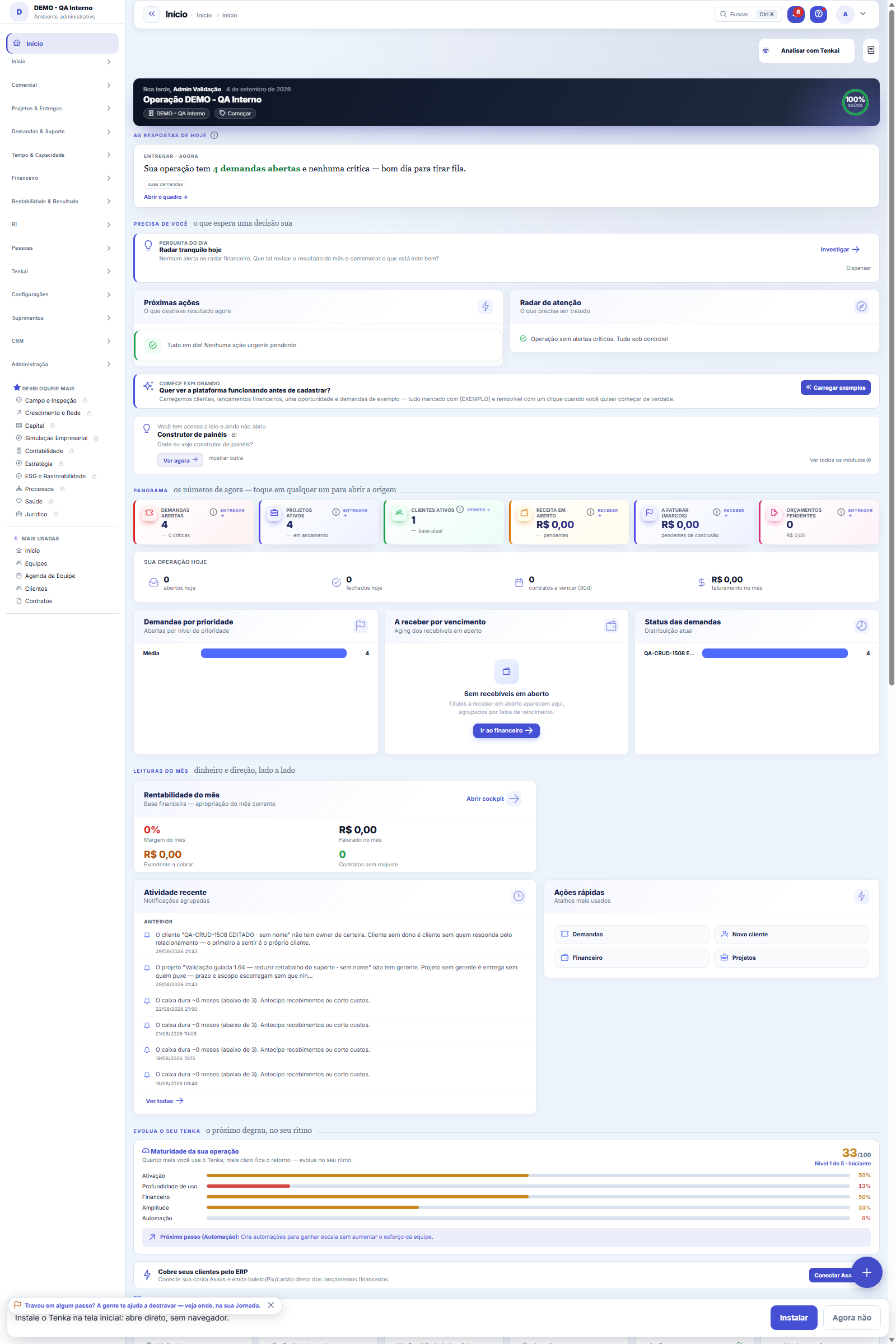
The real screen, in the theme you picked above.
Start here
What you do here
Define, per event (payment, discount, hours...), the value ranges and who approves each range. The approval engine routes automatically and enforces the SLA.
O que esta tela faz
Here you design the approval flow by event and stage: for each business event, who approves — a profile (any of its users) or a specific user — and in what order, with the limits that apply to the stage (amount, percentage and monthly cap) and the deadline in hours for the decision. The Active field lets you take a rule out of circulation without deleting it, preserving the history of what was already decided under it.
Para que esta tela existe
Approval flow by event and stage: who approves (profile/user) and the limits (amount, %, monthly cap). — this is the role of the "Approval limits" screen within the platform.
How to
Event, stage, approver and deadline
Event is the business action that requires approval — it's what links the policy to the flow. Stage (order) is this rule's position in the approval sequence: stage 1 decides before stage 2. Approver type defines whether whoever decides is a profile — any user who has it — or a specific person. Deadline (h) is the time in hours expected for the stage's decision. And the Active field takes the rule out of circulation without erasing what was already approved under it.
Rules
Export, search and filter this list
The approval limits list runs on the standard list engine: the export buttons generate Excel, PDF or CSV of the WHOLE set (not just the visible page), views you save are kept per user, and the recycle bin shows deleted records by adding ?excluidas=1 to the address. Search accepts direct links: ?q= opens the list already searched and ?fd_= opens it with the filter applied — handy for pasting the exact slice into a conversation or a bookmark.
Frequently asked questions
Que pergunta do dia a dia se responde aqui
"Where do I see approval limits?" — whenever that question comes up, this is the screen that answers it.
Connected screens
AlimentaAprovaçõesAs alçadas geram os itens da caixa de aprovações.UsaEventos de aprovaçãoOs eventos que disparam aprovação.
Was this article helpful?
In the same module: Finance27
Settlement between familiesQuem pagou pelos outros e quem deve no mês, pelas contas e cartões de cada família e pelo que cada uma consum…Credit cardsOs cartões da família: limite, dia de fechamento e vencimento, gasto em aberto. O gasto entra na fatura; a fa…Cost centersSplit the result by area/unit: each invoice can point to a center, enabling analysis by business unit.Bank accountsThe company's accounts: bank, branch, balance, and the link with settlements and reconciliation.Annual household billsIPVA, property tax, insurance, school supplies: the year’s amount becomes “save this much a month” in the hou…Rental contractsOs imóveis alugados: inquilino, valor, vencimento, prazo, índice de reajuste e garantia. O recebimento de cad…Monthly money talkThe 5-question agenda built from the month’s numbers for the couple to answer on the phone, and the household…Approval delegationsWhen an approver is away (vacation/absence), delegate to someone so the flow doesn't get stuck.
Tenka Academy
Explore the AcademyStep-by-step learning paths for your industry, inside the platform.