

New Hires
The people-inflow pipeline: from accepted offer to ACTIVE employee with a start date — feeding payroll, cost, and people metrics.
The screen
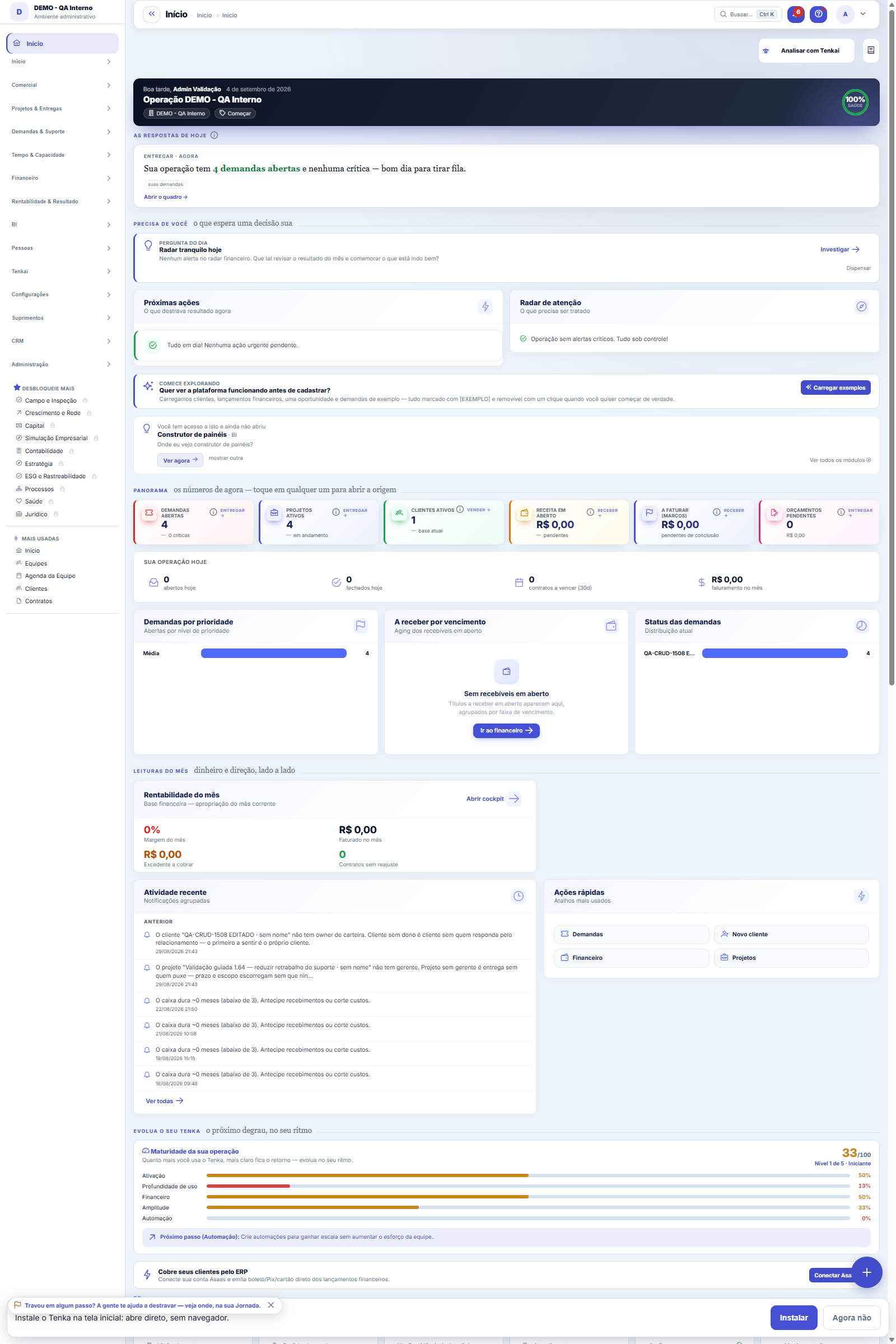
The real screen, in the theme you picked above.
What you find on this screen
A portrait of the screen, read from the screen itself — it changes when the screen changes.
Form fields
ColaboradorColaborador existente a admitir/reativar. Deixe vazio para cadastrar um novo.
Nome (novo)Nome do colaborador NOVO (quando nenhum colaborador é selecionado).
Código ERPCódigo do colaborador no seu sistema de origem (ERP).
Regime*Vínculo: PJ, CLT, estágio ou sócio. PJ/sócio geram um contrato de prestação.
Data de admissão*Data de início do colaborador. Regra do negócio: normalmente 30 dias antes do 1º pagamento.
StatusRASCUNHO (em preparação) ou EFETIVADA (funcionário, salário e contrato criados).
ObservaçãoObservações internas sobre a contratação.
Start here
What it's for
Standardizes onboarding: data, documents, and finalization. Upon FINALIZING, the employee becomes ACTIVE with a start date (dtInicio) — and starts counting in payroll, hourly cost, and turnover.
Rules
Why the date matters
The start date (dtInicio) feeds turnover (a native People indicator), the monthly cost, and the pro-rata of the first payroll. Getting the date wrong distorts all of that.
PJ and CLT
The employee's regime (PJ/CLT/internship/partner) defines the compensation components and obligations — configure it in the People registry after finalizing.
Checklist
Use the admission steps as an entry contract (documents, accesses, kit). A well-done onboarding shows up later in the eNPS.
A visão salva guarda busca, filtros, colunas e ordenação
When you save a view with the Views button, it stores four things: the search text, the applied filters, which columns appear (and in what order) and which column the list is sorted by. Applying the view restores everything at once — including resetting the sort and the page you were on, so the result is exactly what the view describes. Views saved before this version remain valid: whatever they didn't store simply doesn't change when applied.
O erro de preenchimento aparece no campo, ao sair dele
Nas fichas, sair de um campo já dispara a conferência do que dá para conferir na hora: campo obrigatório deixado em branco e e-mail mal formado. O aviso aparece embaixo do campo e desaparece quando você começa a corrigir. Campo numérico não precisa de aviso: ele simplesmente não aceita letra enquanto você digita. Isso é conforto, não a validação final: ao salvar, o sistema confere tudo de novo do lado do servidor.
Frequently asked questions
What about the system user?
Creating the login is a separate action (Settings → Access) — link the user to the employee for timesheet and profit-sharing (PLR) to work.
Como descobrir quem mudou um campo desta ficha?
Open the record and look at the Timeline on the right: it shows each change as "from one value to another", with the person and the date. When there are many changes, use the two filters at the top of the timeline — one by field, the other by person. The search runs in the database, so old changes show up just the same. You can also ask Tenkai: "who changed contract 482?".
Was this article helpful?
In the same module: People and development24
9-box and calibrationThe matrix that crosses performance with potential, and the room where managers compare their standards with …Performance reviewThe reading of a work PERIOD, not of the person: how they delivered (competencies, with evidence), how much t…Peer reviewWhere whoever works alongside the person answers — on the same scale as the cycle, with evidence, anonymously…Climate & PulseAnonymous climate and eNPS surveys to listen to the team.Company cultureThe honest portrait of how the company actually works — derived from an anonymous 16-statement diagnostic, on…TerminationsThe organized exit: final settlement, dates, and contract closure — with immediate effect on payroll, cost, a…FeedbackRecord, in half a minute, what happened, what the person did, and the effect of it — to become a ready-made a…Integration — onboarding and offboardingThe company's checklist becomes a task with a date and an owner for each person. That is the difference betwe…
Tenka Academy
Explore the AcademyStep-by-step learning paths for your industry, inside the platform.