

Monthly closing
Closes the period: freezes the P&L, generates the CFO letter, and locks retroactive entries.
The screen
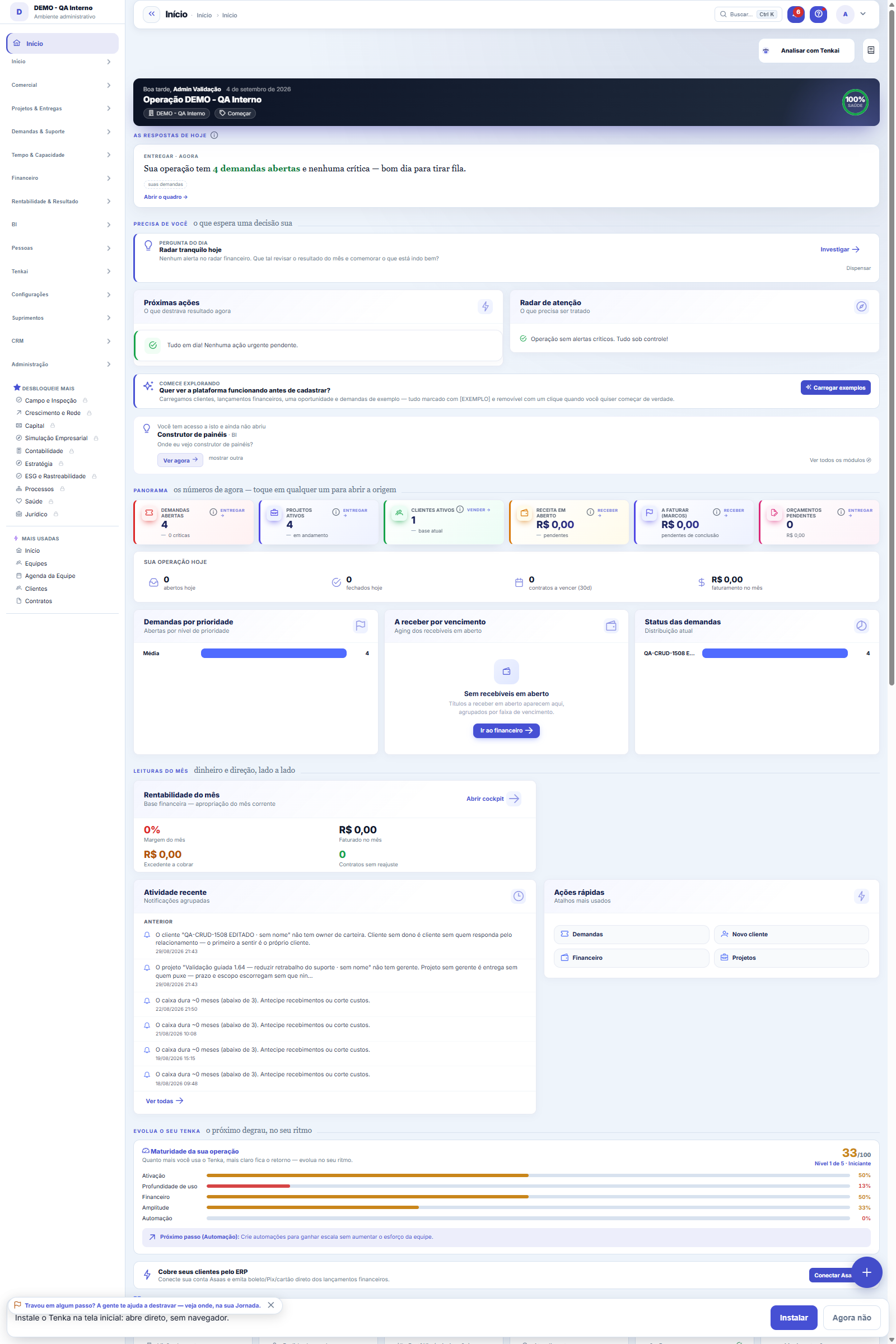
The real screen, in the theme you picked above.
What you find on this screen
A portrait of the screen, read from the screen itself — it changes when the screen changes.
Available actions
Reopen (special permission)
The list shows
Pending itemQty.ActionPeriodStatusClosed onmissingWhyWhoWhen
Form fields
CompetênciaMês e ano de competência sob análise para fechamento.
Lançamentos na competênciaQuantidade de lançamentos financeiros existentes na competência.
Lançamentos sem naturezaQuantos lançamentos da competência estão sem natureza e por isso distorcem a DRE.
Última competência fechadaCompetência mais recente já fechada, limite da trava de lançamentos retroativos.
Situação da competênciaSituação da competência no histórico: fechada ou reaberta.
Fechada emData e hora em que a competência foi fechada.
Start here
O rito do mês
Check the checklist items, close the month and the DRE becomes frozen (snapshot). From then on, posting with an already closed accrual period is BLOCKED — it guarantees the past number doesn't change.
Rules
What the closing keeps
A snapshot of the month's DRE + the checked checklist. It serves as proof of what was calculated at that closing, even if something changes later.
Accrual period lock
Once closed, any entry (new/edited) whose accrual period falls in the closed month is rejected with a warning. This applies to the Financial Movement and to automatic processes.
Reopening
Reopening a closed month requires permission and is audited — use it only for a necessary correction. Once reopened, entries are accepted again for that accrual period.
The ritual: checklist, reservation and trail
The What is missing to close the period panel is recalculated when the screen opens and every night. Zero open items: the button closes right away. With open items, write the reservation (why you are closing anyway). To reopen a closed month, write the reason. The Closing trail shows who closed or reopened, how many items were open and the text written.
Frequently asked questions
Events turned on
The official TAX CALCULATION consumes the closed month (a base that no longer changes). The Health Score and the CFO letter also rely on the closing.
Was this article helpful?
In the same module: Money on the move12
Approval limitsConfigure who approves what: events, limit amounts, and routing (role, person, or manager).ApprovalsYour approvals inbox: everything waiting on your decision — payments, hours, discounts — in one place, with S…Bank reconciliationMatch the bank statement with the system's invoices: import, automatic suggestion, and an immutability lock o…Automation radarPoints out the repetitive, manual steps worth turning into automation, ranked by effort saved. The estimated …Employee's salary movementAnchor screen of the detail dictionary (salary movement). Does not appear in the menu.ReleaseGroups what went into a version. It's the basis of the changelog the customer reads: a release with no items …Financial transactionsAccounts payable and receivable: invoices, due dates, settlements, installments, and invoice/receipt — the op…Multas do varejistaO que o grande varejo desconta (atraso, etiqueta, aviso de embarque, quantidade…): motivo, título que abate, …
Tenka Academy
Explore the AcademyStep-by-step learning paths for your industry, inside the platform.