

Changelog item
Anchor screen of the detail dictionary (changelog items). Does not appear in the menu.
The screen
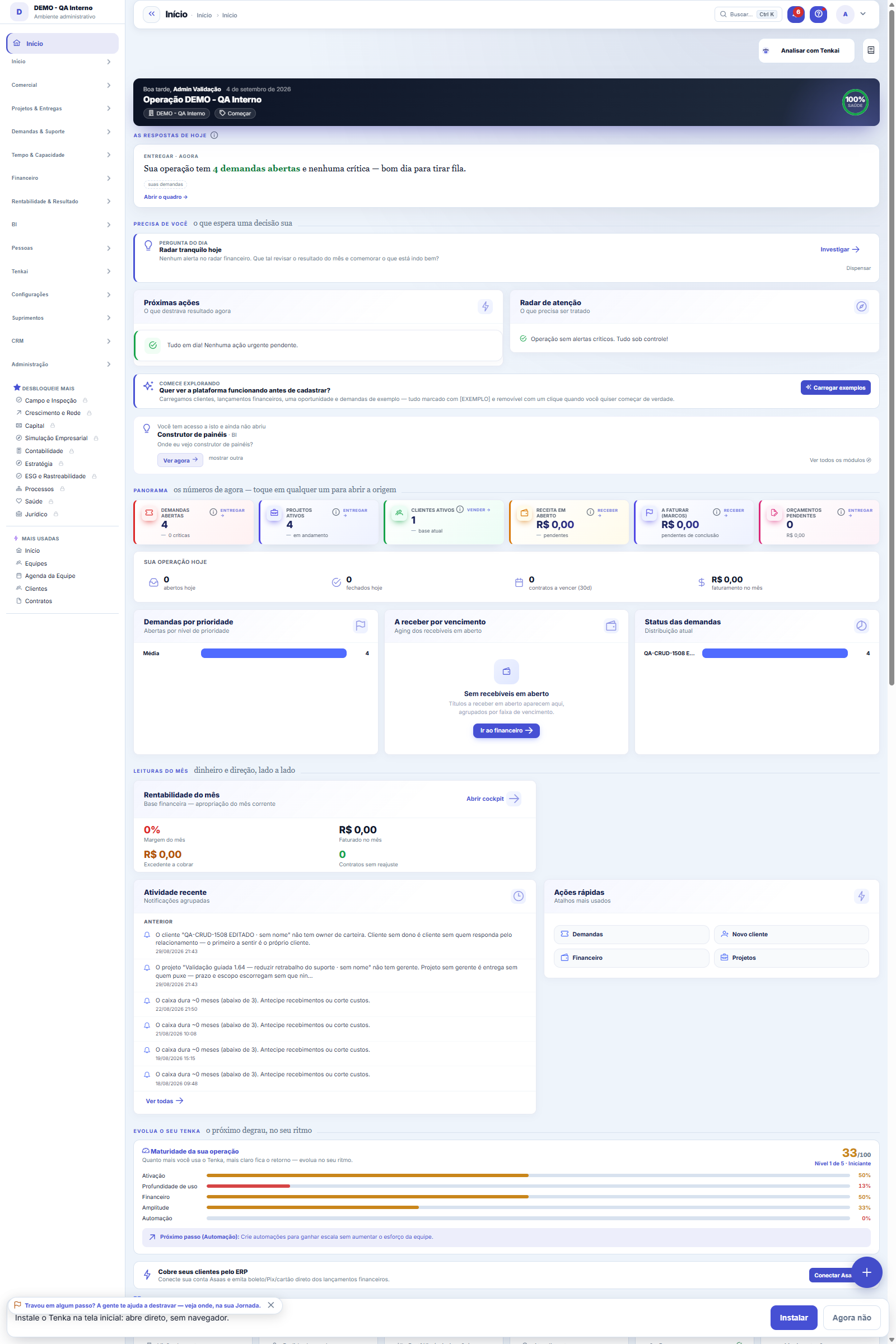
The real screen, in the theme you picked above.
What you find on this screen
A portrait of the screen, read from the screen itself — it changes when the screen changes.
Available actions
Build the planSelect allClear allDiscard the planApprove selectedApprove and runRun what was approvedClose this planFilterOpen
The list shows
#RecipientChannelAmountWhat will go outStatusEvidencePlanRequestLinesAssembled onApproved on
Form fields
Canal
Pedido original
Ação
Situação
Valortotal
Moeda
Origemvoz
Expiraem
Dhcadastro
Aprovado em
Meioaprovacao
Dhexecucao
Relatorio
Motivo
How to
What the error log keeps — and what to do with it
Each executed row brings the link to the list that shows the effect, already filtered. The history keeps every plan: what was proposed, who approved, when and what was executed — it is what answers "who authorized charging this client?". The table exports to CSV via the page button.
Rules
Você aprova por ITEM, e aprovação parcial é o normal
All rows come checked; unchecking is one click. Approving everything is also one click. What the screen does NOT let you do is approve without having seen — each row shows the text next to the checkbox. And the approval is recorded in your name, with date and time.
Cada linha passa pela mesma governança da tela
A plan row is an action from Tenkai's closed catalog: it declares the screen and the verb that govern it, and the authority limit is checked at the moment of execution. If your profile cannot change that screen, the row does not execute — not even because it is inside a batch you approved.
O plano expira em 15 minutos, e isso é de propósito
A plan built at 9 a.m. and executed at 3 p.m. acts on a state that has already changed: the client paid, the amount was renegotiated, someone called. An expired plan is refused and you build another — which is faster than finding out you charged someone who had already paid.
Pedir por voz, sim. Aprovar por voz, não.
Voice is great for asking and for hearing the plan — hands-free is precisely the use case. Authorizing requires a tap on the screen. Speech recognition doesn't fail by returning silence: it fails by returning a similar word, with total confidence. "Confirma" and "conforme" enter the microphone the same way, and an "ok" said to someone else cannot become a sent collection notice.
Frequently asked questions
Para que serve, em uma frase
So you can request a BULK action ("collect the 12 overdue ones") and still see exactly what will go out before it goes out: who receives it, through which channel, how much and the text of the message. The easy path would be for the system to do all twelve and reply "12 collection notices sent" — and that is when you approve a number instead of reviewing a plan.
O relatório separa "recusei" de "falhei" — por quê?
Because they call for different measures. "The authority limit/permission refused" is solved by granting the verb or deciding the request — repeating gives the same refusal. "The state changed" (the bill was paid, the dunning cycle already moved on) is not solved, and insisting would mean charging someone who paid. Only "tried and failed" is solved by trying again. A report that adds the three into "3 not sent" sends you to investigate the e-mail when what is missing is a permission.
Was this article helpful?
In the same module: Digital employees23
Sprint developerAnchor screen of the detail dictionary (allocated devs). Does not appear in the menu.Workflow transitionAnchor screen of the detail dictionary. Does not appear in the menu.Caixa de entrada dos funcionários digitaisO que os agentes estão esperando de você, reunido num lugar só e separado por urgência.Accountant's cockpitThe accountant's dashboard: what's pending, what's due, and what needs approval, per company in the portfolio…My hiresThe marketplace transactions with the flow open: the ones I hired (I am the buyer) and the ones that hired me…Proprietary credit scoreThe credit risk of each drawee (customer) measured by the OBSERVED BEHAVIOR in your own operation — not a bur…Auditor package (SOC 2)The package handed to an auditor: the Segregation of Duties (SoD) matrix with the violations found — profiles…Agent builderFrom a request in Portuguese to the agent: interpret, review the powers one by one, rehearse without executin…
Tenka Academy
Explore the AcademyStep-by-step learning paths for your industry, inside the platform.