

Sprint developer
Anchor screen of the detail dictionary (allocated devs). Does not appear in the menu.
The screen
The real screen, in the theme you picked above.
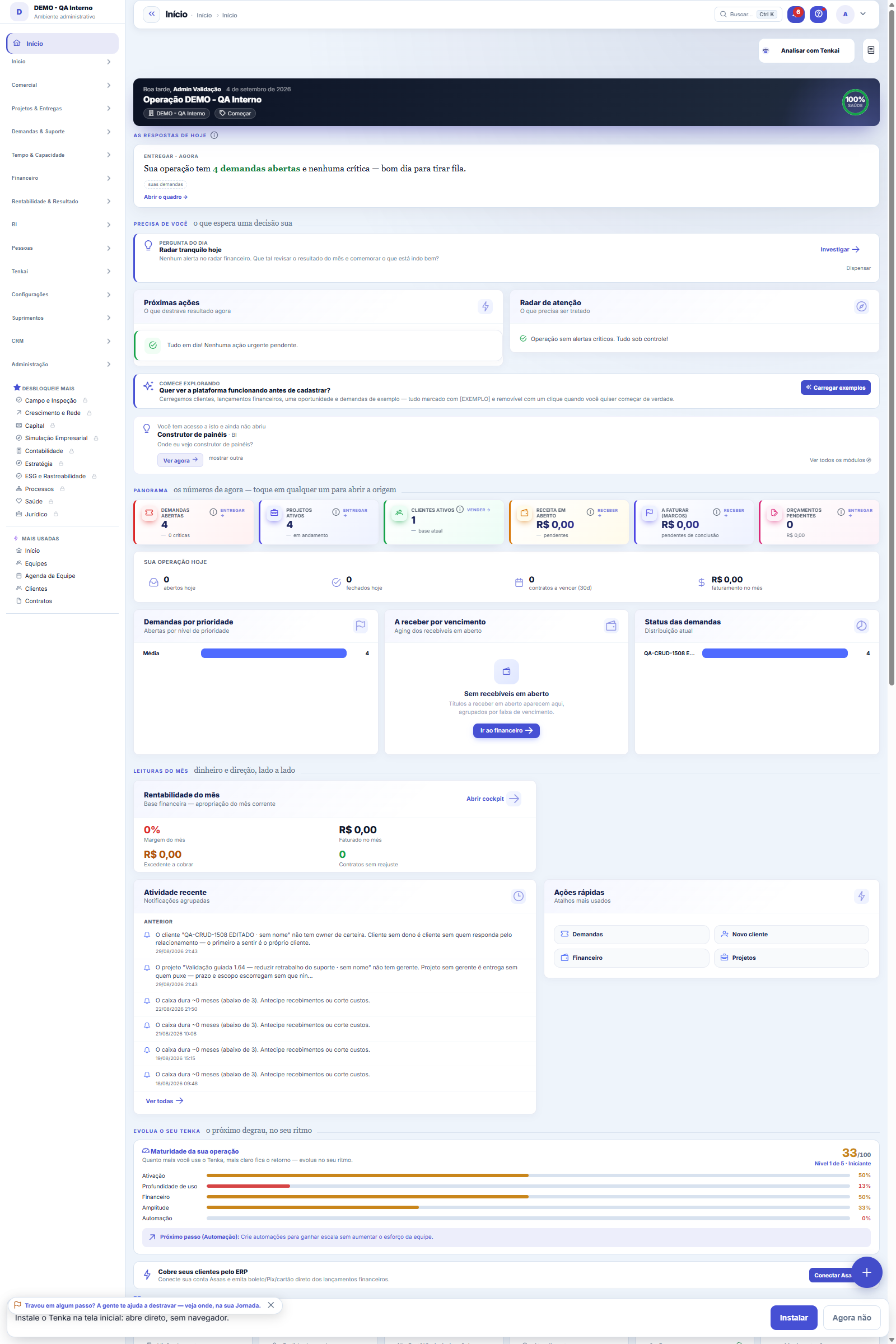
What you find on this screen
A portrait of the screen, read from the screen itself — it changes when the screen changes.
Available actions
Sweep what usage has taughtDecidirCancelDescartarApprove
The list shows
TypeWhat came upVezesStatusActions
Form fields
Tipo
Situação de adoção
Chave
Título
Pergunta
Ferramenta
Termo
Termodicionario
Evidência
Vezes
Votospositivos
Votosnegativos
Motivo
Dhdecisao
Aplicadoem
Dhcadastro
How to
Varrer agora, e o que a varredura NÃO faz
The Sweep button rereads this company's conversations and ratings and creates the new suggestions — always as PENDING, never approved. Running it twice doesn't duplicate anything, and what you already discarded doesn't show up again: insisting on what the person refused is how a curation queue loses the trust of those who use it.
Rules
O Tenkai NUNCA aprende sozinho — e isso é a funcionalidade
Every suggestion on this screen waits for a human. This is not generic caution: self-learning without review is exactly how hallucination comes back. A single 👍 given absent-mindedly to a wrong answer would become a "verified answer" — and that question would start being routed to the wrong tool ALWAYS, with the authority of "verified" and no AI along the way to hesitate. The error would stop being occasional and become policy, born from an innocent click. Approving is a human act, and it is recorded with your name and the time.
Verified answer: the question gets a fixed door
On approval, the question starts going DIRECTLY to the chosen tool, with no AI routing — it answers in under 1 second with no possible hallucination along the way. What is stored is WHICH tool answers, never the answer itself: a frozen answer ages (yesterday's cash is not today's), a verified tool gives the fresh number from the database.
A ferramenta sugerida é um PALPITE — confira antes de aprovar
The system does not store which tool answered each question. So the tool that appears in the suggestion was deduced by word overlap between the question and the catalog: it is mechanical and reproducible, but it is a guess. By approving, you are confirming that it really is the one that answers — and that is why the decision is yours and not the generator's.
Sinônimo: ensinar o vocabulário da sua casa
When someone asks using a word that only exists in your company ("carretel" where the system says "bobina"), the question matches no tool and the answer disappoints. The synonym suggestion appears when a rejected term LOOKS LIKE a term the system knows. On approval, it enters the company glossary and Tenkai starts understanding both — the same glossary you see in Tenkai Context.
Who can decide here
Only those who administer the account — those who can already change Company Settings, Access or Authority Limits. The reason: approving here changes Tenkai's behavior for the WHOLE COMPANY, not just for the person who clicked. And no one can delete the row, not even administrators: the trail of who approved what is precisely what gives this record its value.
Frequently asked questions
Para que serve, na prática
Today the chat's 👍/👎 falls into a table and changes nothing. This screen is where it starts to change things: the question your team asks every week and that worked becomes a verified answer; the term your company uses and the system doesn't understand becomes a synonym; and the question nobody can answer becomes a declared gap. You look at the queue, check the reason and decide.
Lacuna declarada: por que registrar o que NÃO sabemos
When a question repeats and NO tool covers the subject, approving doesn't turn anything on: it only records the gap in the list of what Tenkai doesn't know yet. It looks like the lowest-value item on the screen and it is the highest: a known gap enters the backlog and one day gets built; a hidden gap becomes "Tenkai is useless" three months later, without anyone knowing for what.
Was this article helpful?
In the same module: Digital employees23
Workflow transitionAnchor screen of the detail dictionary. Does not appear in the menu.Caixa de entrada dos funcionários digitaisO que os agentes estão esperando de você, reunido num lugar só e separado por urgência.Accountant's cockpitThe accountant's dashboard: what's pending, what's due, and what needs approval, per company in the portfolio…My hiresThe marketplace transactions with the flow open: the ones I hired (I am the buyer) and the ones that hired me…Proprietary credit scoreThe credit risk of each drawee (customer) measured by the OBSERVED BEHAVIOR in your own operation — not a bur…Auditor package (SOC 2)The package handed to an auditor: the Segregation of Duties (SoD) matrix with the violations found — profiles…Agent builderFrom a request in Portuguese to the agent: interpret, review the powers one by one, rehearse without executin…Partner's userAnchor screen of the detail dictionary. Does not appear in the menu.
Tenka Academy
Explore the AcademyStep-by-step learning paths for your industry, inside the platform.