

AI Transparency Center
The auditable record of everything the AI did, suggested, or decided: who asked, with what data, and what came out. It's the answer to "why did the system do that?" and the proof for LGPD. Nothing here gets deleted — it's a trail, not an inbox.
The screen
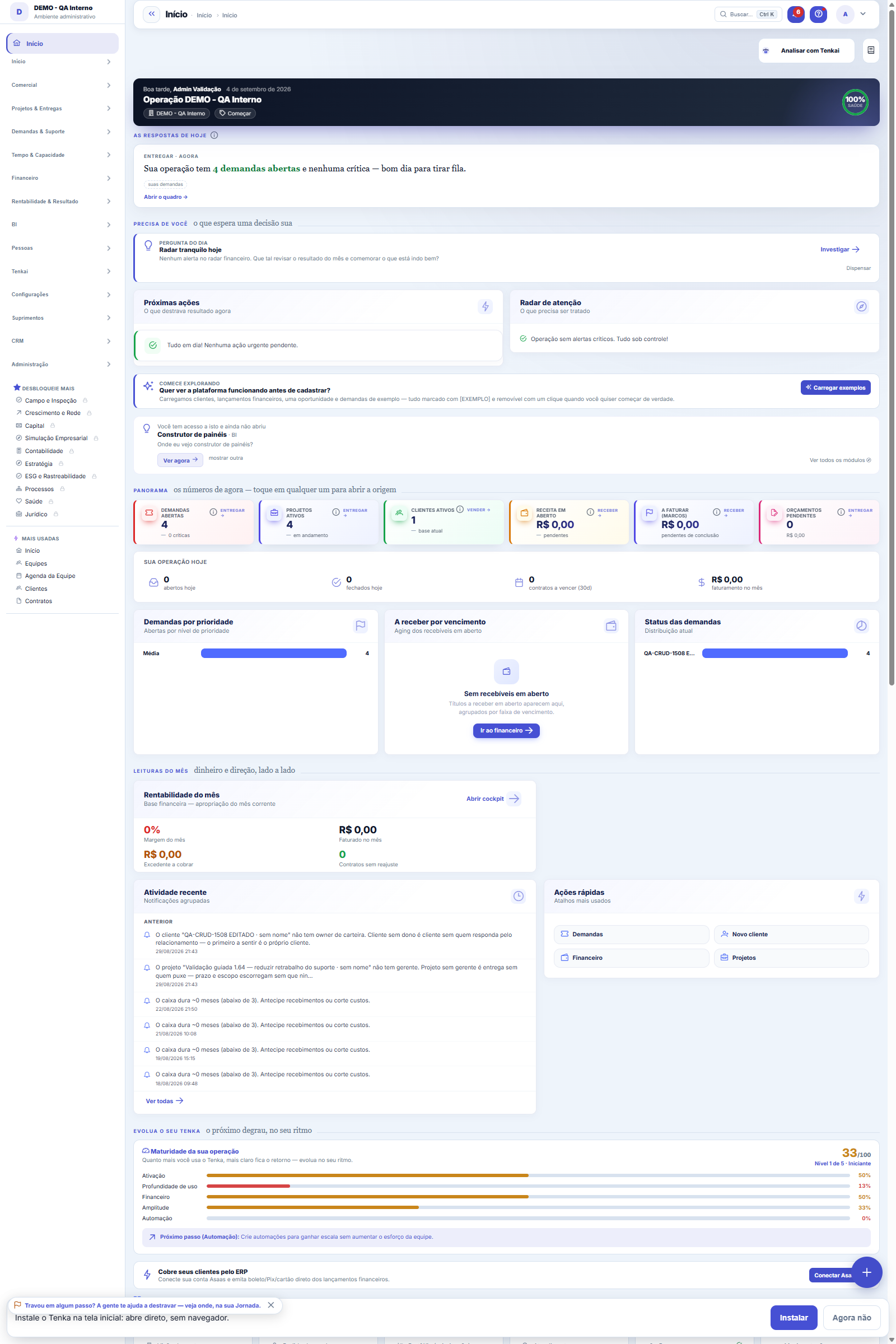
The real screen, in the theme you picked above.
What you find on this screen
A portrait of the screen, read from the screen itself — it changes when the screen changes.
Available actions
Refresh
The list shows
#OSCustomerTechnicianScheduledFrom the previous stopStatus
Form fields
Nº da OSNúmero da ordem por empresa, usado para falar com o técnico durante o dia.
SituaçãoEm que ponto do dia a ordem está: agendada, em campo, executada ou fechada.
Agendada paraHorário marcado. É ele que posiciona a ordem na régua do dia no mapa.
Check-inQuando o técnico chegou. Ordem agendada sem check-in perto da hora é visita em risco.
Check-outQuando o técnico saiu do local.
EquipamentoO que será atendido, que define ferramenta e peça a levar.
Descrição do serviçoO que foi pedido, para decidir quem atende e em quanto tempo.
Distância do check-inMetros entre o check-in e o endereço do cliente. É a prova de que o técnico esteve no local.
DeslocamentoQuilômetros rodados na rota do dia.
Custo totalMateriais aplicados mais horas gastas, consolidados quando a ordem fecha.
Valor a faturarPreço de venda do serviço ao cliente. Vazio significa que nada será cobrado.
FaturávelSe o fechamento da ordem gera título a receber do cliente.
Start here
What this screen answers
Distributes the work orders on the map by technician and region to build the day's schedule without overlap. The position is that of the work order's address; without a valid address, it doesn't go on the map or into the route calculation.
Back to the full version (and Tenka remembers)
The map of technicians and work orders of the day with proximity-based routing: the scheduled work orders sorted by the shortest path (nearest neighbor, by geographic distance between customer addresses), showing the travel between each stop and the estimated route total. Filters by day and by technician.
How to
Dia e técnico recortam o mapa
The two filters at the top define what the route shows: the day chooses which scheduled work orders are included, and the technician combo lets you see a specific person's path — useful for checking whether the day's distribution was balanced or whether someone got a disproportionate route. After changing any filter, click Refresh. The totalizer above the table summarizes stops and estimated travel for the current selection, and each row shows customer, equipment, scheduled time and work order status.
Rules
Como o roteiro é ordenado
The day's scheduled work orders are sorted by nearest neighbor: from the starting point, the system always chooses the next stop with the smallest geographic distance between customer addresses. The "from previous stop" column shows the travel for each leg, and the top of the screen adds up the estimated route total. It's an estimate by straight-line distance between geocoded addresses — it doesn't consider traffic or street routes — good for comparing routes and spotting wasted travel.
Frequently asked questions
Why does a stop show as "no coordinates"?
Because that customer's address doesn't have a geographic coordinate registered yet. The work order stays on the route — nobody disappears from the list for lack of geocoding — but the leg to it has no calculated distance and it doesn't help the algorithm build the shortest path. The fix is in the customer record: complete or correct the address so the coordinate exists. The route's first stop shows "starting point" in place of the distance, which is normal.
Was this article helpful?
In the same module: Field and operations8
Shipping centerThe queue of what has to go out, through the four methods, from dispatch to proof of delivery.HomeThe first screen answers three questions in order: what requires a decision today, how the month is going, an…Own fleetVehicles, maintenance, refueling and the cost per km of own delivery.Vertical readinessThe "zero no" scoreboard for the platform's 5 verticals (PSA/software house, field services, retail/leasing, …Customer mapPuts your customer portfolio on the map to plan routes, territories, and coverage. Addresses are geocoded fro…Tenka AcademyChoose the track for your role and follow the lessons — each one points to the real screen where you practice…Technographic radarShows which technologies and products prospects already use, to target whoever fits. The signal is a clue, no…Picking TVThe queue of orders to pick on a warehouse TV: the roll to take or the rib to cut and the state of each line,…
Tenka Academy
Explore the AcademyStep-by-step learning paths for your industry, inside the platform.