

Home
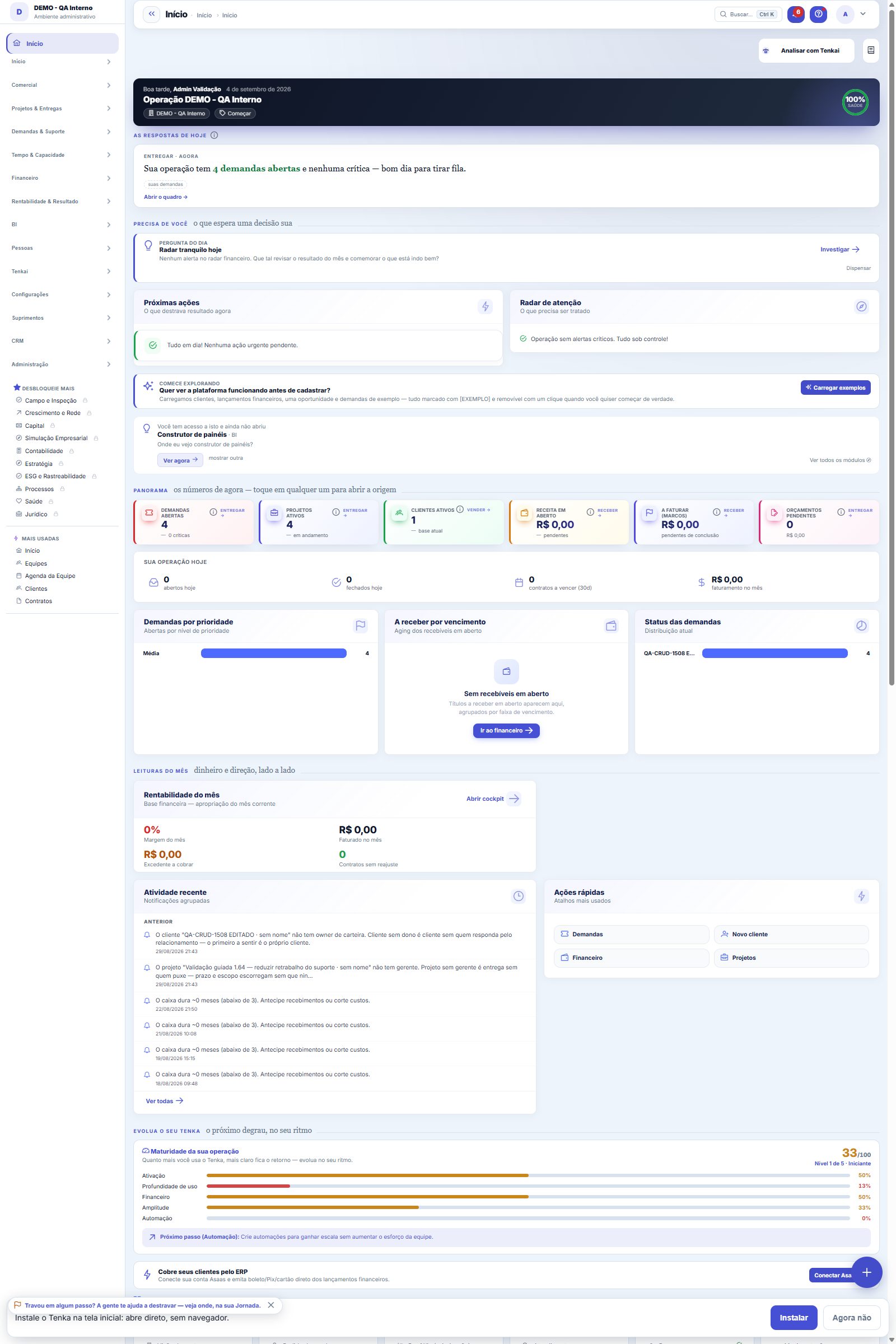
The first screen answers three questions in order: what requires a decision today, how the month is going, and what the AI noticed that you didn't ask for. The cards aren't decoration — each one leads to the screen where the action happens. If a number seems wrong here, the place to fix it is its s…
The screen
The real screen, in the theme you picked above.
What you find on this screen
A portrait of the screen, read from the screen itself — it changes when the screen changes.
Available actions
Refresh
The list shows
RegionTotalDeliveredFailedPending% completedCustomerWhenReason
Form fields
Nº da paradaPosição da parada na rota, definida pela roteirização por proximidade.
SituaçãoSe a entrega está pendente, foi entregue ou falhou. Parada que falhou volta para a rota do dia seguinte.
Entregue emData e hora em que o motorista confirmou a entrega no celular.
CanhotoQuem recebeu e o que foi observado na entrega. É a prova quando o cliente contesta.
Distância (m)Distância desde a parada anterior. Serve para ver onde a rota está dando volta desnecessária.
Start here
O que esta tela responde
Consolidates deliveries and visits by market area to see where there is concentration and where there is a gap. It is a reading of geographic coverage — an empty area here is an opportunity or abandonment; the map does not decide which.
O que esta tela faz
The status of the day's deliveries grouped by region (by the customer's state): how many were completed, how many failed and how many are still pending, with the percentage per region. Failed deliveries become a delivery DISRUPTION — the same material that Central 360 tracks.
How to
Como a região é definida
The region is the state of the customer's address for each stop — it is not a separate record that someone has to maintain. For each region the table shows the day's total stops, how many were delivered, how many failed and how many are still pending, with the completion percentage bar alongside. If a region appears empty or a delivery falls into the "wrong" region, the place to fix it is the customer's address in the customer record — that is where the state comes from.
Rules
Entrega que falhou vira ruptura — e vai para a Central 360
Below the region board, the screen lists each delivery that failed that day: the customer, the time and the reason recorded by the driver in the delivery receipt field. This is exactly the same material that Central 360 tracks as a delivery DISRUPTION — in other words, the failure does not die on this screen: it enters the central monitoring of the operation. Whoever handles the disruption here and whoever looks at Central 360 are seeing the same record, not two parallel lists.
Frequently asked questions
Posso ver um dia que já passou?
Yes. The day filter at the top accepts any date: choose the day and click Refresh — the region board, the totalizer ("X of Y deliveries completed on the day") and the list of failures then reflect that day. It is the way to answer questions about yesterday ("how many failed on Friday?") without depending on a report. And like every board on the platform, the table has a button to export CSV with what is on the screen, useful to attach to a claim e-mail to the carrier.
Was this article helpful?
In the same module: Field and operations8
Shipping centerThe queue of what has to go out, through the four methods, from dispatch to proof of delivery.Own fleetVehicles, maintenance, refueling and the cost per km of own delivery.AI Transparency CenterThe auditable record of everything the AI did, suggested, or decided: who asked, with what data, and what cam…Vertical readinessThe "zero no" scoreboard for the platform's 5 verticals (PSA/software house, field services, retail/leasing, …Customer mapPuts your customer portfolio on the map to plan routes, territories, and coverage. Addresses are geocoded fro…Tenka AcademyChoose the track for your role and follow the lessons — each one points to the real screen where you practice…Technographic radarShows which technologies and products prospects already use, to target whoever fits. The signal is a clue, no…Picking TVThe queue of orders to pick on a warehouse TV: the roll to take or the rib to cut and the state of each line,…
Tenka Academy
Explore the AcademyStep-by-step learning paths for your industry, inside the platform.