

eSocial
Prepares and tracks eSocial events (hiring, leave, payroll). The event follows the legal order: sending payroll before the table event results in rejection at the source — the queue respects dependency, not your urgency.
The screen
The real screen, in the theme you picked above.
What you find on this screen
A portrait of the screen, read from the screen itself — it changes when the screen changes.
Available actions
Recalculate geocoding
The list shows
RegionCustomersRevenue (12m)UF
Form fields
NomeNome do cliente, do jeito que aparece no ponto do mapa.
CPF/CNPJCPF ou CNPJ, usado para conferir se dois pontos do mapa são a mesma empresa.
TelefoneTelefone de contato. É o que o vendedor usa quando monta a rota da região.
E-mailE-mail de contato do cliente.
ContatoPessoa que atende no cliente quando a visita é agendada.
SegmentoMercado do cliente. Cruzado com a região, mostra onde há concentração.
MoedaMoeda em que o cliente é cobrado; vazia herda a moeda da empresa.
IdiomaIdioma em que o cliente recebe e-mail e portal.
AtivoCliente inativo não entra na contagem da região.
CódigoCódigo sequencial do cliente na empresa.
Start here
Para que esta tela existe
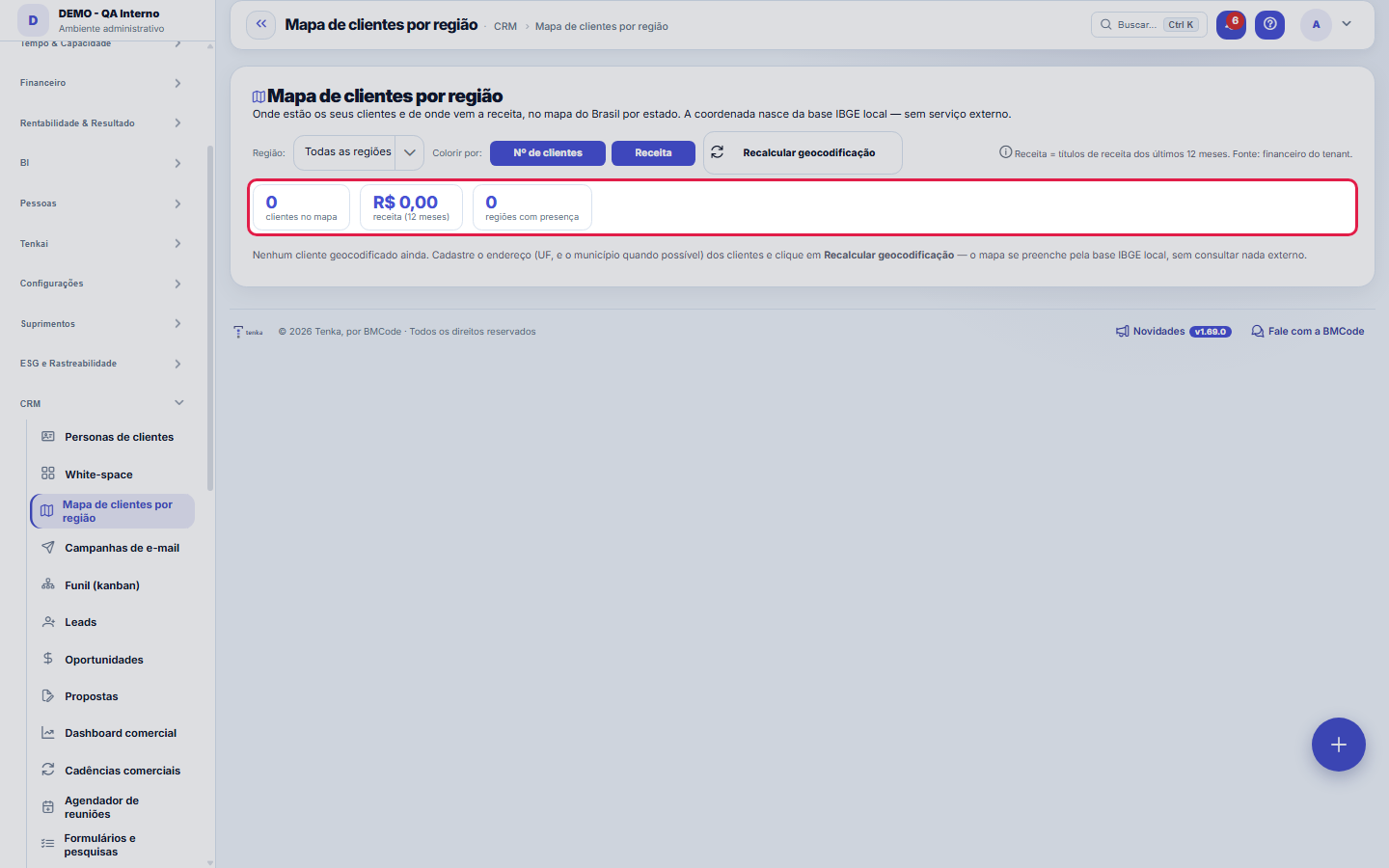
Where your customers are and where your revenue comes from, on the map of Brazil by state. Choose the metric (number of customers or revenue) and the map shades each UF by intensity; alongside, the table by region and state with the calculation breakdown open. The coordinates come from the local IBGE database (no external service) — it is the same geocoding used in the records. — this is the role of the "Customer map by region" screen within the platform.
How to
As duas métricas e a janela da receita
The map shades each UF by one of two metrics, of your choice: number of customers or revenue. The revenue considered is that of receivables from the last 12 months — that is the window for the KPIs and the tables by region and by state. You can restrict the view to one region using the filter at the top. Anyone without the "View Values" permission sees the map and the counts, but revenue values appear locked with the padlock — governance applies here as it does across the whole platform.
Recalcular geocodificação
The "Recalculate geocoding" button scans customers that have an address but no coordinates yet and resolves latitude/longitude using the local IBGE database — by municipality or, if that is missing, by the center of the UF. It is idempotent: running it again does not disturb those already positioned, it only fills in the ones missing. Use it after a batch of new records or an import; if the map is empty, this is the button that fills it, without consulting any external service.
Rules
Por que um cliente não aparece no mapa
Each customer's pin is calculated from the ADDRESS on their record: first by the municipality (IBGE code); if that is missing, by the center of the state (UF). A customer with no municipality AND no UF has nowhere to take coordinates from, so they do not appear on the map — it is not a map failure, it is a blank address. To fix it: complete the address on the customer record and save (the pin is calculated on the spot), or use "Recalculate geocoding" to reprocess the entire portfolio. A point you placed by hand is never overwritten by the automatic calculation.
Frequently asked questions
Where does the coordinate come from? Does the system query the internet?
No. The coordinates come from an IBGE municipality database that is EMBEDDED in the system itself (5,571 municipalities, with latitude and longitude). None of your customers' addresses is sent outside to be geocoded — the calculation is an internal lookup. The trade-off is precision: the pin sits on the municipality (or the center of the UF), not on the street number. The origin of each point is recorded: calculated by municipality, by UF center, or placed by hand.
Que pergunta do dia a dia se responde aqui
"Where are my customers and which region does my revenue come from?" — when that question comes up, this is the screen that answers it.
Was this article helpful?
In the same module: Market intelligence9
Value proposition canvasFor each product group, the fit between what the customer wants to solve and what the offer delivers — on two…Market intelligence (GIGA + KIQs)An X-ray of what the company needs to know about the market and how well the current information covers each …Key questions (KIQ)The questions that, once answered, would change a decision; the monitored ones enter the rotation of the ques…Personas & JTBDCustomer archetypes built from the real profile of your base, not guesswork.Financial transactionA bill payable or receivable. Three dates tell different stories: DUE DATE is the promise, ACCRUAL PERIOD is …Living segmentationInstead of opining on where to invest, the matrix positions each segment by what finance recorded: revenue gr…Market segmentA segment of the living segmentation: name, written criterion and whether it is active for classifying custom…Informational topic (GIGA)A market topic with its importance and how much the company already knows about it: the gap points to the bli…
Tenka Academy
Explore the AcademyStep-by-step learning paths for your industry, inside the platform.