

Platform parameters
Global decisions by the platform owner, driven by the Parameter Engine catalog: storage (provider, bucket, quota, overage, lifecycle), retention of the impersonation trail (LGPD), and every future key of PLATFORM scope. The value saved here applies to ALL tenants; every change stays in the history …
The screen
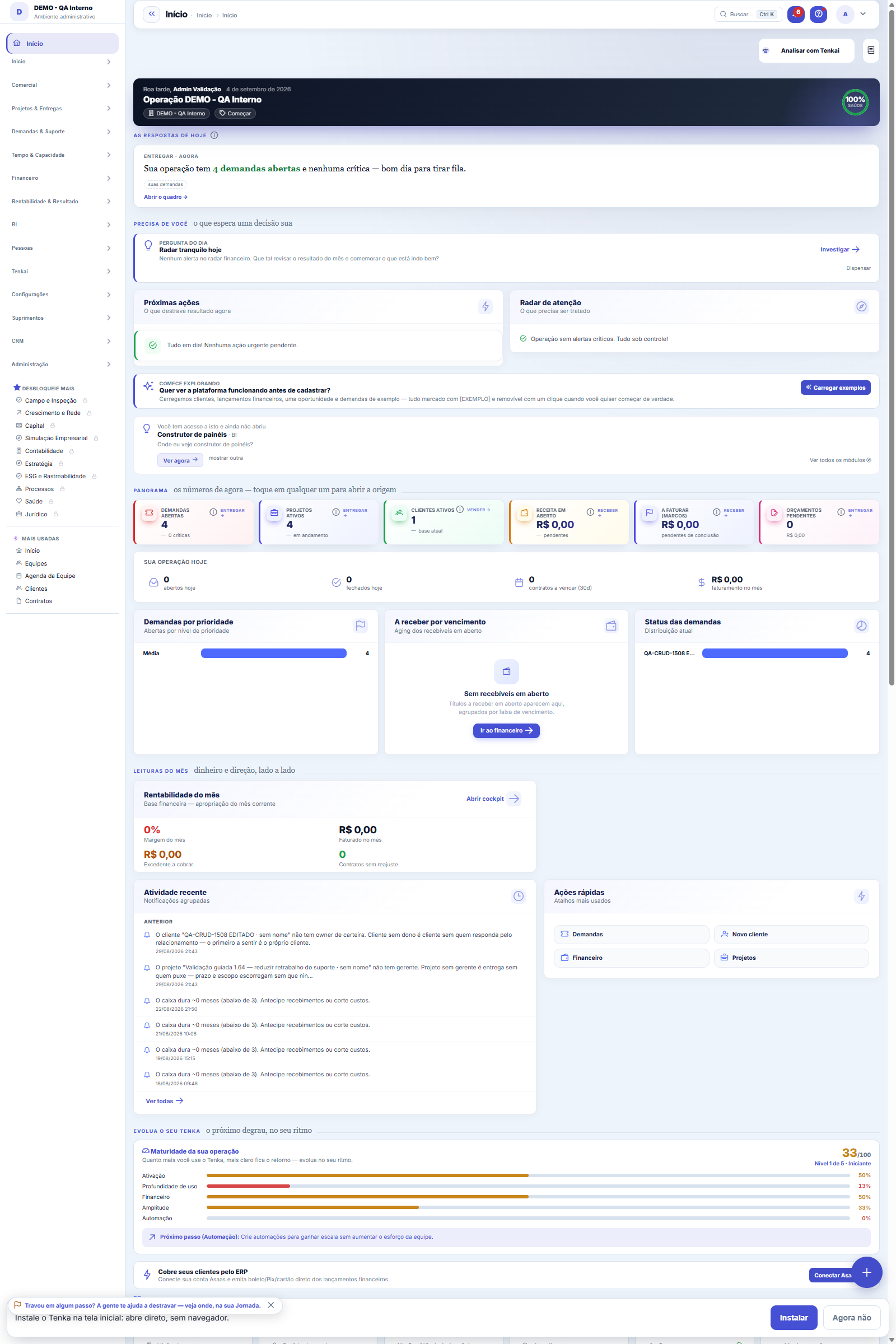
The real screen, in the theme you picked above.
What you find on this screen
A portrait of the screen, read from the screen itself — it changes when the screen changes.
Form fields
Item produzido*O produto acabado que esta ficha descreve.
DescriçãoComo esta ficha é chamada.
Quantidade basePara quantas unidades do produto os componentes estão declarados.
Horas padrãoHoras de mão de obra previstas para a quantidade base.
AtivaFicha inativa não pode ser usada em ordem de produção nova.
Start here
The product recipe
The bill of materials says what goes into producing an item: which components, in what quantity, and how many labor hours. It's what the production order uses to know what to issue from stock and how much production should cost.
What this screen is
The bill of materials (BOM) of a produced item: its components and quantities per base quantity, plus standard hours. It's the basis of the standard cost of the production batch.
Garment cost breakdown
The Cost breakdown tab splits the garment into five parts: raw material (consumption with waste × average cost), trims, direct labour (minutes of in-house operations × cost per minute), outsourced sewing (agreed price of external operations) and overheads allocated per minute. Next to it: the actual cost of the last completed work order and the variance per component, the price suggested by the house margin and the margin in each channel. Export as CSV or PDF for the customer who asks for an open cost.
The garment tech pack
The tech pack is the document product development hands to the floor and the subcontractor: materials and trims with consumption and waste, the operation sequence with time and where it is done (in-house or subcontracted), and the measurement chart per size with each point’s tolerance. Choose the recipient’s language — the subcontractor reads Portuguese, the supplier may read English or Spanish — and download the PDF.
How to
Quantidade base — a referência de tudo
All component quantities refer to the base quantity. If the base is 100 units and the component shows 2 kg, that's 2 kg FOR EVERY 100 — the production order does the proportion on its own. Choose the base the way you think about production (1 piece, 1 batch, 100 kg) and stay consistent.
Horas padrão
The expected labor to produce the base quantity. It goes into the standard cost together with the components — leaving it blank means declaring the product makes itself, and the production order's variance will look smaller than it is.
Building the component list
Choose the component in the dropdown, enter the quantity (up to 4 decimal places accepted) and click Add; repeat for each one. Made a mistake? Remove it with the row's trash icon and add it again. Save only when the recipe is complete.
Materials library
Na aba "Desenvolvimento", escolha o componente, informe o custo vigente e a certificação (ex.: GOTS, OEKO-TEX) e clique em "Salvar material". O custo vigente passa a valer no cálculo das próximas versões da ficha, no lugar do custo médio do estoque.
Customer sample approval
Na aba "Desenvolvimento", clique em "Pedir aprovação": nasce um link para enviar ao cliente. Ele aprova ou pede ajuste com comentário, sem login, e o resultado aparece na lista de amostras da ficha.
Material supplier and sample customer chosen in the spec sheet
In the Development tab of the technical sheet, the materials library asks for the supplier of the current cost, and the sample approval asks for the customer who will approve before generating the link.
Embroidery design
On the Embroidery tab of the tech sheet, register the design: stitches, colors and thread changes, position on the garment, stitches per minute and machine heads, and the cost per thousand stitches. A subcontractor needs the cost per thousand they charge; an in-house machine can use its cost per minute.
A deleted embroidery design comes back with Undo
On the Embroidery tab of the tech sheet, a deleted design goes to the recycle bin: Undo brings it back at once and the pattern recycle bin lists deleted designs with Restore. A design used on the routing of an active tech sheet cannot be deleted, and the message says which sheet and which step use it.
Graded measurement table
In the Measurements tab, write the size range in order (XS, S, M, L, XL) and the base size. Type the points of the base size only: code (B01), name, how to measure, value, tolerance and grading (how many cm the point changes per size). Tap "Build graded table": the other sizes appear marked as generated. A value you type in another size is kept. Save the sheet at the top.
Sample rounds and the garment in 3D
In the Development tab, open the round (proto, fit, pre-production or production sample) in the size you will measure. The spec table appears: type the measured value of each point and save — anything over tolerance turns red. Upload photos and, if you have it, the 3D file from the CAD (glTF or GLB). Rejecting asks for the reason; approving with a point out of tolerance asks for the exception. "New round" repeats the stage if rejected and moves on if approved. The link goes to the customer to approve and spin the garment.
Keyboard in the sample 3D viewer
Click the 3D garment and use the arrow keys to rotate and the + and − keys to zoom; the mouse wheel also zooms. The same works in the link the customer receives to approve the sample.
Classroom example
Basic T-shirt: 0.32 kg of jersey at R$ 38/kg with 8% waste = R$ 13.13; trims R$ 1.90; 11 min of in-house sewing × R$ 0.55/min = R$ 6.05; bartack at the subcontractor R$ 0.80; overheads R$ 0.30/min × 11 min = R$ 3.30. Industrial cost R$ 25.18 — the fabric is 52%. With 12% taxes, 5% commission and a 30% margin, the price that closes the sum is R$ 47.51. If the last work order used 0.35 kg, the raw-material variance shows in red: it is consumption, not price.
Measurement chart by CSV
Got the pattern maker’s chart as a spreadsheet? Save it as CSV with the columns ponto;tamanho;medida_cm;tolerancia_cm and import it. Before it goes in, the review shows what is new, what changes (with the current value alongside) and what was rejected; once applied, the chart appears on screen and is saved with the tech sheet’s Save.
Rules
O custo padrão prévio é a régua
While you build the component list, the screen shows the standard cost calculated with the current average cost of each component. It's against this number that the production order's actual cost will be compared — take care with the bill of materials, because a wrong ruler measures nothing.
Normal loss of the component
Enter in "Loss %" how much of the component is normally lost — spreading leftover, yarn ends. Standard consumption becomes the quantity plus the loss, and that is the number used in the standard cost, MRP, piece price and the work order issue. Abnormal loss (a defective roll) is still recorded as scrap on the work order.
Alternative items: when the component runs out
After saving the bill, set in "Alternative items" what can replace each component, with the priority and the factor (1.05 kg of yarn B for 1 kg of yarn A). When the work order is issued, the component leaves the warehouse as far as there is stock; what is missing comes from the alternatives, in priority order. The alternative's issue records which component it replaced, information the Bloco K requires.
Apply a production process to the routing
Instead of building the routing step by step, choose a production process and click "Apply process": this bill's routing becomes a copy of the process steps, with type, third party, instruction, checklist and scrap rule. Work orders already created do not change, and changing the process later does not rewrite this bill.
Semi-finished goods, input step and subcontractor service
For each component, choose the step where it goes in (fabric at cutting, buttons at sewing): that is what splits material among the stages. In the routing, a step can deliver a semi-finished good — when it is completed on the work order, the good pieces enter stock at the accumulated cost and leave when the next step starts. For an external step, enter the per-piece service price agreed with the subcontractor. Applying a process rebuilds the routing: check the semi-finished good afterwards.
Cost per minute: how the factory charges its own time
Cost per minute = the factory’s monthly cost ÷ productive minutes available. The labour part is the hourly cost with charges ÷ 60. The overhead part is the 3-month average of expenses whose categories are marked “factory overhead”, divided by the minutes available (parameter, or people in the cells × minutes per day × working days × efficiency). Allocating per minute is fairer than per piece: the garment that uses the factory longer carries more rent and energy.
One Save stores the whole sheet
Components, routing, measurements and alternatives are in tabs and every line is editable. Add and remove lines freely: nothing reaches the database until you click Save at the top — then everything goes together, or nothing, if something is incomplete (the message says what). The order of the steps is the order of the grid; the arrow moves a step up. Applying a process replaces the routing on screen and is stored on Save.
Tech pack versions
Cada vez que você salva a ficha e algum componente mudou (entrou, saiu, mudou a quantidade ou a perda), nasce uma versão nova na aba "Desenvolvimento": o que mudou, o custo da peça naquela versão e quem salvou. Salvar sem mudar componente não cria versão.
The passport's chain of proof
Bale lab report, cutting, shipment to the contractor, visit, destination of unsold stock and transaction certificate each record a chained proof when saved. A proof cannot be edited or deleted; the public passport says whether the chain is intact.
Embroidery in the garment cost
In the Routing, choose the design in the Embroidery design column of the embroidery step. On the Garment cost tab, embroidery appears on its own line (thousand stitches × cost per thousand) and that step no longer counts as subcontracting or labor, so it is not added twice.
Suppliers, CAD consumption and target cost
Each material shows its suppliers side by side (price, minimum order, lead time, certificates); the preferred one is the price used in the sheet cost, and an expired certificate is flagged. "Pull consumption from CAD" uses the last marker imported for the style: the base size becomes the fabric quantity and each size becomes the factor used by cutting. In the Cost breakdown tab, choose operations from the library to build the routing before the pilot and save the target cost; once production happens, the screen shows actual × target.
Consumption in meters or kilos
In the Components tab, the Consumption in column says which unit the quantity was written in. If the knit is controlled in kilos and you wrote meters, Tenka converts by meters per kilo: from the Conversion lot (that lot’s measured rolls), the latest lot in stock, the article yield, or weight × width — in this order. The m/kg used shows under the line and in the Garment cost tab; with no conversion at all, the tech pack does not save and says what is missing.
Frequently asked questions
Which question this screen answers
"What is each product I manufacture made of — and how much does the bill of materials cost?" The BOM declares the components and quantities per base quantity, plus the standard production hours. It's the ruler for standard cost: when a production order completes, the batch's actual cost (materials issued + hours logged) is compared with what the BOM predicted. An outdated BOM produces false variances — review quantities and standard hours when the manufacturing process changes.
What is "Verify now" on the passport?
It recalculates all the garment's proofs, from the first to the last. If one was altered, it says at which step.
How do I find the embroidery design through search?
In search (Ctrl+K), type "embroidery design", "embroidery stitches" or "cost per thousand stitches": the tech sheet shows up and the design is on the Embroidery tab. Ask Tenkai "how much does embroidery cost per thousand stitches?" or "which embroidery design is the most expensive?".
Was this article helpful?
In the same module: Production54
Production log entryOne log entry: who did it, on which production order, how many good pieces, the scrap and the hours. Read-onl…Cell balancingPeople per operation, bottleneck and pieces per day for a style in a cell, from the standard minute of the te…Fashion knowledge baseFormulas, rules and the house way, with the source.Biblioteca de operaçõesAs operações de costura da casa com o tempo padrão por tipo de máquina: monta o roteiro e cota o custo da peç…Bolsa da redeHoras de tear e de facção paradas e sobras (retalho, ponta de rolo, fio parado, encalhe) circulando entre as …Caminho críticoOs marcos da coleção e do pedido, planejado × real: o atraso de um marco empurra a entrega, a tela diz a nova…Opportunity itemsOpportunity detail (dictionary anchor).CertificationA certification (GOTS, OEKO-TEX, ISO 14001…) of the company, a supplier, an item or a lot: issuing body, numb…
Tenka Academy
Explore the AcademyStep-by-step learning paths for your industry, inside the platform.