

Prioritization (WSJF)
The backlog in the order the calculation recommends: value, urgency, and risk reduction add up to the cost of delay; effort divides it. The list already comes out sorted by score.
The screen
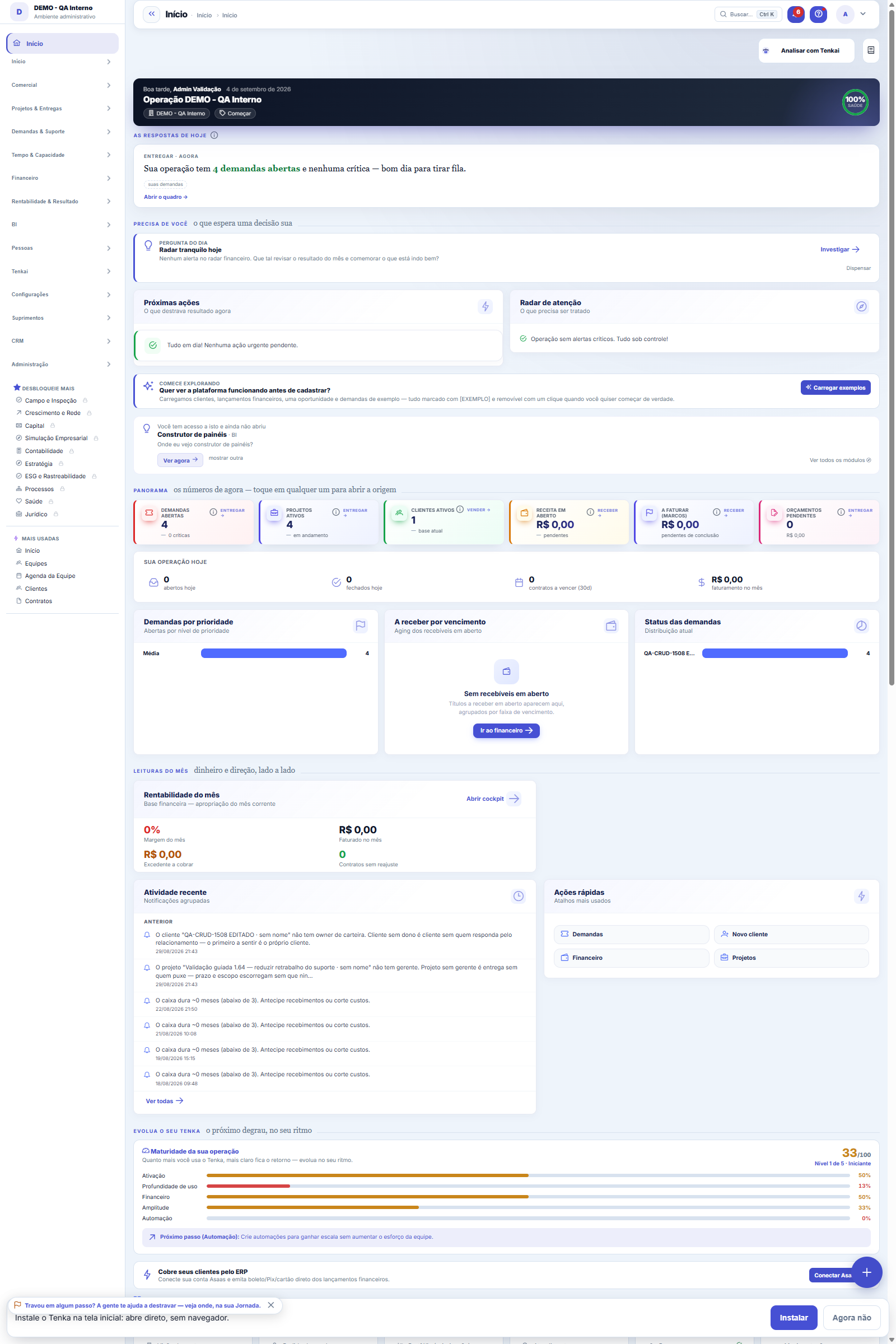
The real screen, in the theme you picked above.
What you find on this screen
A portrait of the screen, read from the screen itself — it changes when the screen changes.
Form fields
Demanda*A demanda que está sendo priorizada. Uma nota por demanda: para mudar a prioridade, edite a nota existente.
Score WSJFCalculado ao salvar: (valor + urgência + risco) ÷ esforço. Não se digita — se o resultado pudesse ser editado à mão, a conta viraria enfeite da opini…
ValorDe 1 a 10: quanto o cliente ou o negócio ganha quando isso existir. Compare com as OUTRAS demandas da lista, não com um ideal abstrato — a régua só s…
UrgênciaDe 1 a 10: quanto do valor se PERDE com a espera. Nota alta é para janela que fecha, promessa com data, multa contratual. "O cliente reclamou" costum…
Risco / porta que abreDe 1 a 10: quanto risco isso derruba, ou quanto trabalho futuro isso destrava. É a nota que salva o trabalho invisível — o que ninguém pede e todo mu…
EsforçoDe 1 a 10: o tamanho do trabalho. Entra como DIVISOR — a valor igual, o menor sai primeiro. É isso que faz a fila andar em vez de travar numa única e…
Por quêO argumento por trás das notas. Sem ele, daqui a um mês ninguém lembra por que esta demanda estava no topo — e a discussão recomeça do zero.
Start here
What WSJF solves
WSJF stands for Weighted Shortest Job First. The idea behind it is simple and uncomfortable: while a request waits, it costs something (revenue not billed, an unhappy customer, a risk that stays open). That cost is called the cost of delay.
If two requests have the same cost of delay, do the cheaper one first — it releases the same value sooner. That, and only that, is what the calculation does.
The real gain is not in the number: it is in comparing a support request with a project request on the same scale, instead of letting priority belong to whoever shouted loudest in the meeting.
If two requests have the same cost of delay, do the cheaper one first — it releases the same value sooner. That, and only that, is what the calculation does.
The real gain is not in the number: it is in comparing a support request with a project request on the same scale, instead of letting priority belong to whoever shouted loudest in the meeting.
What this screen answers
WSJF is "cost of delay divided by size": whatever loses the most value by waiting goes first, corrected by effort. You enter business value, time criticality, risk reduction and size — and the calculation comes out ready, with the breakdown visible. It serves to answer "why THIS before that?" without a debate of opinions.
O que esta tela faz
Here you give the WSJF priority score of a request: three value scores (business value, urgency and risk/door it opens), the estimated effort and the justification in text. The score is calculated from them and it is what orders the scored backlog — from highest to lowest.
How to
As três notas e o divisor
WSJF weighs four numbers: business value (how much this is worth once it is done), urgency (the cost of waiting — what is lost each week it sits idle), risk/door it opens (what it unlocks or protects) and effort, which enters as the divisor. The score grows with the first three scores and FALLS with effort: valuable and cheap delivery rises, valuable and expensive delivery drops to later. The justification is the most-read field afterwards: write the reason for the scores so that the prioritization survives the meeting in which it was made.
Rules
A fórmula, e o que cada nota significa
score = (value + urgency + risk reduction) ÷ effort
Business value — how much the company gains (or stops losing) once this exists.
Time criticality — how much the value shrinks if it takes longer. A tax-closing feature delivered after the deadline is worth almost nothing; the same one delivered before is worth everything. This is NOT "the urgency of whoever asked".
Risk reduction — how much this brings down a risk or opens the way for other things. This is where the technical debt nobody prioritizes comes in.
Effort — the size of the work.
All on the same 1 to 10 scale (it is not Fibonacci). Each score carries the justification of whoever gave it — a score without an argument is the one nobody can defend the following week.
Business value — how much the company gains (or stops losing) once this exists.
Time criticality — how much the value shrinks if it takes longer. A tax-closing feature delivered after the deadline is worth almost nothing; the same one delivered before is worth everything. This is NOT "the urgency of whoever asked".
Risk reduction — how much this brings down a risk or opens the way for other things. This is where the technical debt nobody prioritizes comes in.
Effort — the size of the work.
All on the same 1 to 10 scale (it is not Fibonacci). Each score carries the justification of whoever gave it — a score without an argument is the one nobody can defend the following week.
O score não se digita
It is calculated on saving and is read-only. If the result could be edited by hand, the calculation would become decoration for the usual opinion — which is exactly what the method exists to avoid.
The score starts neutral (5 on everything). This is intentional: whoever prioritizes has to take a stand, and moving away from 5 is the decision. The possible score ranges from 0.300 (everything low, maximum effort) to 30.000 (everything high, minimum effort).
One score per request: if one already exists, edit the existing one instead of creating a second. The list already is the prioritized backlog — it comes out sorted from highest to lowest score.
The score starts neutral (5 on everything). This is intentional: whoever prioritizes has to take a stand, and moving away from 5 is the decision. The possible score ranges from 0.300 (everything low, maximum effort) to 30.000 (everything high, minimum effort).
One score per request: if one already exists, edit the existing one instead of creating a second. The list already is the prioritized backlog — it comes out sorted from highest to lowest score.
Sem esforço declarado, a demanda fica SEM pontuação (e não no topo)
In the three numerator fields — value, urgency and risk — a blank score is treated as 1, the floor of the scale: this is conservative, the request goes down.
In effort there is no floor, because it is the divisor: assuming 1 would give the most favorable divisor there is precisely to what nobody sized, and the least filled-in request would lead the backlog. So, without effort, there is no score. The request is saved normally, appears at the end of the list marked "no score" and is left out of the radiator's "next by the numbers" block — an item that didn't enter the calculation cannot be presented as its result.
It is the honest behavior: the system doesn't make up a size in place of whoever prioritizes. For the request to enter the queue, size the effort from 1 to 10.
In effort there is no floor, because it is the divisor: assuming 1 would give the most favorable divisor there is precisely to what nobody sized, and the least filled-in request would lead the backlog. So, without effort, there is no score. The request is saved normally, appears at the end of the list marked "no score" and is left out of the radiator's "next by the numbers" block — an item that didn't enter the calculation cannot be presented as its result.
It is the honest behavior: the system doesn't make up a size in place of whoever prioritizes. For the request to enter the queue, size the effort from 1 to 10.
A visão salva guarda busca, filtros, colunas e ordenação
When you save a view with the Views button, it stores four things: the search text, the applied filters, which columns appear (and in what order) and which column the list is sorted by. Applying the view restores everything at once — including resetting the sort and the page you were on, so the result is exactly what the view describes. Views saved before this version remain valid: whatever they didn't store simply doesn't change when applied.
O erro de preenchimento aparece no campo, ao sair dele
Nas fichas, sair de um campo já dispara a conferência do que dá para conferir na hora: campo obrigatório deixado em branco e e-mail mal formado. O aviso aparece embaixo do campo e desaparece quando você começa a corrigir. Campo numérico não precisa de aviso: ele simplesmente não aceita letra enquanto você digita. Isso é conforto, não a validação final: ao salvar, o sistema confere tudo de novo do lado do servidor.
Sem esforço, a demanda fica SEM score — de propósito
A blank effort does NOT become 1: without a declared size, the request has no score and goes to the END of the list, marked as "no score" — instead of rising to the top with an invented divisor. The screen warns you when this happens. It is a deliberate choice: the system does not guess a size on behalf of whoever prioritizes, because an "ultra-urgent" request with unknown effort ranked at the top would be a comfortable lie. Size the effort (1 to 10) for the request to truly enter the queue.
Uma anotação pode virar demanda
In the record's activity panel, each note has "Turn into request". The click creates a ticket with the note's text, who wrote it and the link to this record — nothing is retyped. Use it when the note is a request for action ("someone needs to review this"); the note stays where it was. The button only appears once the record has been saved; a read-only session (demo) doesn't create one.
Frequently asked questions
Does the score decide what the team does?
No. It produces a suggested order and nothing is written back to the request — the board still belongs to the team. The number's role is to reverse the burden of the conversation: instead of justifying why a request should go up, now you have to justify why it should jump the queue.
When the team disagrees with the order, the useful discussion is almost always about a specific score ("urgency 9? why?") — and that is where the method pays for itself.
When the team disagrees with the order, the useful discussion is almost always about a specific score ("urgency 9? why?") — and that is where the method pays for itself.
Do I need to score the whole backlog?
No, and it's better not to. Score what is being considered for the coming weeks. The radiator shows how many open requests have no score — that number is the measure of the "blind backlog", and it serves as a reminder, not as a target to bring down to zero.
Como descobrir quem mudou um campo desta ficha?
Open the record and look at the Timeline on the right: it shows each change as "from one value to another", with the person and the date. When there are many changes, use the two filters at the top of the timeline — one by field, the other by person. The search runs in the database, so old changes show up just the same. You can also ask Tenkai: "who changed contract 482?".
Connected screens
PriorizaDemandasCada nota aponta para uma demanda do quadro.Aparece emSala do squadO bloco "próximas pela conta" do radiador vem daqui.
Was this article helpful?
In the same module: Operations13
Ticket automations"When X, do Y" rules on tickets: assign, move, notify — without manual intervention.CalendarsWork schedule and holidays: the base calendar that defines business days, hours per day, and holidays (nation…Classificação do statusAs fases do fluxo em que cada status da demanda se encaixa (Triagem, Em execução, Aguardando…): definem as se…TeamsWork teams with an owner and members — the basis for the team agenda, routing, and manager approvals.Roles and costsTable of roles (dev, QA, PM...) with cost and hourly rate — the feasibility ruler of the Studio.SLA policiesDefine response and resolution deadlines by priority/type — the clock that governs the tickets.Readiness (DoR/DoD)What needs to be resolved for a demand to ENTER a stage, and completed for it to LEAVE. It becomes a checklis…Squad roomsA room is a SLICE of the work plus that team's agreements. This is where it's decided what the big screen sho…
Tenka Academy
Explore the AcademyStep-by-step learning paths for your industry, inside the platform.