

LGPD Management
Centralizes consents, data-subject requests, and the legal basis for each data processing activity. A data subject's request has a legal deadline: a delay turns into a fine. Anonymizing is not deleting — choose the right operation for each request.
The screen
The real screen, in the theme you picked above.
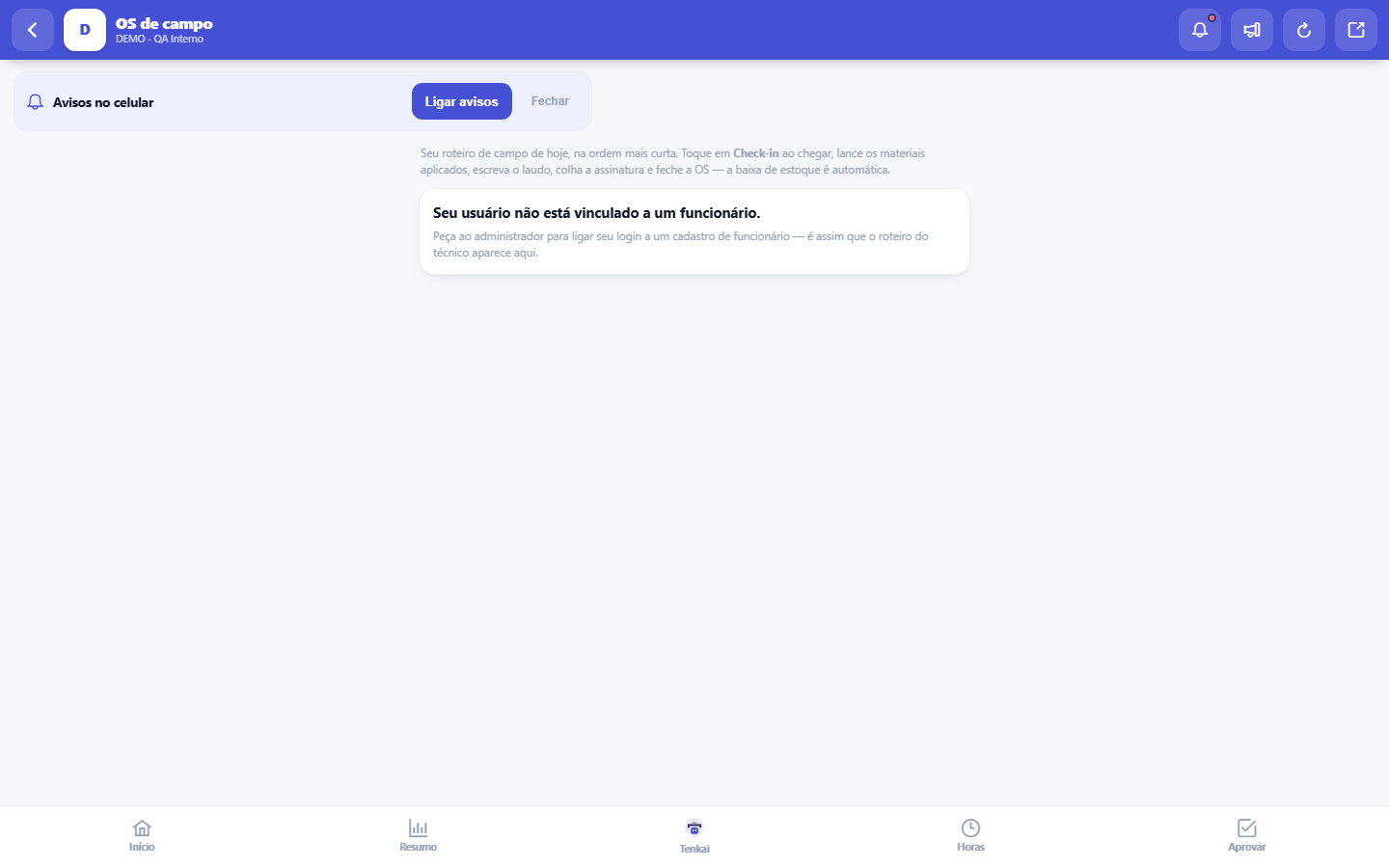
What you find on this screen
A portrait of the screen, read from the screen itself — it changes when the screen changes.
Available actions
RecordAddSave reportClose the work orderNoYes
Form fields
Nº da OSNúmero da ordem por empresa. É o número que o técnico informa quando liga do campo.
SituaçãoAberta, agendada, em campo, executada, fechada ou cancelada. Fechada não se edita mais.
EquipamentoO que vai ser atendido no local.
Nº de sérieSérie do equipamento. É o que amarra o histórico de manutenção à peça certa.
Descrição do serviçoO que o cliente pediu. É o primeiro texto que o técnico lê ao chegar.
Agendada paraHora combinada com o cliente para a visita.
Check-inHora em que o técnico registrou chegada no local.
Check-outHora de saída. Junto com o check-in é o que mede o tempo real do atendimento.
LaudoO que o técnico constatou e executou. É o texto que o cliente lê e assina.
DeslocamentoQuilômetros rodados até o atendimento, base do reembolso de rota.
FaturávelSe ao fechar a OS deve nascer cobrança ao cliente. Desmarcado, o serviço sai de graça sem ninguém notar.
Start here
What this screen answers
The work order in the technician's hands: geo check-in, execution, photo and signature on site. The check-in proves WHEN and WHERE the service happened — with no signal, it saves and syncs later; the record is the one from the moment of check-in, not from the sync.
A link you receive always opens what it promises
Your work order route on your phone: today's work orders in the shortest order, location-based check-in — which records where you arrived and the distance to the customer —, entry of materials used, the service report and the customer's signature, and the closing of the work order, which deducts the materials from stock.
Para que esta tela existe
Your work order route on your phone: today's work orders in the shortest order, location-based check-in — which records where you arrived and the distance to the customer —, entry of materials used, the service report and the customer's signature, and the closing of the work order, which deducts the materials from stock. — this is the role of the "Field work orders (mobile)" screen within the platform.
Rules
Check-in registra onde você chegou — e GPS negado não trava
The Check-in button asks the browser for the location and records where you were on arrival; the work order row then shows how far from the customer the check-in was made, and the route shows the distance between stops. If location is denied or the GPS signal does not come, the check-in happens anyway — just without the distance. Location is the strong proof of the service (together with the time), so it is worth keeping GPS on: it is what backs up the record if the customer questions the visit.
O aceite na tela não é assinatura jurídica
The stroke the customer draws on the canvas is an acknowledgment of presence: it records that someone accompanied and agreed with the service, with the stamp of where and when it was collected on the first touch. It is not a declaration of intent with legal value — and the record's own footer says so, so the document is never presented as more than it is. The strong proof in the workflow is still the GPS and the check-in time, which are real. Refused GPS does not block the acknowledgment: the stroke counts, the stamp adds.
Frequently asked questions
Que pergunta do dia a dia se responde aqui
"Where do I see field work orders (mobile)?" — when this question comes up, this is the screen that answers it.
Was this article helpful?
Tenka Academy
Explore the AcademyStep-by-step learning paths for your industry, inside the platform.