

Clinical schedule
The schedule that never puts two patients on the same resource: each appointment ties together the professional, the room, and the equipment, and when booking, the system rejects any overlap on any of these three at the same time. See the day's schedule, book, complete, cancel, or log a no-show. It…
The screen
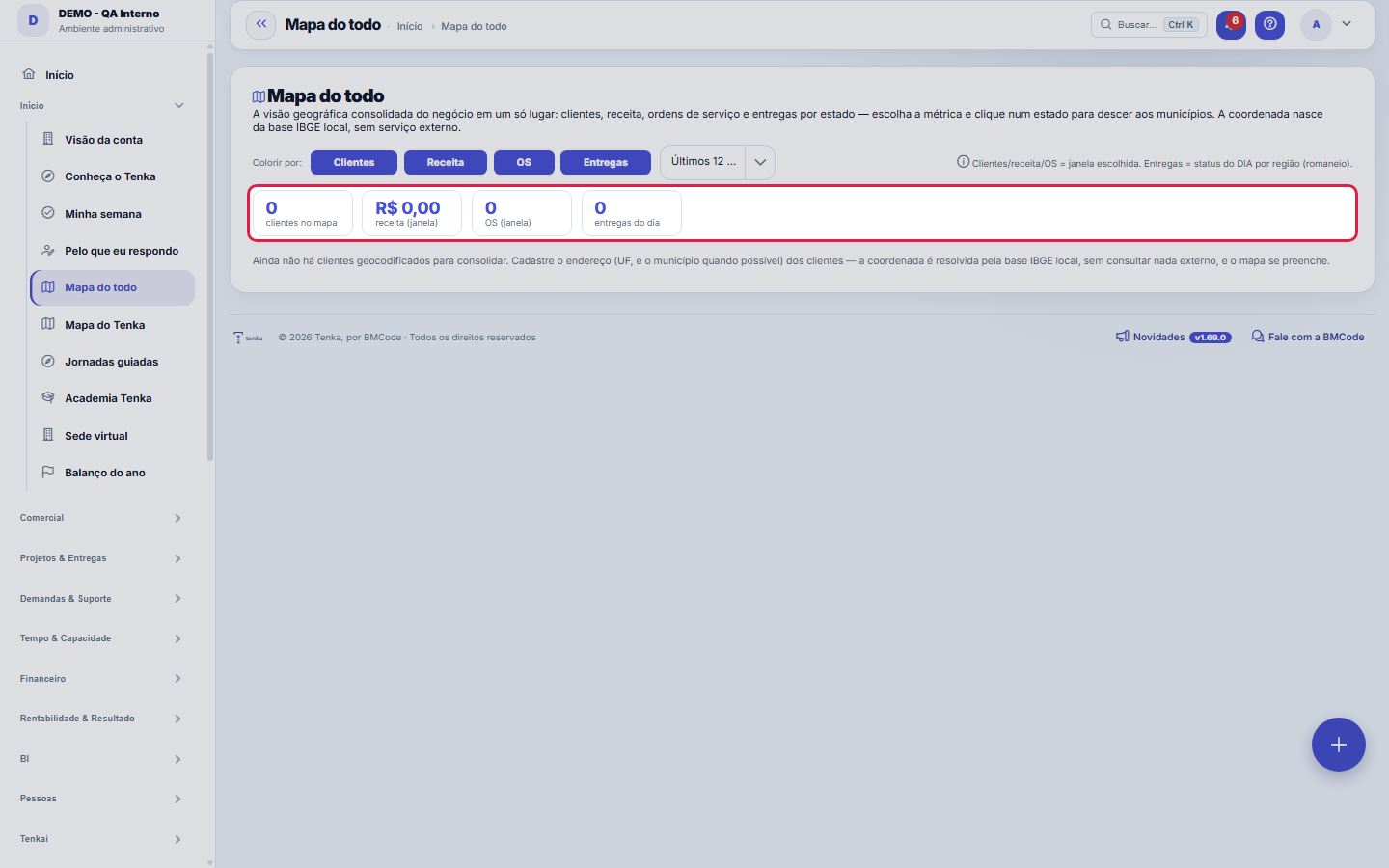
The real screen, in the theme you picked above.
What you find on this screen
A portrait of the screen, read from the screen itself — it changes when the screen changes.
Available actions
fechar
The list shows
RegionCustomersRevenueOSDeliveries (day)UFCity
Form fields
NomeNome do cliente, o nó que o mapa do todo desenha.
Razão socialRazão social registrada, para conferir quem é a empresa por trás do apelido.
MatrizMatriz do grupo. É o que faz o mapa mostrar o grupo inteiro em vez de empresas soltas.
SegmentoMercado do cliente. É o corte que agrupa o todo por afinidade.
OrigemPor onde o cliente entrou na casa: site, indicação, evento.
ContatoPessoa de contato no cliente. É quem responde quando o mapa aponta um risco.
AtivoCliente inativo continua no desenho, mas não conta no total do todo.
CódigoCódigo sequencial do cliente na empresa.
Start here
What this screen answers
Where your operation is, on the map: customers, revenue, service orders and deliveries by state, with detail by municipality on click.
What this screen is
The CONSOLIDATED geographic view of the business in one place: customers, revenue, service orders and deliveries by state, colored by the intensity of the chosen metric (quantiles) on the map of Brazil. Click on a state to drill down to municipalities — table and mini-map of points positioned by centroid (local IBGE base, no external service). It brings together what today lives on separate screens (customer map, deliveries by region and service orders).
How to
You see what the extension ASKS FOR before installing it
The color bands are calculated over your own distribution (quantiles). A "dark" state is dark relative to your other states — not relative to an absolute value. Changing the metric redraws the bands.
Rules
Endereço faltando some do mapa
A customer without a registered state does not appear in any state, and the map's total falls below the real total without any warning. If the map looks too small, the first place to check is the address register.
Sem endereço, fora do mapa
O mapa coloca cada cliente, fornecedor e parceiro pelo endereço cadastrado; registro sem endereço válido não aparece e é contado no aviso. A cor é relativa a você, não a uma escala fixa.
Frequently asked questions
Which question this screen answers
Where everything is on the map: customers, revenue, service orders and deliveries by state — and, clicking a state, the drill down to municipalities, with a table and mini-map of points positioned by centroid from the local IBGE base. It is the consolidated geographic view that brings together what used to live on separate screens (customer map, deliveries by region and service orders), colored by the intensity of the chosen metric in quantiles — the color compares your states with each other, not against a fixed scale.
Was this article helpful?
In the same module: Explore21
Academia TenkaEscolha a trilha do seu papel e siga as lições — cada uma aponta a tela real onde se pratica. Ao completar a …Alocação na faltaQuando falta peça: quem leva pela prioridade do cliente, pedido completo primeiro e data, com a fatia de cada…Digital Employees OfficeAll the company's agents side by side, on one comparison screen: status (active/paused), executions this mont…Group chain cockpitThe group’s companies as links of the chain: kilos in and out, yield, margin per company and consolidated, an…Indicator cockpitThe engine room of a KPI: target × actual series (12 months), status light by period, root-cause-and-action i…How do you feel about money?The 10 questions of the CFPB Financial Well-Being Scale on the phone, once a quarter; the perceived score nex…Key per tenant (BYOK)Super admin screen for BYOK (Bring Your Own Key): per tenant, the status of its own encryption key and the ac…Size grid and storeLive size grid, EAN labels, reservation and picking, store replenishment.
Tenka Academy
Explore the AcademyStep-by-step learning paths for your industry, inside the platform.