

Connected help screen
Anchor screen of the detail dictionary. Does not appear in the menu.
The screen
The real screen, in the theme you picked above.
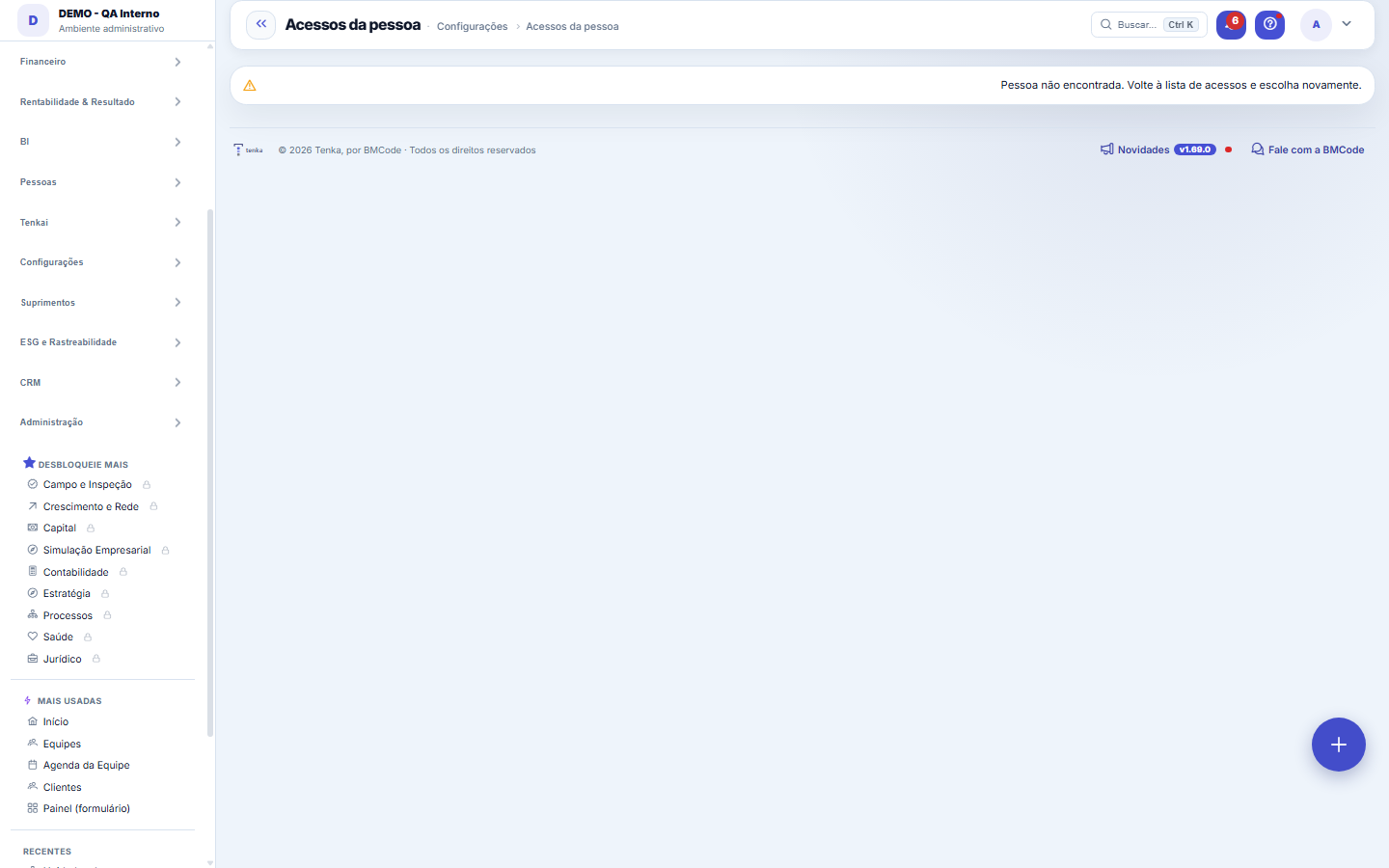
What you find on this screen
A portrait of the screen, read from the screen itself — it changes when the screen changes.
Available actions
Check
The list shows
GroupCompanyScreens in groupERP codeScreenGranted byCanPerson’s groups in this companyDoes the plan include the module?What blocked it
Form fields
GruposQuantidade de grupos de permissão a que a pessoa pertence.
EmpresasQuantidade de empresas ou CNPJs que a pessoa pode acessar.
TelasQuantidade de telas distintas que a pessoa consegue abrir de fato, somando todos os grupos.
Telas do grupoQuantidade de telas que o grupo concede a quem pertence a ele.
Rules
Why the same screen appears in two groups
Because both grant it. The "Granted by" column exists precisely for this: if you remove a group and the person still sees the screen, the other group is still granting it — it's not a defect.
Ver não é poder mexer
The "Can" column shows the verbs: view is always there; create, edit and delete only appear when some group has granted them. A person may see the entire screen and be unable to save anything.
Super administrador é caso à parte
Their access doesn't go through any group — the platform grants it by user type. That's why the screen warns prominently: for them, the list of screens does NOT describe what they can reach.
Why doesn’t it open?
At the bottom of the page, choose a screen and click Check: you get one row per company in the account with the person’s groups there, the permissions (view, add, edit, delete), whether that company’s plan includes the module and what stops the screen from opening — with the way to fix it.
Frequently asked questions
How to get here
Through the "See access" link, below each person's name in Settings > Users and access groups. The address carries the person's code, so the link can be copied and sent to someone to check.
Take it outside the screen
Each table on this page has the CSV export button in the corner. It's useful for audits, for attaching to a support ticket and for comparing two points in time.
Was this article helpful?
In the same module: Platform and security38
Platform accessThe record of when the platform's support team accessed your account, what they did and with what authorizati…White-spaceSee what's left to sell to those who are already customers — by cross-referencing the installed base with wha…Template itemAnchor screen of the detail dictionary (template items). Does not appear in the menu.Assistente fiscalQuatro passos para a nota sair do Tenka: estado, regime, código de segurança (CSC) e certificado A1 — com a r…ShippingControls the picking and dispatch of what was sold. Shipping confirms that the merchandise actually left: a m…Position bandAnchor screen of the detail dictionary (position bands). Does not appear in the menu.Blog — WordPress connectionWhere you connect your company's WordPress and teach the AI to write like you: the editorial line (what to ta…Email inboxConnects your company's support address so that the client's email comes in as a demand, with attachments and…
Tenka Academy
Explore the AcademyStep-by-step learning paths for your industry, inside the platform.