

Position band
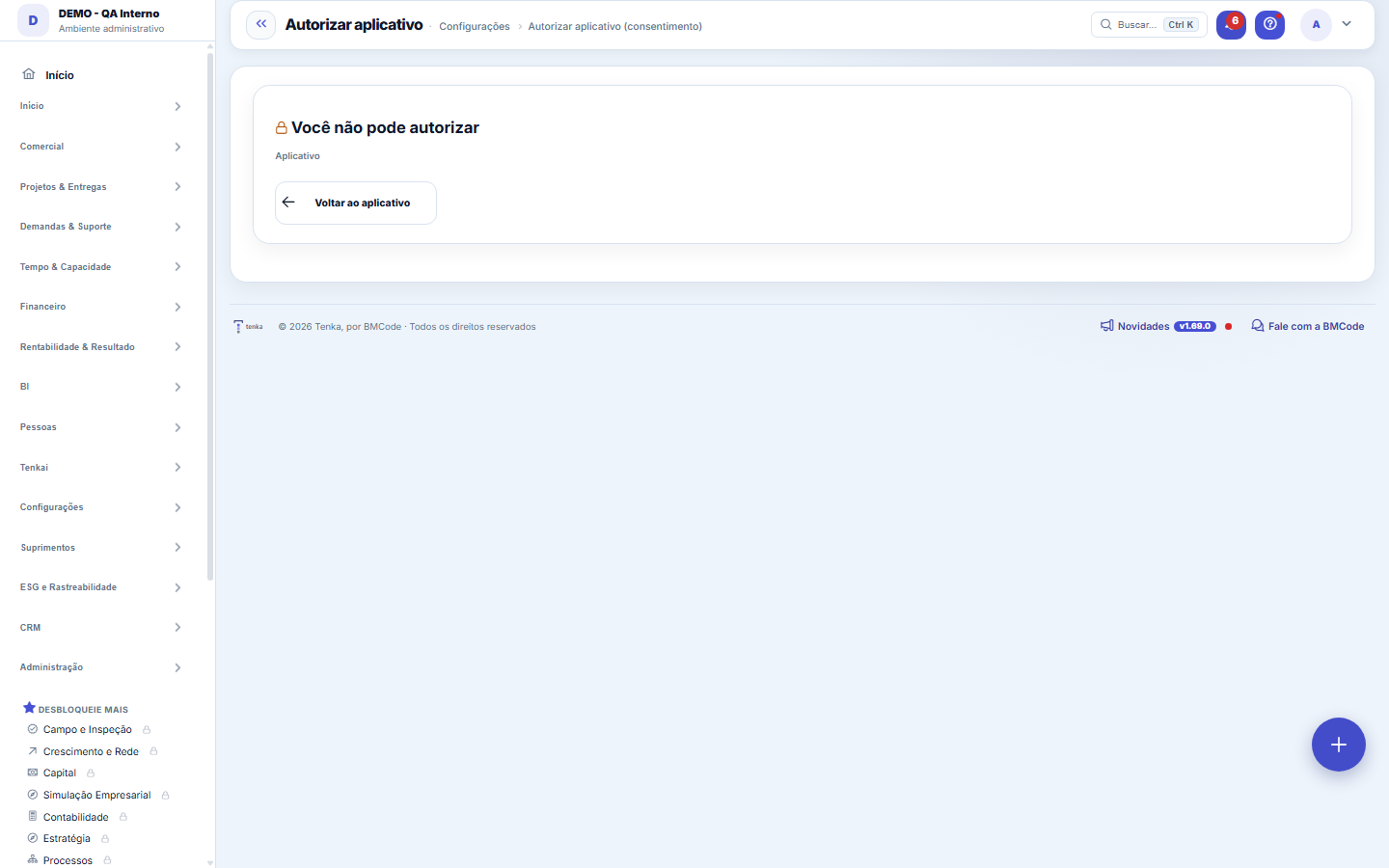
Anchor screen of the detail dictionary (position bands). Does not appear in the menu.
The screen
The real screen, in the theme you picked above.
What you find on this screen
A portrait of the screen, read from the screen itself — it changes when the screen changes.
Available actions
Back to the appDo not authoriseAuthorise
Form fields
Escopos
Redirect Uri
Audiencia
Expiraem
Usadoem
Dhcadastro
Rules
A permissão que sai daqui é a SUA
The application gets to see what you see, and nothing more. Same screens, same rule for amounts in R$, same approval limits. If your access changes later, the application's changes with it.
Autorize só o que você reconhece
Check the application's name and the return address shown on screen. If you didn't initiate this connection, click refuse — refusing doesn't break anything.
Frequently asked questions
Why this screen appeared
An external application has asked to connect to your Tenka account. Nothing has been granted yet: the authorization only exists after you click authorize.
Dá para desfazer depois
Yes, and at any time: in Settings ▸ Connected applications you see your authorizations and revoke whichever you want. Access drops immediately.
Was this article helpful?
In the same module: Platform and security38
Connected help screenAnchor screen of the detail dictionary. Does not appear in the menu.Platform accessThe record of when the platform's support team accessed your account, what they did and with what authorizati…White-spaceSee what's left to sell to those who are already customers — by cross-referencing the installed base with wha…Template itemAnchor screen of the detail dictionary (template items). Does not appear in the menu.Assistente fiscalQuatro passos para a nota sair do Tenka: estado, regime, código de segurança (CSC) e certificado A1 — com a r…ShippingControls the picking and dispatch of what was sold. Shipping confirms that the merchandise actually left: a m…Blog — WordPress connectionWhere you connect your company's WordPress and teach the AI to write like you: the editorial line (what to ta…Email inboxConnects your company's support address so that the client's email comes in as a demand, with attachments and…
Tenka Academy
Explore the AcademyStep-by-step learning paths for your industry, inside the platform.