

Template item
Anchor screen of the detail dictionary (template items). Does not appear in the menu.
The screen
The real screen, in the theme you picked above.
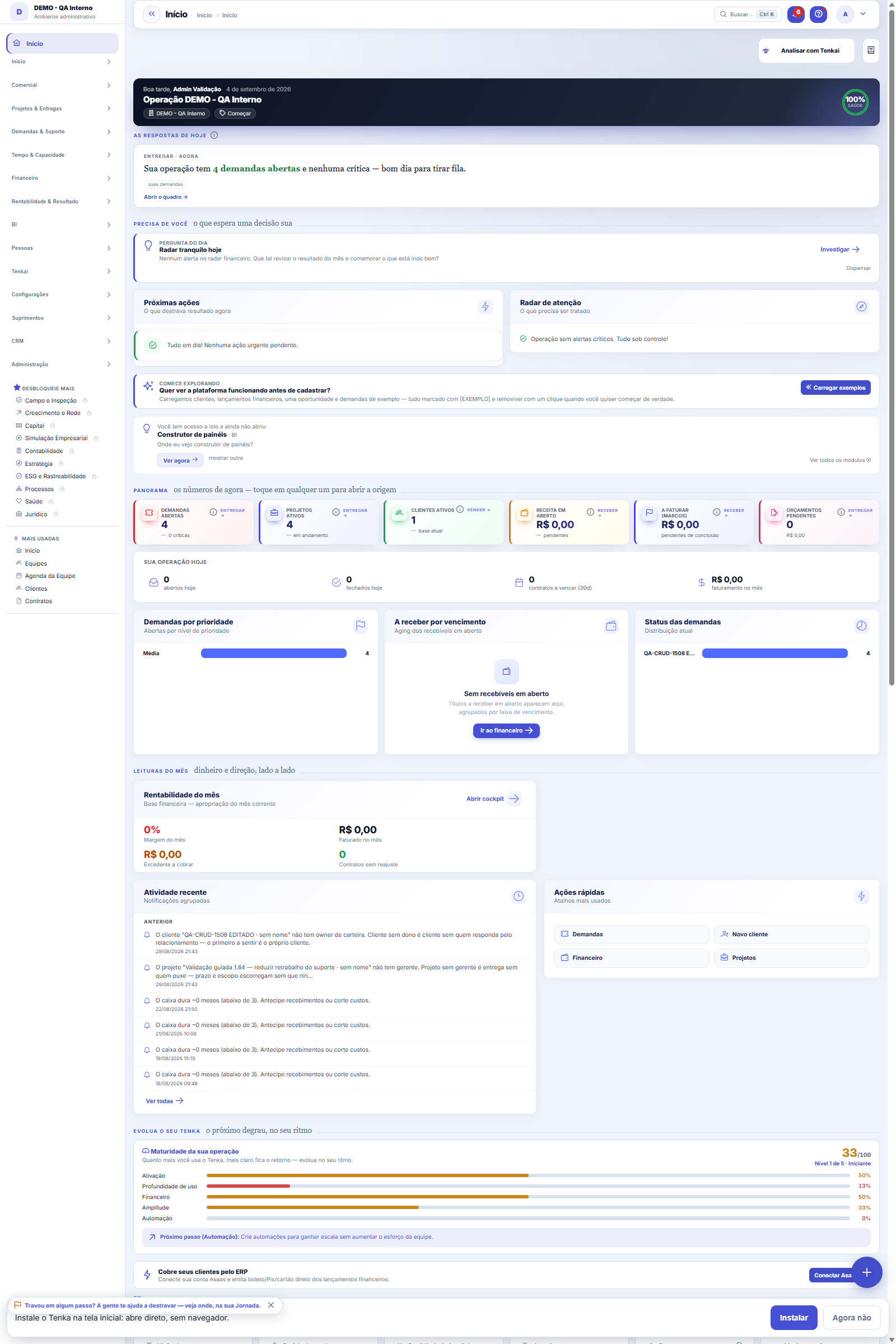
What you find on this screen
A portrait of the screen, read from the screen itself — it changes when the screen changes.
Available actions
Approve read onlyApprove read and writeRefuseRevoke
The list shows
AppIdentifierStatusActionAuthorised byCanSinceLast use
Form fields
Client Id
Client Secret Hash
Nome
Redirect Uris
Escopos
Escopos Pedidos
Situação
Token Endpoint Auth Method
Client Uri
Aprovado em
Ip Registro
Ativo
Dhcadastro
Rules
The app starts WITH NO POWERS AT ALL
When an application connects, it registers itself and appears here as "awaiting approval", with an empty scope. In that state it reads nothing: not even a number. Only after someone who administers the account clicks approve can it start asking a user for authorization.
Autorizar NÃO amplia a permissão de ninguém
When you authorize an application, it gets to see exactly what YOUR screen would show: the same screens of your profile, the same "View Amounts" rule, the same approval limits. If you don't see payroll, the application you authorized doesn't either. On every question the system re-checks — it isn't a snapshot taken on the day of authorization.
Ler e agir são duas liberações diferentes
Approving with read access lets the application query. Approving with write access lets it PROPOSE actions — and proposing isn't executing: the action comes back as a proposal with a code, and someone has to confirm. Approval limits keep applying just the same.
Revoking removes access RIGHT AWAY
When you revoke an authorization, both of its credentials fall together (the short-lived one and the refresh one). There's no waiting window: the application's next call is refused. The same applies when a user is deactivated — their authorizations stop immediately, without anyone needing to come here.
Frequently asked questions
Para que serve, em uma frase
It's where you say which external applications (AI assistants, an IDE) can talk to your account via MCP — and where you remove that access whenever you want.
Cada pessoa vê as autorizações dela
Any user can open this screen and see (and revoke) their own authorizations. Whoever administers the account sees those of the whole company, because they're the one who answers for someone leaving or for a suspicious application.
Was this article helpful?
In the same module: Platform and security38
Connected help screenAnchor screen of the detail dictionary. Does not appear in the menu.Platform accessThe record of when the platform's support team accessed your account, what they did and with what authorizati…White-spaceSee what's left to sell to those who are already customers — by cross-referencing the installed base with wha…Assistente fiscalQuatro passos para a nota sair do Tenka: estado, regime, código de segurança (CSC) e certificado A1 — com a r…ShippingControls the picking and dispatch of what was sold. Shipping confirms that the merchandise actually left: a m…Position bandAnchor screen of the detail dictionary (position bands). Does not appear in the menu.Blog — WordPress connectionWhere you connect your company's WordPress and teach the AI to write like you: the editorial line (what to ta…Email inboxConnects your company's support address so that the client's email comes in as a demand, with attachments and…
Tenka Academy
Explore the AcademyStep-by-step learning paths for your industry, inside the platform.