

Regional nowcasting
The 'economic pulse' of each region (state) estimated at HIGH FREQUENCY, from invoices/orders/receivables AGGREGATED as they happen — a reading that comes BEFORE the official statistics (IBGE). The variation is arithmetic (month-over-month), over an average per company, never anyone's individual li…
The screen
The real screen, in the theme you picked above.
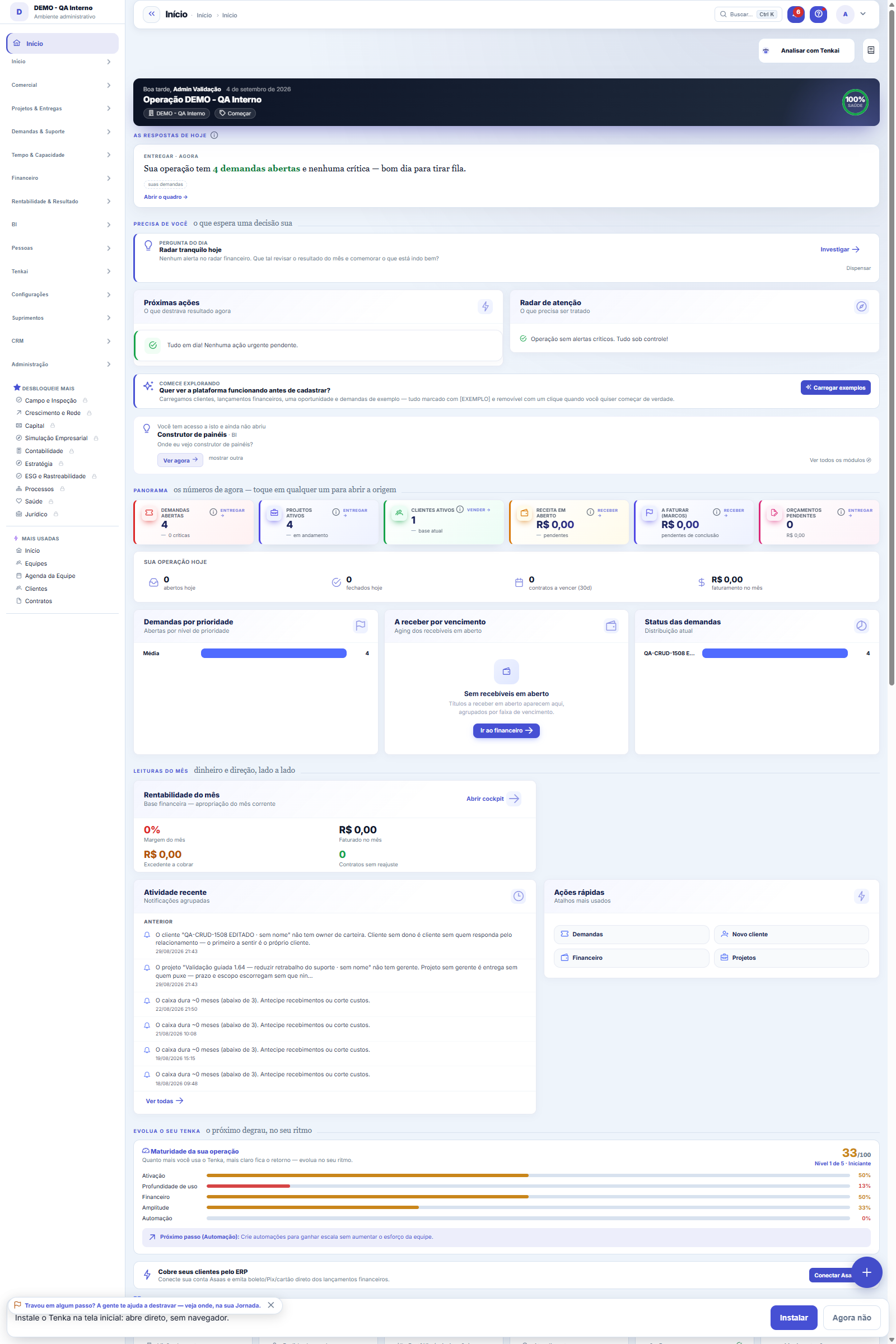
What you find on this screen
A portrait of the screen, read from the screen itself — it changes when the screen changes.
Available actions
RefreshGenerate requisition with everything
The list shows
ItemBalanceMinimumTurnover (90d)SuggestedEstimateWhy
Form fields
NomeNome do item, do jeito que o comprador procura por ele.
CódigoNúmero sequencial por empresa do item, usado nos pedidos.
DescriçãoDetalhe do item que evita comprar o parecido errado.
UnidadeUnidade em que o item é comprado e movimentado. Errar aqui multiplica a compra.
NCMClassificação fiscal do item. É ela que define o imposto na nota.
GTINCódigo de barras do item, para conferir recebimento pelo leitor.
Custo médioCusto médio do estoque hoje. É a base do valor estimado da sugestão de compra.
Estoque mínimoAbaixo deste saldo o item entra na sugestão de compra. Zerado, ele nunca é sugerido.
ControladoItem controlado exige rastreio por lote ou série na entrada e na saída.
AtivoItem inativo não aparece em pedido novo, mas continua no histórico e nos saldos.
Origem (ERP)Sistema de origem quando o item veio de importação.
Código externoIdentificador do item no sistema de origem, para casar a importação seguinte.
Start here
Anyone who cannot see amounts cannot open this screen
From two crossed sources: the minimum stock registered on the item (balance below it = replenish) and actual consumption over the last 90 days (turnover), which sizes HOW MUCH to replenish. It's not a guess nor hidden intelligence — it's your own ruler applied to your own consumption.
What this screen is
What to buy now: items below minimum stock (stockout) or with high turnover, with the suggested quantity and the calculation trail open. With one click, it becomes a purchase requisition ready for quotes.
How to
A coluna "por quê" mostra a conta
Each row shows the reason and the calculation trail of where the suggested quantity came from. No number on this screen has to be accepted on trust — if the suggestion seems odd, the trail says exactly which premise (minimum, balance or turnover) is driving the result.
What this screen is for
Generate Requisition turns the whole list into a purchase requisition, which follows the normal flow (approval, quote request, order). The suggestion proposes; the approver is still a person.
Rules
The estimate in money
The estimated amount uses the item's average cost — it's for sizing the cheque, not for settling the price. Price is settled in the quote request or the order. The column respects the View Amounts permission.
Frequently asked questions
A lista está vazia — bom ou ruim?
Empty means no item is below minimum. That's good IF the minimums are registered; it's blindness if they aren't — an item without minimum stock never enters the suggestion, even at zero. The tool is only as good as the records that feed it.
Which question this screen answers
"What do I need to buy now so nothing runs out — and how much does it cost?" The screen lists items below minimum stock (stockout) or with high turnover, each with the suggested quantity and the calculation trail open — you can see the math before deciding. The money estimate uses each item's average cost. With one click the suggestion becomes a purchase requisition ready for quotes, closing the path suggestion → requisition → quote request → order.
Was this article helpful?
In the same module: Supply and inventory18
Buy from the networkAnchor partner offers, orders to the supplier and the invoice that arrives by itself.Contagem programadaContar o estoque da loja sem fechar: programe por loja e por grupo de produto o dia da semana de cada contage…Year in reviewThe year in review on a single panel: the few numbers that tell the story of the company's fiscal year — cust…Enablement kitThe partner becomes qualified in a vertical without eating up a week of the team's time. Pick the vertical an…Process mining (the real flow)Discovering the REAL as-is flow from the history the operation has already recorded — with no tool log to imp…Sector benchmarkHow YOUR INDUSTRY performs, indicator by indicator (average collection period, average margin, average ticket…Etiqueta de composiçãoA etiqueta obrigatória do produto têxtil, conferida antes de virar PDF.Composition label (sheet)The Conmetro label for a textile product: country of origin, responsible party, CNPJ, care instructions and t…
Tenka Academy
Explore the AcademyStep-by-step learning paths for your industry, inside the platform.