

Records and settings
Everything that is filled in once and sustains the rest: the company's foundation, grouped by area and with search.
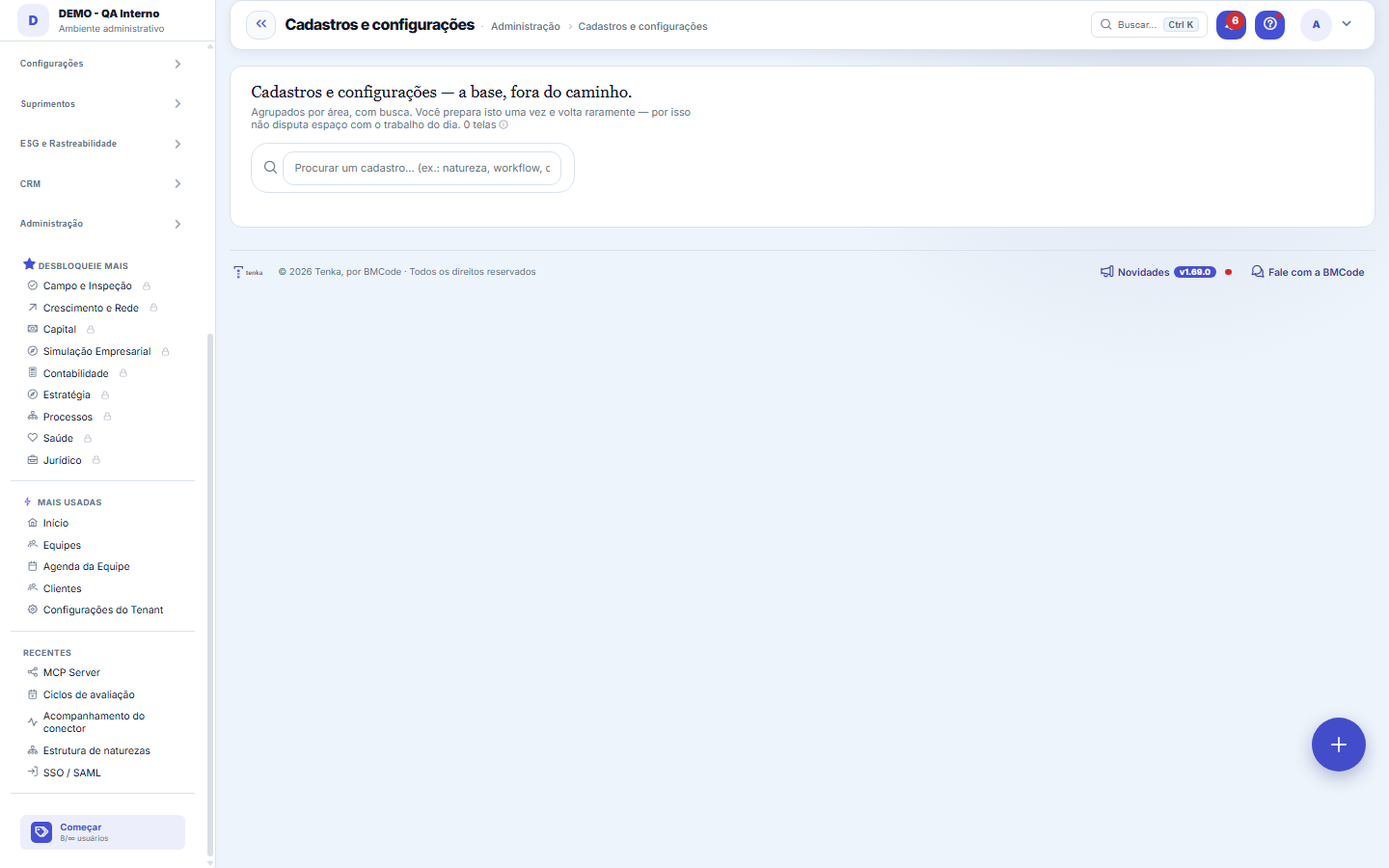
The screen
The real screen, in the theme you picked above.
Start here
Why the records stay OUTSIDE the five verbs
Because they don't answer "what do I do now": they are the foundation that makes everything else work. Mixing them with the day's work fills the menu with things you open three times a year and hides the ones you open three times a day.
The practical rule: if you touch it every week, it's on an axis. If you touch it when something changes in the company, it's here.
The practical rule: if you touch it every week, it's on an axis. If you touch it when something changes in the company, it's here.
What this screen answers
Where the SETUP screens live — the foundation that's configured once and then supports the day: types, statuses, categories, calendars, policies, integrations.
How to
What this screen answers
The search at the top filters the chips without a trip to the server. When you know the name of what you're looking for, it's faster than going through the groups.
Rules
The filling order that avoids rework
In a new account, the sequence that causes the least headache is: company and tax data → chart of accounts / financial categories and profit centers → customers and suppliers → products and services → positions, employees and teams → request types and workflows.
The reason is always the same: a record that points to another needs the other to exist. Starting with the entries and going back to fix the category later costs three times as much.
The reason is always the same: a record that points to another needs the other to exist. Starting with the entries and going back to fix the category later costs three times as much.
What this screen answers
Half the clutter of the old menu was mixing the two things: whoever was going to post an expense walked past fourteen setup screens on the way. Here setup stays together and out of the way of whoever is operating.
Frequently asked questions
Não estou vendo uma área que existia antes
The page shows only what your profile can open, and some areas depend on the plan subscribed. If something disappeared after a profile change, it's permission; if it never appeared, it may be the plan — both matters are resolved by whoever administers the account.
Connected screens
Configura emConfigurações do TenantDados da conta, identidade visual, automações, cobrança, IA e parâmetros.ComplementaHub do eixoO trabalho do dia acontece nos eixos; aqui fica o que os sustenta.
Was this article helpful?
Tenka Academy
Explore the AcademyStep-by-step learning paths for your industry, inside the platform.