

Explorar dados
A pergunta ad hoc sobre qualquer dataset — dataset, colunas, agrupamento e conta, sem salvar painel.
The screen
The real screen, in the theme you picked above.
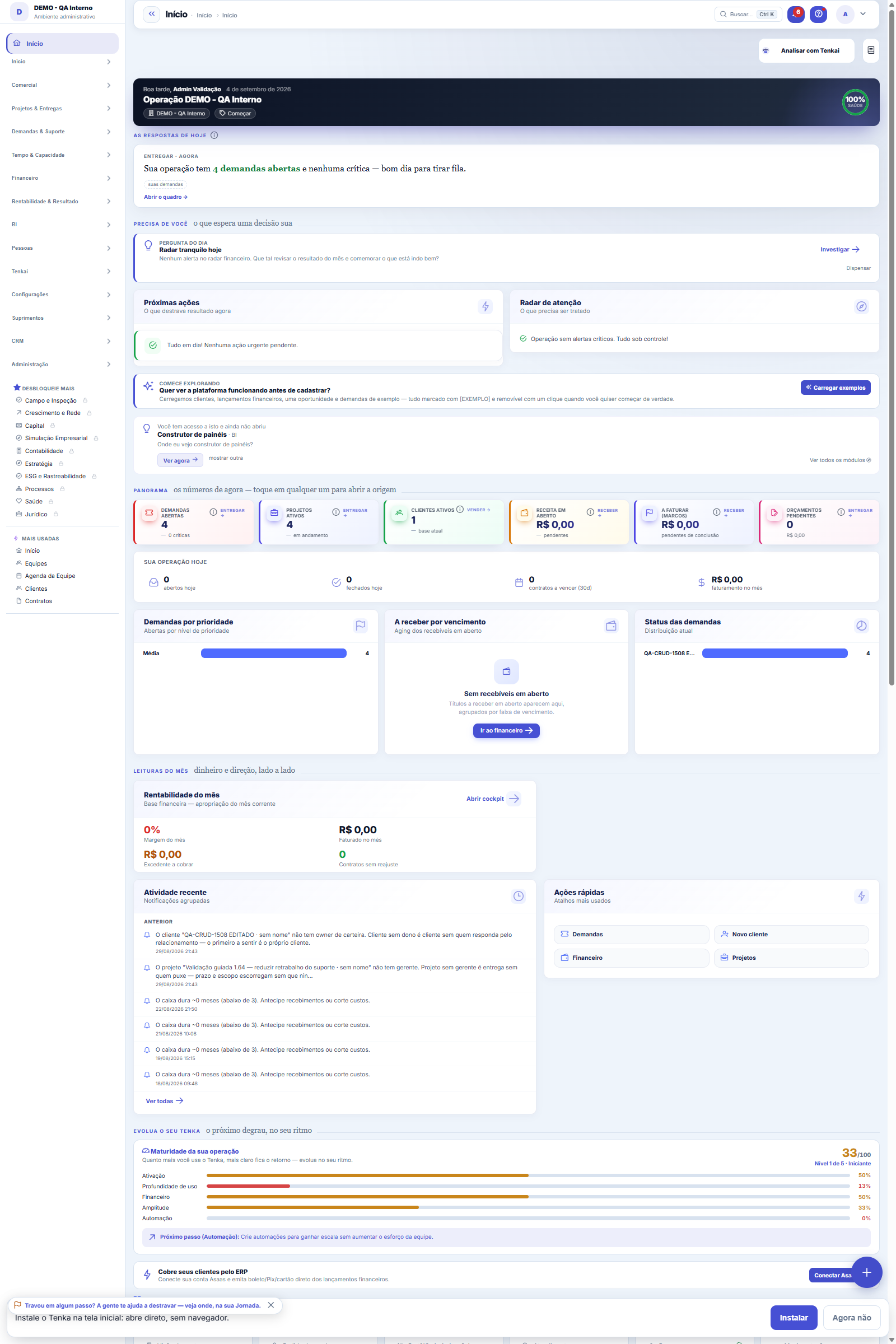
What you find on this screen
A portrait of the screen, read from the screen itself — it changes when the screen changes.
Available actions
Explore
Form fields
Chave
Nome
Jpql
Ativo
Ordem
Dhcadastro
Urltela
Entidadestudio
Start here
Dataset, colunas, agrupamento — e a resposta
Choose the source, tick the columns you are interested in and, if you want a total per group, choose the dimension and the calculation (sum, average, median, max, min, count). Without grouping, the table comes out detailed, row by row.
Para que esta tela existe
Answer a passing question without building a dashboard: choose the dataset, tick the columns, group by a dimension and choose the calculation (sum, average, count...). It is the same engine as the dashboards — with the same values governance and the same scoping by company. — this is the role of the "Explore data" screen within the platform.
How to
Agrupar por e a função trabalham juntos
Without grouping, the screen returns the detailed rows of the columns you ticked. When you choose a dimension in "Group by", the FUNCTION (sum, average, count…) starts to apply to the numeric columns — those marked with (Σ) — and each row of the result becomes a group. Change the function without rebuilding anything: the same slice answers "how much it adds up to" and "how many there are" with two clicks on Run.
Company fields in BI
Datasets of tables with company fields bring those fields as columns (cc_) to tick, filter and export, and in "Group by" to count and sum per field value (a record from another table shows by its name). Sensitive ones show only with "See Values"; without it, grouping by them becomes a single group, •••.
Rules
É o mesmo motor dos painéis — com as mesmas regras
Explorer has no query of its own: it calls exactly the same execution as the dashboards. Anyone who cannot see values still sees the mask, and the scope of the company in use is built into the source. Exploring opens no door that the dashboard does not open.
The truncated result warning
When the set exceeds the row limit that the screen returns, a truncated-result warning appears above the table — what you see is a portion, not the total. In that case, narrow the question: group by a dimension (the aggregate almost never truncates) or choose a more tightly scoped dataset. The table pages from 10 to 500 rows per page, and the CSV button exports what is rendered on the screen.
As regras de linha do seu grupo valem aqui também
If the administrator created a row rule for the dataset (for example, "unit = yours"), Explorer applies the rule before any filter of yours. You cannot see it or remove it — it is part of the scope, like the company. The result is the same as the dashboard would show.
Your operation in Tenka
The Your operation in Tenka strip shows your company's main vertical, the country and how much of what your operation needs already works in Tenka, how much works by connecting to your system and how much is coming soon. Click any number to open the Map by vertical, where the same number appears module by module. The vertical is changed in Company settings › Activities and verticals.
Frequently asked questions
I liked the slice. How do I save it?
Explorer is for the passing question — it does not save. When the slice deserves to become ongoing monitoring, build a component in the dashboard builder with the same dataset and the same grouping: then it gets a period, a global filter, a color rule and a fixed place.
Que pergunta do dia a dia se responde aqui
"What do the receivables add up to by nature? And by customer? — without building a dashboard" — when that question comes up, this is the screen that answers it.
Was this article helpful?
Tenka Academy
Explore the AcademyStep-by-step learning paths for your industry, inside the platform.