

Visitas do dia (celular)
Seu roteiro de visitas com check-in por localização, briefing do cliente e registro do resultado direto na linha do tempo.
The screen
The real screen, in the theme you picked above.
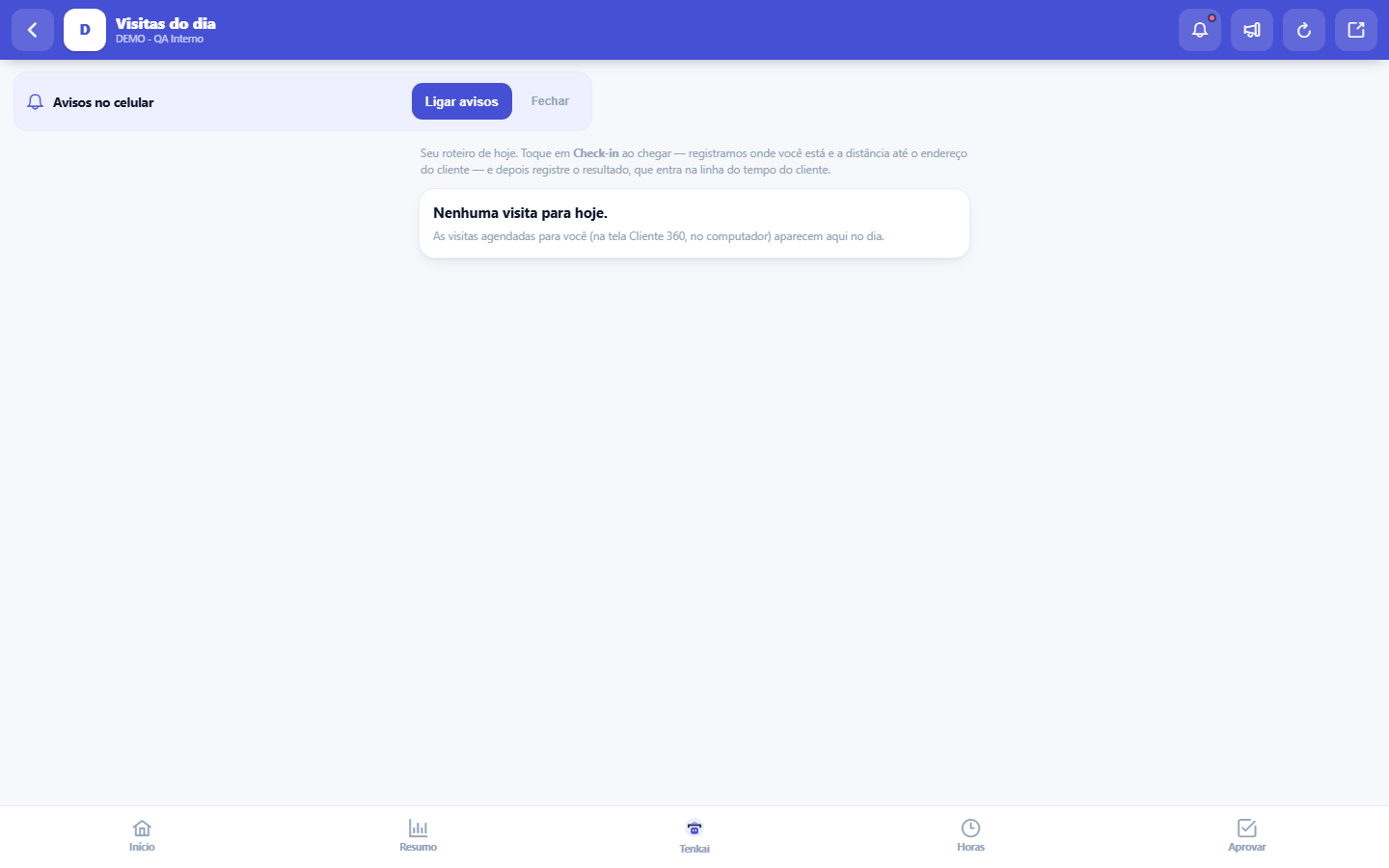
What you find on this screen
A portrait of the screen, read from the screen itself — it changes when the screen changes.
Available actions
RecordComplete visit
Form fields
ObjetivoPara que a visita foi marcada. É o que o vendedor lê antes de bater na porta.
SituaçãoPlanejada, em andamento, realizada, cancelada ou não compareceu.
Prevista paraQuando a visita está marcada. É o que monta o roteiro do dia.
Check-inHora em que a pessoa chegou e registrou a localização no cliente.
Check-outHora em que a pessoa saiu. A diferença até o check-in é o tempo de visita.
Distância (m)Quantos metros separavam o check-in do endereço do cliente. Distância grande pede explicação.
ResultadoO que saiu da conversa. É este texto que entra na linha do tempo do cliente.
Próxima açãoO que ficou combinado de fazer em seguida. Visita sem próxima ação morre ali.
Start here
Today’s route
The visits scheduled for you (booked on the Customer 360 screen, on the computer) appear here on the day, with planned time, objective and the customer's address. The screen is your day in the field — arrived, check-in; left, outcome.
How to
The briefing before knocking on the door
When the customer has data in 360, the card shows the account's health score and the next agreed action. Thirty seconds of reading before going in are worth more than improvising the conversation — you arrive knowing whether the account is doing well or at risk.
Rules
The group view and intercompany elimination
Tap Check-in at the customer's door and allow location: the system records where you are and the distance to the registered address. If GPS fails or is denied, the check-in happens anyway, just without the distance — it never gets stuck.
O resultado é o que fica
After the conversation, tap Record and write the outcome and the next action. This goes into the customer's timeline — it is what the colleague who handles this account tomorrow will read. A visit with no recorded outcome is a visit that, for the company, did not happen.
Frequently asked questions
No visits for today
Visits are scheduled in Customer 360 with a date; only today's appear here. If you expected a visit and it is not here, check with whoever schedules whether the date was set correctly.
Was this article helpful?
Tenka Academy
Explore the AcademyStep-by-step learning paths for your industry, inside the platform.