

Team Capacity
A future-utilization board: who's free and who's overloaded in the coming weeks, cross-referencing each employee's workday with projects and demands.
The screen
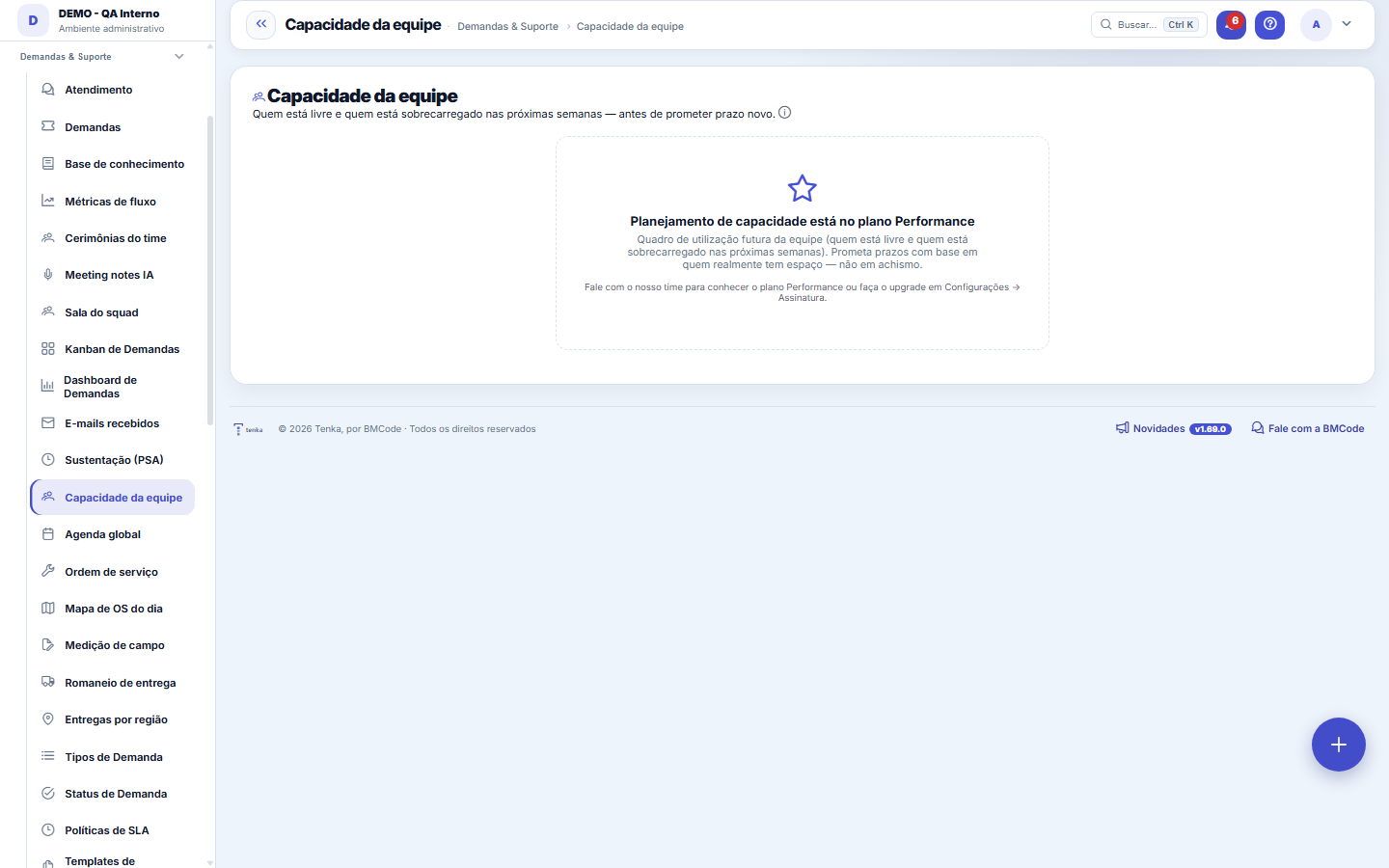
The real screen, in the theme you picked above.
What you find on this screen
A portrait of the screen, read from the screen itself — it changes when the screen changes.
Available actions
Refresh
Form fields
Semanas projetadasQuantas semanas à frente o quadro de capacidade projeta.
Jornada semanalHoras por semana que o profissional tem disponíveis conforme a jornada.
Ocupação da semanaPercentual da jornada da semana já comprometido com projetos e demandas.
Faixa de ocupaçãoClassificação da semana: livre, confortável, cheio ou sobrecarga.
Livre agoraHoras ainda livres na semana atual; negativo indica sobrecarga.
Demandas sem estimativaDemandas atribuídas à pessoa que não têm horas estimadas e ficam fora da conta.
Horas em projetosHoras da semana comprometidas com alocações de projeto.
Horas em demandasHoras da semana comprometidas com estimativas de demandas.
Total de horas previstasSoma das horas de projetos e demandas previstas para a semana.
Start here
What it's for
Answers "can I take on this project/deadline?" by looking at who really has room. Over-allocation shows in red BEFORE it turns into delay and overtime.
Rules
How the workload is calculated
Capacity = the employee's weekly working hours (40h when not registered — marked as default). Load = % allocation on active projects current in the week + REMAINING hours (estimate − actual) of assigned open demands, positioned by the forecast date.
Demand without a forecast date
An open demand with no forecast date (or overdue) doesn't disappear: the remaining hours are spread across all weeks of the horizon until you replan it.
Demand without an estimate doesn't count
Demands without an hour estimate do NOT enter the calculation (we don't invent effort) — they appear as a warning next to the name. Estimate them so the board becomes complete.
Frequently asked questions
Performance plan feature
This feature may be exclusive to higher-tier plans (feature-flag per feature). When it's locked on your plan, the screen shows the upgrade invitation instead of the content.
Was this article helpful?
In the same module: Hours and capacity6
Team agendaThe whole team's workload: who has what, capacity × allocated, and SLA per person.Whistleblower managementThe internal whistleblowing channel, with investigation and confidentiality for the whistleblower. Identity i…Log hoursLightweight time entry per ticket — the source of truth for real cost, contract consumption, and profitabilit…Grade semanal de horasA semana do time numa tela: horas por pessoa e por dia, utilização da jornada, o que espera aprovação — e a a…My agendaYour unified view: appointments, tickets with a due date, and the day's hours — your work plan.ResourcesCross-project allocation: who is allocated where, at what percentage, and where there is conflict or idleness.
Tenka Academy
Explore the AcademyStep-by-step learning paths for your industry, inside the platform.