

Connector monitoring
The health of the integration, no makeup: each run with real counts, pending items with the raw reason and the reconciliation there × here. If it diverged, it turns red — and it can be reprocessed right from there.
The screen
The real screen, in the theme you picked above.
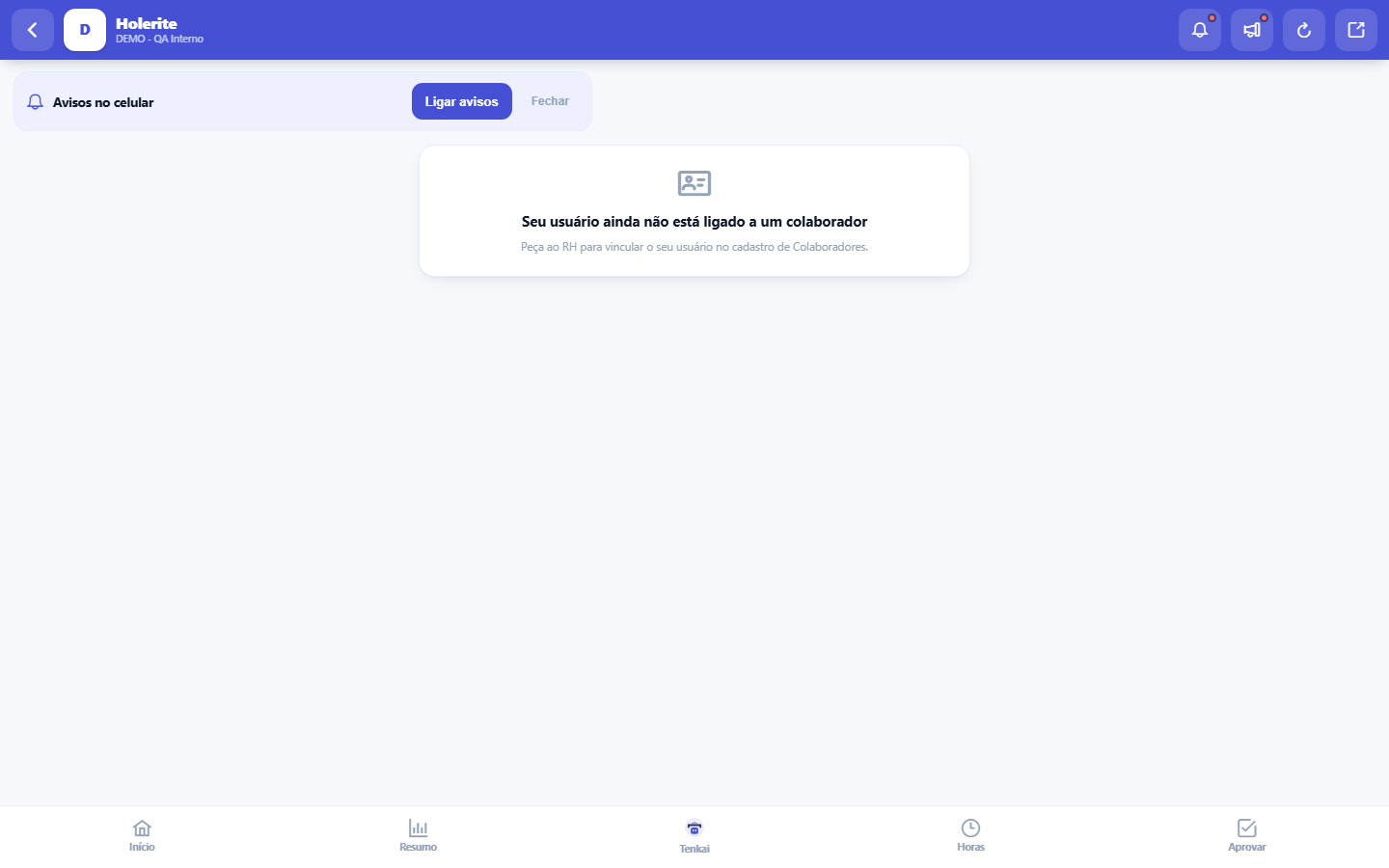
What you find on this screen
A portrait of the screen, read from the screen itself — it changes when the screen changes.
Available actions
Send my payslip to my householdSend nowRevoke
Form fields
CompetênciaMês e ano da folha de pagamento a que o contracheque se refere.
LíquidoValor que efetivamente cai na conta: proventos menos descontos daquela competência.
ProventosSoma de tudo que foi pago na competência antes dos descontos.
DescontosSoma dos descontos da competência, como INSS, IRRF e adiantamentos.
Tipo de vínculoNatureza do vínculo que gerou aquele contracheque.
Start here
O que esta tela responde
Your payslip, item by item: earnings, deductions and the net pay for each period. It is the end of "can you email me my payslip?" — it is always here, in your pocket.
Para que esta tela existe
View your payslip on your phone — this is the role of the "Payslip (mobile)" screen within the platform.
Your payslip in your household (Tenka Family)
If the company offers Tenka Family and you have a household there, this card shows on the payslip. Choose the household, tick the authorisation and tap Send my payslip to my household: net pay becomes a monthly income rule in the household, and the advance and meal voucher come in as separate items. Each month, Send now updates the amounts; Revoke stops everything right away. The company sees nothing of your household.
How to
The detail opens with a tap
Each period is a card: tap it and the detail opens right there, item by item — earnings on one side, deductions with a minus sign and in red, and the totals closing at the bottom. Tap another card to compare months. The large amount on the right is always the net pay for the period; the type of employment appears below the month, which helps anyone with more than one employment know which payroll they are reading.
Rules
What this screen answers
The current month's payroll is still being calculated and therefore does not appear: a provisional amount seen as final leads to complaints about a number that will still change. When HR closes the period, the payslip appears here automatically.
Frequently asked questions
Um valor está diferente do que eu esperava. Onde reclamo?
This screen mirrors the payroll: it calculates nothing. Discrepancies in an item (overtime, deduction, benefit) are handled with HR, who corrects them in the payroll — and the correction appears here afterwards, without you having to do anything.
Was this article helpful?
Tenka Academy
Explore the AcademyStep-by-step learning paths for your industry, inside the platform.