

Local electronic invoicing
Issues, lists, and checks the status of the electronic tax receipts for the account's country (CFDI in Mexico). The provider comes with a gate: by default it's in SANDBOX — it generates a demo receipt with a coherent folio, UUID, and XML, marked [SANDBOX], but does NOT transmit anything to the PAC …
The screen
The real screen, in the theme you picked above.
What you find on this screen
A portrait of the screen, read from the screen itself — it changes when the screen changes.
Available actions
RefreshSimulate advanceConfirm advanceRecalculate
The list shows
Customer / InvoiceDue dateRisk (band)Amount
Form fields
Referência no provedorNúmero que o provedor deu à operação. É por ele que se cobra explicação quando o valor não bate.
ProvedorParceiro que comprou os recebíveis nesta operação.
SituaçãoSe a antecipação foi simulada, enviada, aprovada ou recusada.
TítulosQuantos títulos entraram na operação.
Valor de faceSoma dos títulos pelo valor original, antes de qualquer custo.
TaxaTaxa mensal cobrada pelo provedor sobre o valor antecipado.
Custo totalTudo que a operação custou em dinheiro: taxa, custo do parceiro e risco.
Líquido a receberO que realmente cai na conta depois dos custos. É este número que resolve o caixa.
Custo efetivoCusto total sobre o valor de face. É o único número que compara provedores de forma honesta.
Take rateParte do custo que fica com a plataforma na intermediação.
Prazo médioMédia de dias que falta para os títulos vencerem. Prazo maior encarece a antecipação.
Ambiente de testeOperação de ensaio: não movimenta dinheiro e não pode entrar no placar como se fosse real.
Retorno do provedorO que o provedor respondeu quando recusou ou deixou a operação pendente.
Start here
What this screen answers
How much you would receive TODAY by advancing receivables that fall due later, and how much it really costs. Select the receivables and the simulator opens the effective cost with the three components separated.
What this screen is
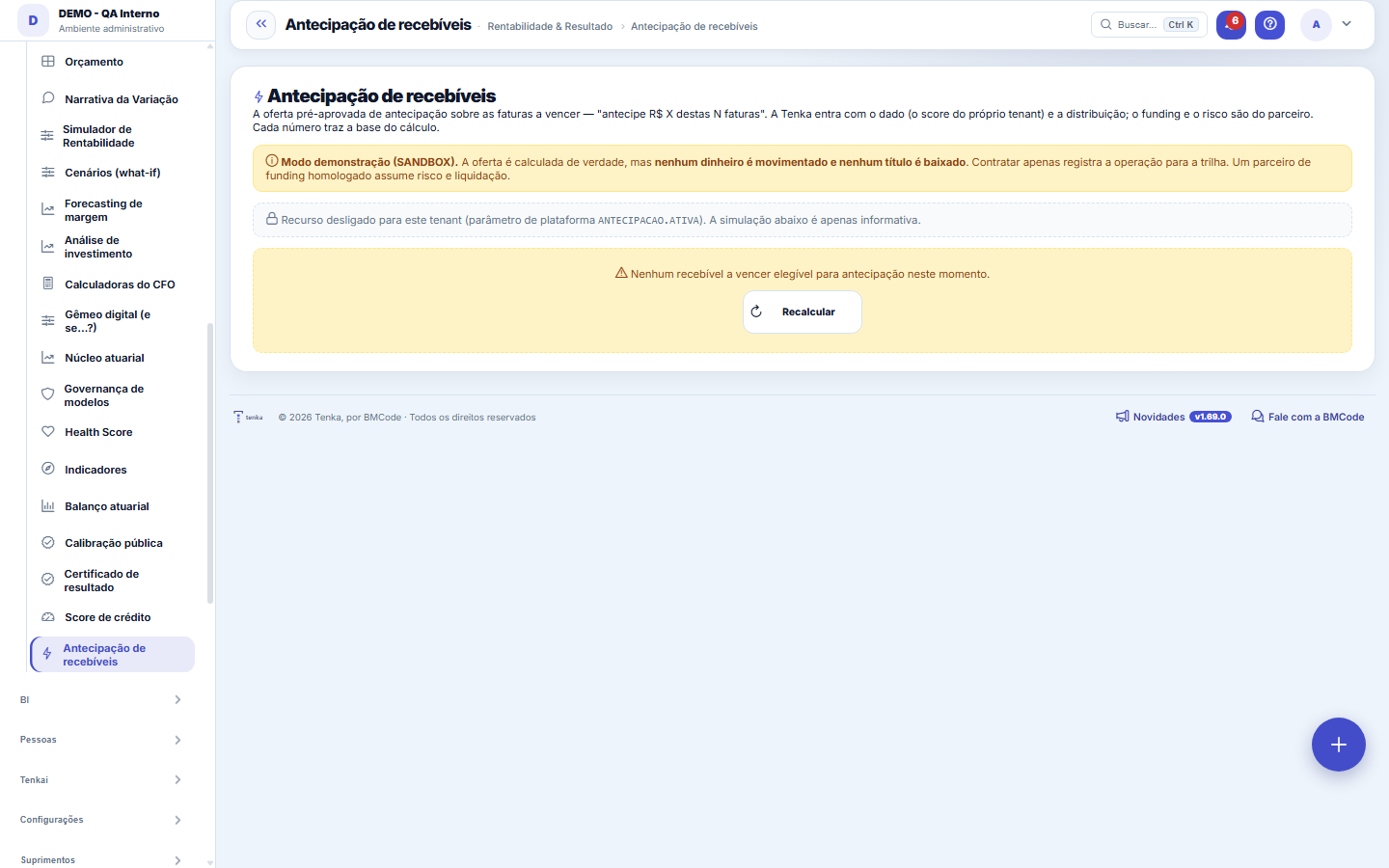
Receivables financing as a BUTTON: the receivables coming due that are already in your accounts receivable become working capital today. Select one or more, see the simulator with the EFFECTIVE COST (% and R$) and the transparent breakdown of the three components — partner cost (funding), Tenka spread and risk premium (from the payer's credit score) — and confirm. The partner cost is in plain view; the spread is never hidden. Provider-gated: without an approved partner, it operates in SANDBOX (calculates and records, but does not transfer money or settle receivables). A completed operation is immutable.
Supply chain credit: the bill backed by a firm order
In the Supply chain credit block, the receivable backed by a firm customer order becomes an electronic trade bill. Click Generate bill, then Send to the registrar. The bill only shows as registered when the registrar confirms — Tenka never marks it by itself. The registrar simulator only works in the demonstration account, and everything in it is marked as simulated; in a real account with no registrar configured, sending is refused and the block shows "no registrar".
How to
What this screen answers
Partner cost is what the institution charges. Spread is the house's margin. Risk premium is what the default probability of that payer adds. Showing them separately is the point: a single all-in rate hides which part is negotiable.
Registrar notice secret
Before connecting the registrar, click Issue secret, copy the code (it is shown only once) and hand it to the registrar through the agreed channel. It signs each notice with the time and the content; a notice without time, with a wrong signature or outside the configured window (5 minutes by default) is refused and neither registers nor settles a receivable. Issuing again replaces the secret immediately.
Rules
A figure is different from what I expected. Where do I raise it?
Advancing is almost always more expensive than the money you already have. The right question is not "is the rate good?", it is "is it better than the alternative I have today?". The effective cost on this screen is the comparable number.
O mesmo título não pode ser antecipado duas vezes
A receivable already advanced here or on the Finance screen leaves the list, and the lock is shared between the two. If a receivable you expected does not appear, look for it in the operations already recorded before concluding it disappeared.
Advancing only with a regulated partner; the rate is the partner’s
Advancing is credit, and the lender is a partner regulated by the Central Bank. Until the company has that partner configured, the block shows the cost as a simulation (partner cost, margin and risk premium separately) and the advance button does not appear. A bill above the limit only goes to the registrar after someone else approves it. The receivable is only settled when the registrar reports payment of the right amount; a different amount becomes a pending item to check.
Changing the secret without cutting off the registrar
When you issue a new secret, the previous one keeps working for the grace period in the parameter "grace period of the registrar’s previous secret" (60 minutes by default): it is the time for the registrar to change theirs. After that, only the new one signs. The same notice (same signed time and same signature) received again within the window is accepted without effect: it settles nothing a second time.
Frequently asked questions
Which question this screen answers
Can I turn invoices coming due into cash today — and how much does it really cost? The receivables already in your accounts receivable become working capital: select one or more, see the effective cost in % and R$ in the simulator, broken down into three components (partner cost, Tenka spread and risk premium from the payer's score), and confirm. Without an approved partner the screen operates in sandbox: it calculates and records, but does not transfer money or settle receivables. A completed operation is immutable.
Was this article helpful?
In the same module: Capital3
Harvest scorecardThe 2027 cycle closed out in MONEY, not in features. The four fronts the platform built to turn into revenue …Credit scoreClassifies customers by default risk (A–D) to guide credit limits and collections. The score is a probability…Time trackingRecords and closes time-clock entries, the basis for overtime, the flex-time bank, and absence deductions. Wh…
Tenka Academy
Explore the AcademyStep-by-step learning paths for your industry, inside the platform.